1
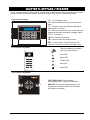
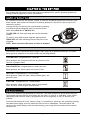
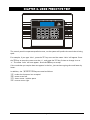
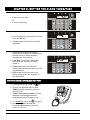
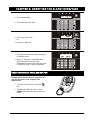
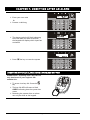
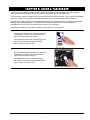
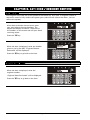
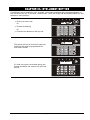
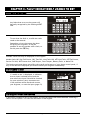
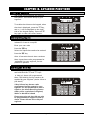
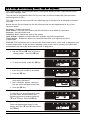
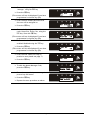
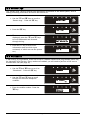
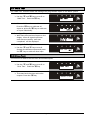
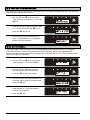
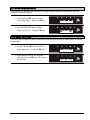
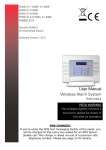
CHAPTER 7: UNSETTING AFTER AN ALARM Enter your user code Or Present a valid tag The alarm symbol will flash indicating there has been an alarm activation, the keypad will display which input has activated. Press A the key to reset the system UNSETTING AFTER AN ALARM USING A WIRELESS KEY-FOB PLEASE NOTE: Unsetting with a key-fob will only be allowed if your engineer has enabled this. To unset via a key-fob. Press the key The key-fob LED will start to flash GREEN indicating that the system has unset. Resetting the system after an alarm can only be done at the keypad. Page: 10