Download The microtype package

Transcript
MICRO FINE TUNING: Interword spacing
18
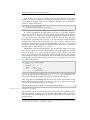
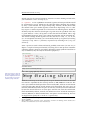
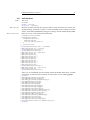
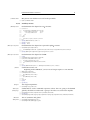
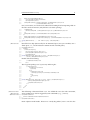
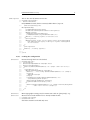
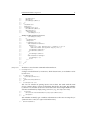
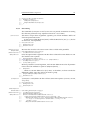
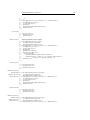
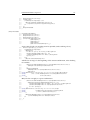
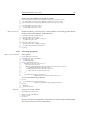
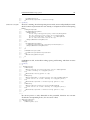
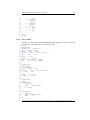
As another, more realistic example, suppose you want to space out all small capitals
by 50/1000 em, fonts smaller than \small by 0.02 em, and to decrease the tracking
of large type by 0.02 em. You can achieve this with the following settings:
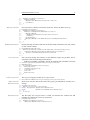
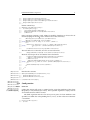
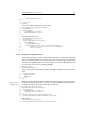
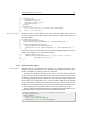
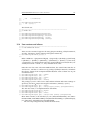
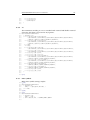
\usepackage[tracking=true]{microtype}
\DeclareMicrotypeSet*[tracking]{my}
{ encoding = *,
size
= {-small,Large-},
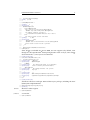
font
= */*/*/sc/* }
\SetTracking[ no ligatures = f ]{ encoding = *, shape = sc}{ 50 }
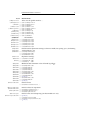
\SetTracking{ encoding = *, size = -small }{ 20 }
\SetTracking{ encoding = *, size = Large- }{ -20 }
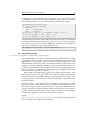
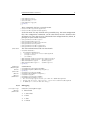
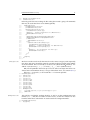
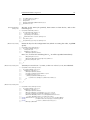
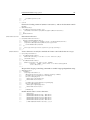
Letterspaced fonts for which settings don’t exist will be spaced out by the default of
0.1 em (adjustable with the package option letterspace, see section 3.5). Suppose
your editor wants you to shorten your 1000 pages chef-d’œuvre by a handful of
pages, you could load microtype with (fingers crossed):
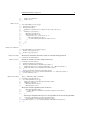
\usepackage[tracking=alltext,letterspace=-40]{microtype}
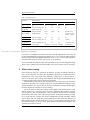
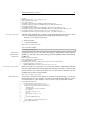
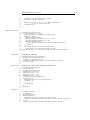
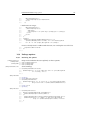
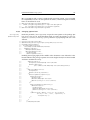
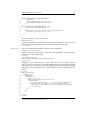
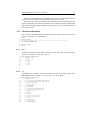
5.4 Interword spacing
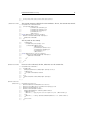
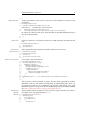
\SetExtraSpacing
[〈options〉] {〈set of fonts〉} {〈spacing settings〉}
This command allows you to fine tune the interword spacing (also known as glue).
A preliminary remark on what a ‘space’ is may be in order: between two words,
TeX will insert a so called glue, which is characterised by three parameters – the
normal distance between two words, the maximum amount of space that may be
added to it, and the maximum amount that may be subtracted. The latter two
parameters come into effect whenever TeX tries to break a paragraph into lines and
does not succeed; it can then stretch or shrink the spaces between words. These
three parameters are specific to each font.
On top of these glue dimensions, TeX has the concept of ‘space factors’. They
may be used to increase the space after certain characters, most prominently the
punctuation characters. If pdfTeX’s additional spacing adjustment is in effect, space
factors are ignored, since it may be considered an extension to space factors with
much finer control.
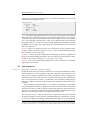
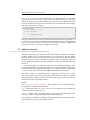
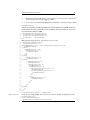
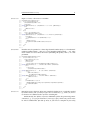
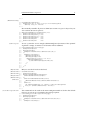
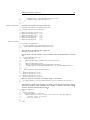
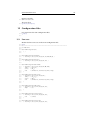
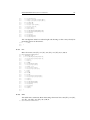
The spacing settings are declared as pairs of 〈character〉 = 〈spacing factors〉, where
the latter consist of three numbers: first, the additional kern inserted after this
character if it appears before an interword space, second, the additional stretch
amount, and third, the additional shrink amount. All values may also be negative,
in which case the dimensions will be decreased. Not all values have to be specified,
however, the settings must contain the two separating commas.
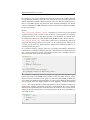
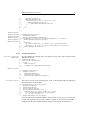
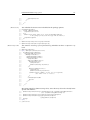
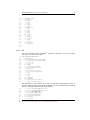
Options:
name, load, factor, preset, inputenc, context These options serve the same function as in the previous configuration commands.