1
Operation Diagnostics
9.4 Port status indication
9.4 Port status indication
V Select the Basics:System dialog.
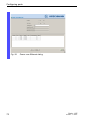
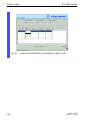
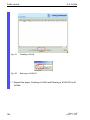
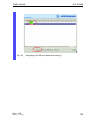
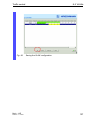
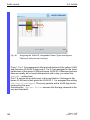
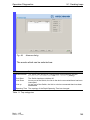
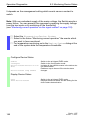
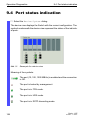
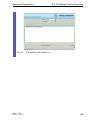
The device view displays the Switch with the current configuration. The
symbols underneath the device view represent the status of the individual ports.
Abb. 51:
Eaxample for a device view
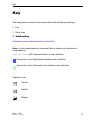
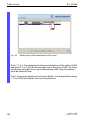
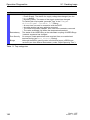
Meaning of the symbols:
The port (10, 100, 1000 MBit/s) is enabled and the connection
is OK.
The port is locked by management.
The port is in FDX mode.
The port is in HDX mode.
The port is in RSTP discarding mode.
154
Basic - L2E
Release 3.1 06/07