1
Synchronizing the System Time of the
7.3 Precison Time Protocol
V Switch on the PTP function on all devices whose time you want to synchronize using PTP.
V If there is no reference clock available, designate a Switch as reference
clock, and set the system time as precisely as possible.
7.3.3 Configuring PTP
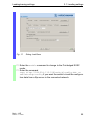
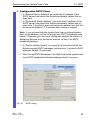
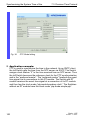
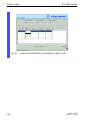
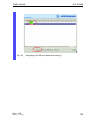
In the dialog Time:PTP:Global, you can enable/disable the function
and make the PTP settings on the devices MS20/30 and Power MICE
which are to apply to all ports.
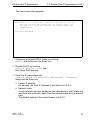
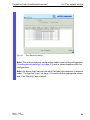
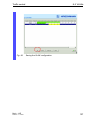
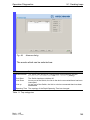
U PTP Global
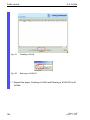
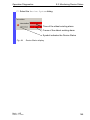
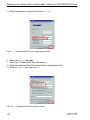
V Select the Time:PTP:Global dialog.
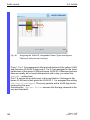
V Switch on the function in the “Operation IEEE 1588 / PTP” frame.
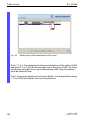
V If you have designated this Switch to be the PTP reference clock,
click in the “Configuration IEEE 1588 / PTP” frame in the “Preferred Master” line the value “true”.
D By selecting “Reinitialize” you restart the synchronization of the
local clock.
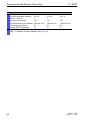
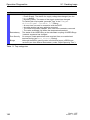
D Configuration
Clock Mode: Mode of the local clock.
Possible options are:
– ptp-mode-Boundary-clock,
– ptp-mode-simple-ptp (without runtime correction, without
determining the best clock) Select this mode, if the Switch has no
time stamp unit (RT module).
Preferred Master: Defines the local clock as the Preferred
Master.
Basic - L2E
Release 3.1 06/07
99