1
3.2.4 Commissioning
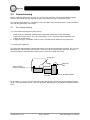
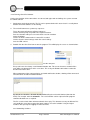
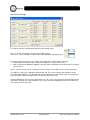
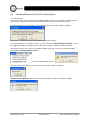
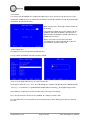
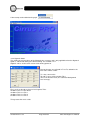
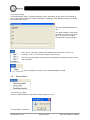
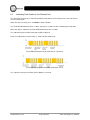
Double Click on the unit to be commissioned to display the security code entry:
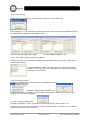
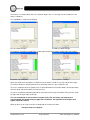
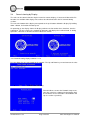
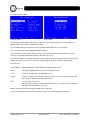
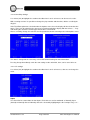
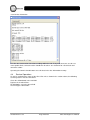
After entering the security code, all the information from the selected unit will be uploaded and one of
the following forms displayed, depending on model:
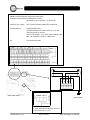
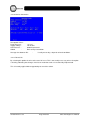
CirrusPro 100, 200, 200D, 200+,200D+
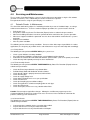
CirrusPro 200DSC, 200DSC+, X4
These screen shots show no fault or fire conditions.
Rectify any faults in the Current Faults window, found during the power up sequence. Refer to the
Fault Finding Section 6.
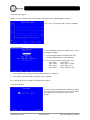
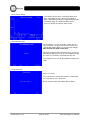
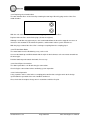
If communication has failed a ‘CirrusPro error’ box is displayed showing ‘
Couldn’t read security code’. This error indicates that the communications
connections need checking.
3.2.5 The Network Number
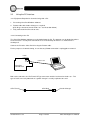
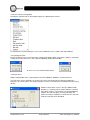
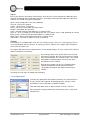
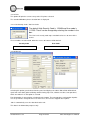
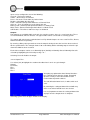
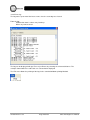
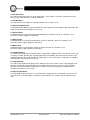
Clicking on ‘Network’ on the toolbar displays the following list of items:
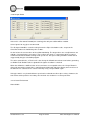
Now the network number should be set:
Numbers 224 to 255 are available (32 Units). With no network this setting can be remain at 255;
otherwise enter the required number.
The unit is updated automatically
Detector Unit Network numbers cannot be assigned from a display unit, only from a PC.
All display units, either built in or remote also require Network Numbers assigning. This can only be
done at the display unit. See Section 3.4
93-520-20 Issue 3.3
Page 19 of 60
CirrusPro Engineer’s Manual