1
Manual
99a
38
July 17, 2001
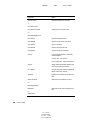
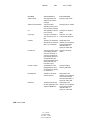
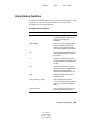
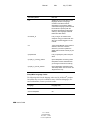
Operator
Include
Examples
-> Within
All items falling within a range
starting from a certain day
forward
Created->5 Day (created within 5
days of today)
<- Previous
All items falling within a range
previous to a certain day
Created <-5 Day (created 5 days
or fewer previous to today)
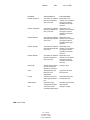
= Matches, Equal To, Equal To
Field, On
All items that equal the condition
Cc=Jill, Document
Creator=JFerguson, Retrieved
Date=Tomorrow
! Does Not Include, Not Equal To,
Not Equal To Field
All items except the condition
Item Status!Opened, Number
Accepted!5
< Before,Less Than, Less Than
Field
All items less than the condition
Retrieved Date<Today,
Document Number<1000
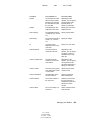
<= On or Before, Less Than or
Equal To, Less Than or Equal To
Field
All items less than or equal to the
condition
Retrieved Date<=Yesterday,
Total Recipients<=10
> After, Greater Than, Greater
Than Field
All items greater than the
condition
Retrieved Date>This
Week,Version Number>4.0
>= On or After, Greater Than or
Equal To, Greater Than or Equal
To Field
All items greater than or equal to
the condition
Retrieved Date>=This Month,
Number Replied>=7
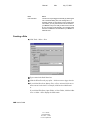
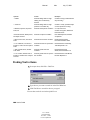
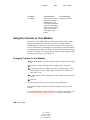
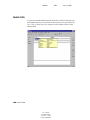
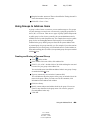
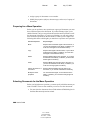
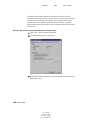
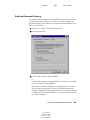
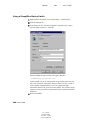
Finding Text in Items
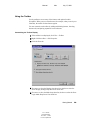
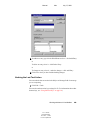
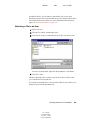
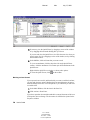
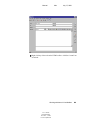
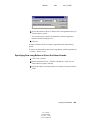
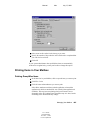
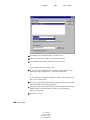
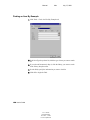
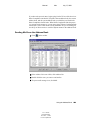
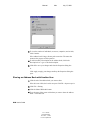
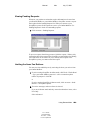
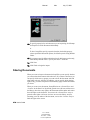
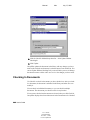
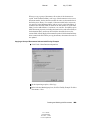
1 In an open item, click Edit > Find Text.
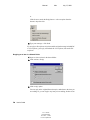
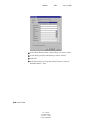
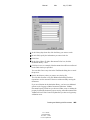
2 Type the text you want to search for in the Find What box.
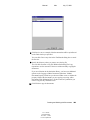
3 Click Find Next to search for the text you typed.
You can also search for text in the QuickViewer.
164 User’s Guide
User’s Guide
103-000198-001
December 3, 2002
Novell Confidential