1
Manual
99a
38
July 17, 2001
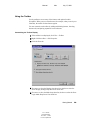
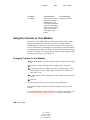
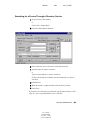
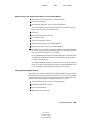
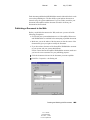
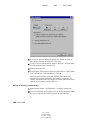
Specifying How Long Before an Event an Alarm Sounds
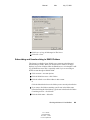
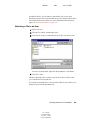
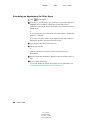
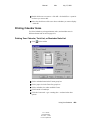
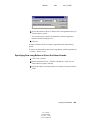
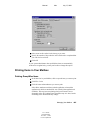
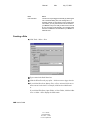
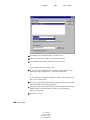
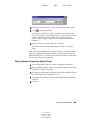
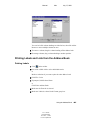
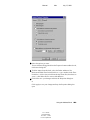
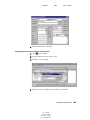
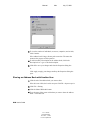
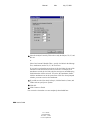
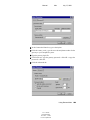
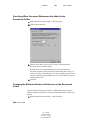
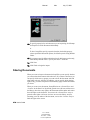
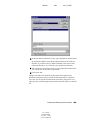
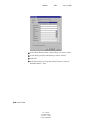
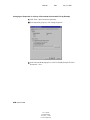
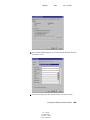
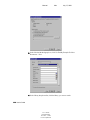
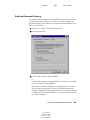
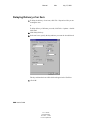
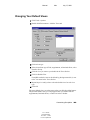
1 Click Tools > Options.
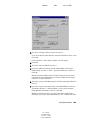
2 Double-click Date & Time > click the Calendar tab.
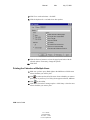
3 Make sure Set Alarm When Accepted is selected.
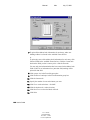
4 Specify the number of minutes before an event that you want an alarm to
sound.
5 Click OK.
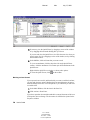
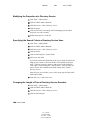
Automatically Spell-Checking Every Message You Send
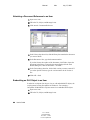
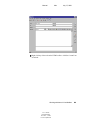
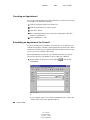
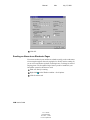
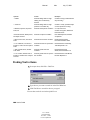
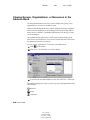
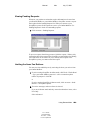
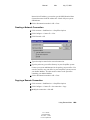
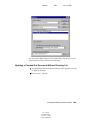
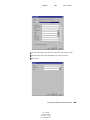
1 Click Tools > Options > double-click Environment.
2 Click Check Spelling Before Send > OK.
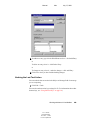
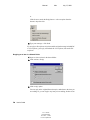
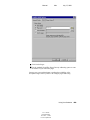
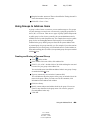
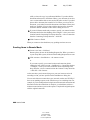
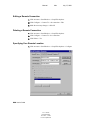
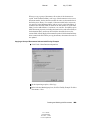
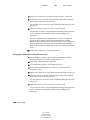
Assigning Passwords to Your Mailbox
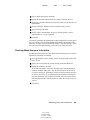
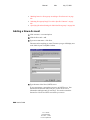
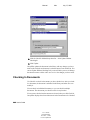
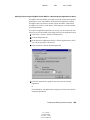
You can assign a password to your Mailbox. GroupWise passwords are casesensitive (for example, Wednesday is not the same as WEDNESDAY). If you
forget your password, you will not have access to any of your items.
350 User’s Guide
User’s Guide
103-000198-001
December 3, 2002
Novell Confidential