1
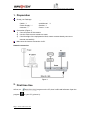
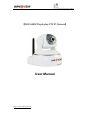
Plug & play PTZ IP Camera
Figure 2
Step 1:
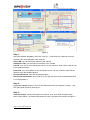
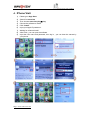
Open the software plug&play, then click “Sign up “, it will show the “Create an Account”
windows, fill in the information, then click OK.
Device SN: you can find it from bottom of the camera
Validation Code: you can find it from bottom of the camera
User ID: your own ID, any Characters from a-z or any numbers ,which will be used for log
in the software always.
Password: your own password, any Characters from a-z or any numbers, which will be
used for log in the software always.
Re-enter password: copy above password again
Recovery E-mail address: this e-mail for you to get your user name and password back
if you forget about it
Step 2:
Log in the camera :Use the “User ID” and Password which you register for step 1 , and
fill in here (blue part),then click sign in .
Step 3:
View the Camera :choose the camera you want to view , then Click the right mouse,
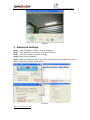
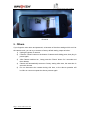
select ”open video “ or double click camera to view ,it will show the windows as figure 3 .
http:// www.wansview.com