1
UModel tutorial
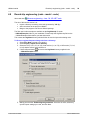
Round-trip engineering (model - code - model)
57
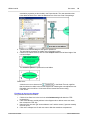
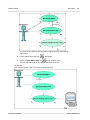
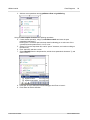
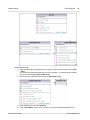
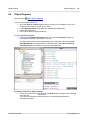
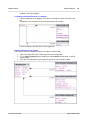
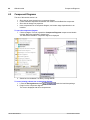
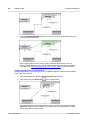
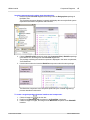
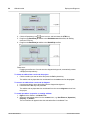
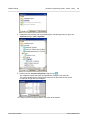
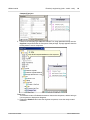
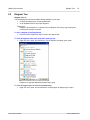
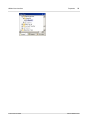
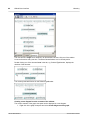
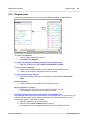
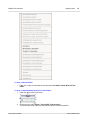
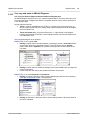
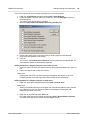
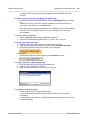
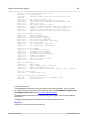
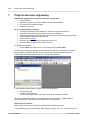
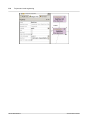
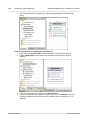
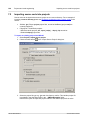
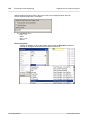
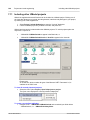
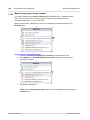
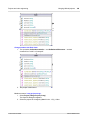
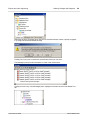
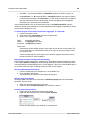
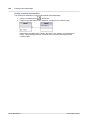
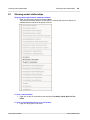
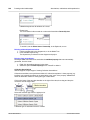
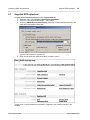
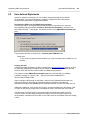
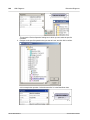
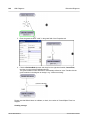
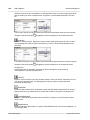
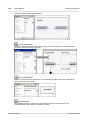
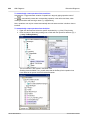
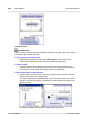
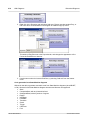
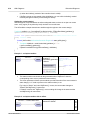
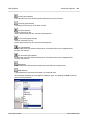
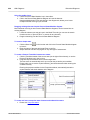
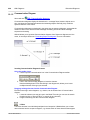
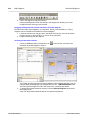
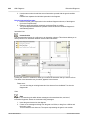
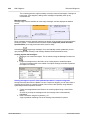
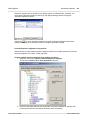
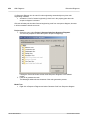
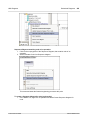
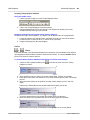
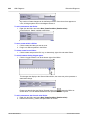
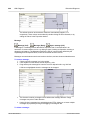
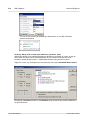
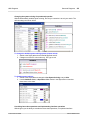
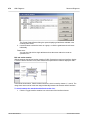
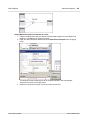
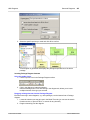
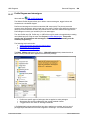
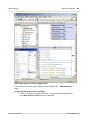
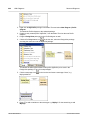
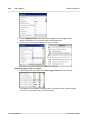
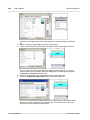
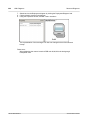
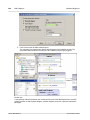
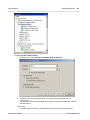
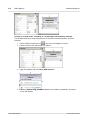
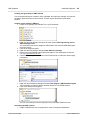
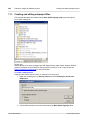
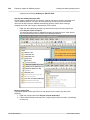
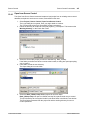
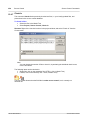
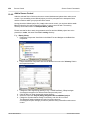
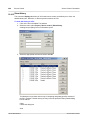
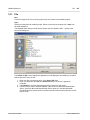
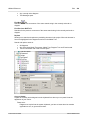
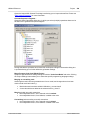
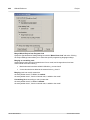
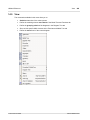
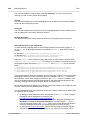
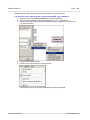
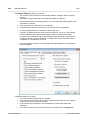
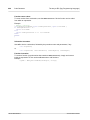
3. Switch to UModel and right click the SavingsAccount class
under the BankView
package.
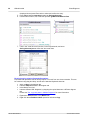
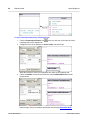
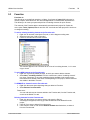
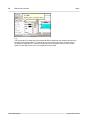
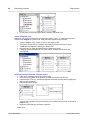
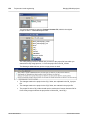
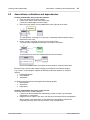
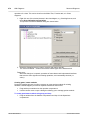
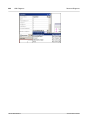
4. Select the option Code Engineering | Merge UModel Class from Program Code.
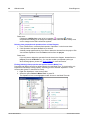
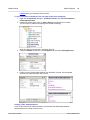
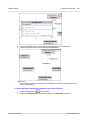
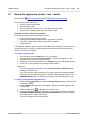
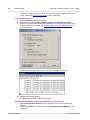
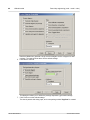
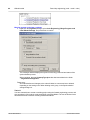
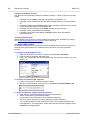
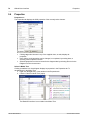
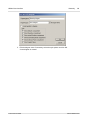
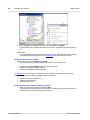
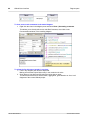
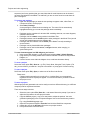
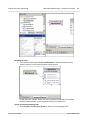
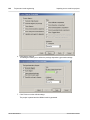
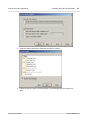
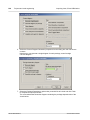
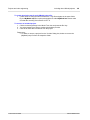
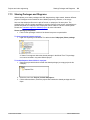
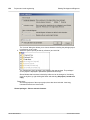
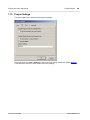
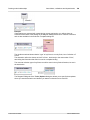
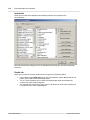
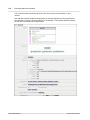
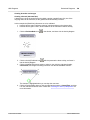
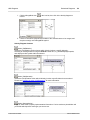
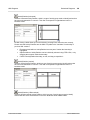
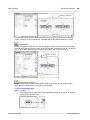
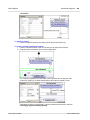
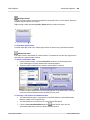
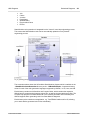
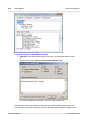
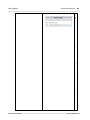
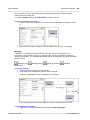
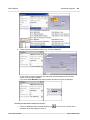
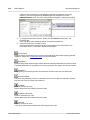
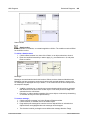
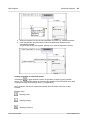
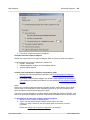
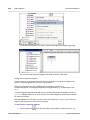
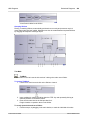
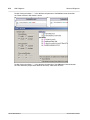
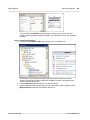
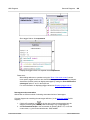
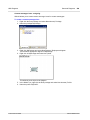
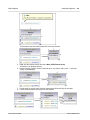
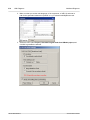
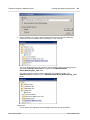
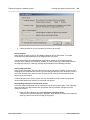
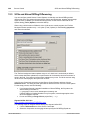
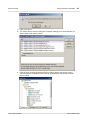
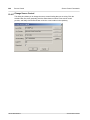
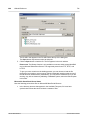
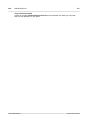
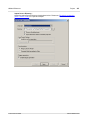
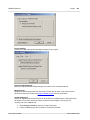
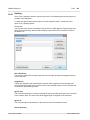
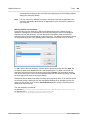
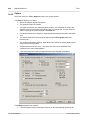
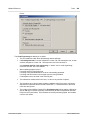
This opens the Synchronization Settings dialog box with the "Model from Code" tab
being active. No changes are needed for the tutorial; see "Merge UModel project from
code" for more information)
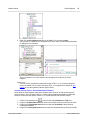
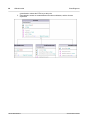
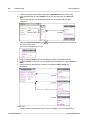
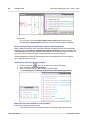
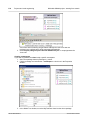
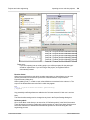
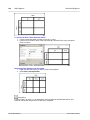
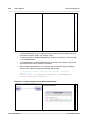
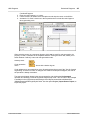
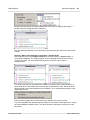
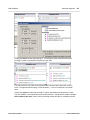
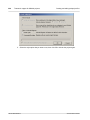
5. Click OK to merge the model from the code.
© 2012 Altova GmbH
Altova UModel 2013