1
MT3DMS Interface
17-33
17.21 Importing an Externally Defined Simulation
It is often necessary to import an MT3DMS simulation that was not generated
by GMS. Since GMS uses the standard MT3DMS file format, this is not a
problem in most cases. However, there are a few steps and precautions that
should be taken.
17.21.1
File Formats
GMS uses the standard MT3DMS file formats described in the MT3DMS
documentation (Zheng, 1998). The files you are importing must match these
formats exactly. If the files were generated for a version of MT3DMS that
uses a different set of file formats, the files will need to be edited before they
can be successfully imported to GMS.
17.21.2
Importing Packages vs. Super File Input
GMS uses an MT3DMS super file to organize the files used by an MT3DMS
simulation. This file is not a standard MT3DMS file. One approach to
importing an externally defined simulation is to create an MT3DMS super file
containing the names of the files used in the simulation using a text editor.
The MT3DMS super file format is described in the GMS File Formats
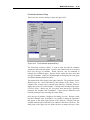
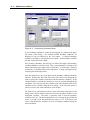
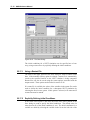
document. A simpler approach to importing the simulation is open each of the
package dialogs and import the package files one at a time (see section 17.20).
The Basic Transport package file should be imported first, followed by the
other package files in any order.
17.22 Launching MT3DMS
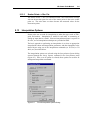
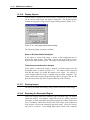
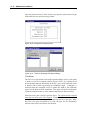
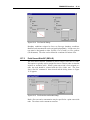
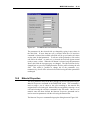
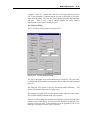
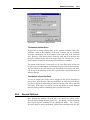
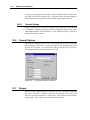
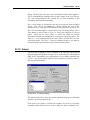
Once an MT3DMS simulation is saved, MT3DMS can be launched by
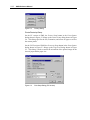
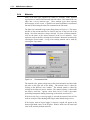
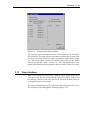
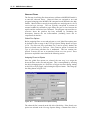
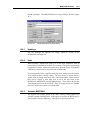
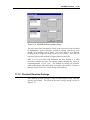
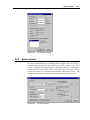
selecting the Run MT3DMS command from the MT3D menu. A dialog
appears showing the complete path name for the super file you saved most
recently. If you wish to run this simulation, select OK. If you wish to run a
different simulation, select the button and locate the file using the File
Browser and then select OK.
At this point MT3DMS is launched in a new window. The super file name is
passed to MT3DMS as a command line argument. MT3DMS opens the file
and begins the simulation. As the simulation proceeds, you should see some
text output in the window reporting the solution progress. When MT3DMS is
finished, you can return to GMS to read in the solution.