1
Reference Section
71
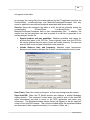
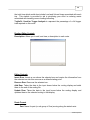
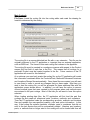
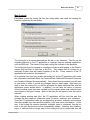
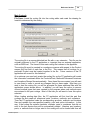
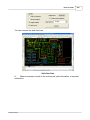
name in the “VIA” field of the part’s routing. Selecting the Skip-Via option will
then allow the FP calculation to generate flow directly from the FROM location
and to the TO location to quickly assist you in evaluating the travel issues
caused by off-line storage locations.
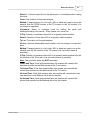
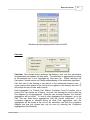
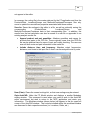
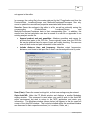
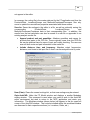
Regen All Paths: If selected OFF, the FP application will only generate flow
lines if they are missing in the drawing. As such, if the prior flow analysis was
done using the Straight Flow method and your current analysis is using the
Aisle-Path method, then only the new flow lines will be generated along the
aisles. To delete all of the existing flow lines, and thus generate all new flow
lines, you will want to select this option ON, before selecting the Calc button.
This selective path generation capability is useful if you have generated many
manually routed paths and do not wish these to be deleted upon your next
calculation. In addition, large studies will benefit from the performance
advantages of re-generating only missing flow paths instead of all existing
flow paths.
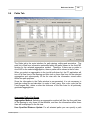
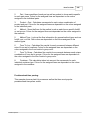
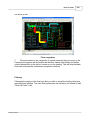
Path Arrows: If selected on, the FP will generate arrows at the end of all the
flow lines. If arrows are not generated at the time of the calculation, then they
can always be added later via the Arrows button in the Paths tab window.
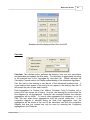
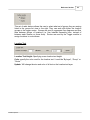
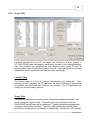
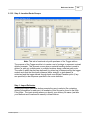
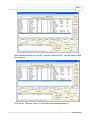
Results
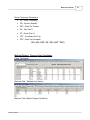
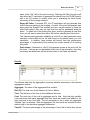
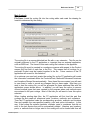
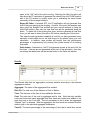
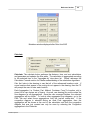
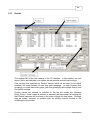
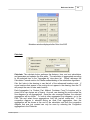
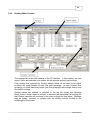
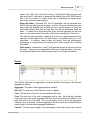
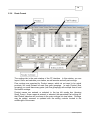
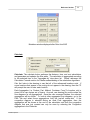
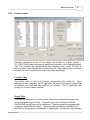
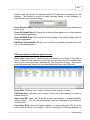
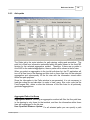
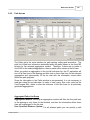
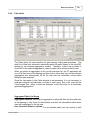
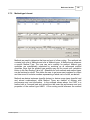
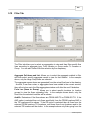
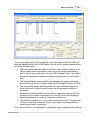
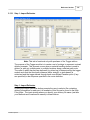
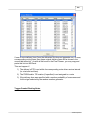
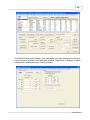
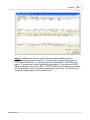
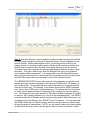
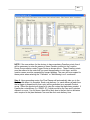
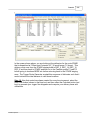
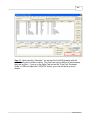
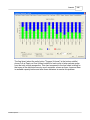
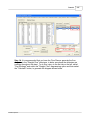
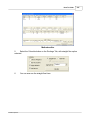
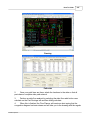
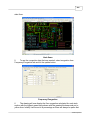
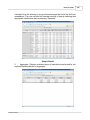
The Results table lists the aggregation summary statistics according to the selected
aggregation method
Aggregate: The name of the aggregated flow method.
Dist (Ft): The total sum of the distance in Feet or Meters.
Time: The total sum of the time in Hours:Minutes:Seconds
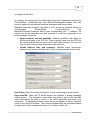
Cost: The total sum of the cost by aggregate and by total. Note that only variable
costs are shown with each aggregate and then these are totaled and added to the
total fixed cost in the Cost total. The only exception to this is when the aggregate
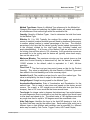
“Method Type” is selected. With this aggregate, the fixed costs are included for each
method type in the individual aggregate summaries.
Travel%: The travel percentage is the percentage of time that is travel time versus
© 2006 Proplanner