1
96
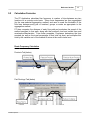
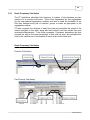
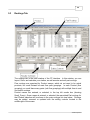
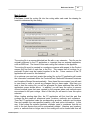
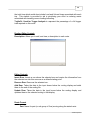
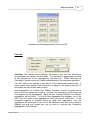
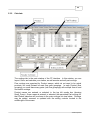
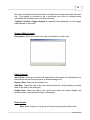
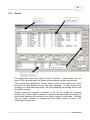
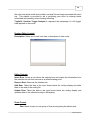
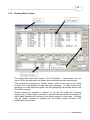
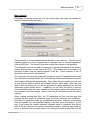
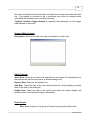
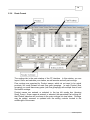
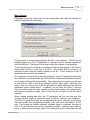
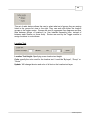
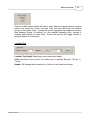
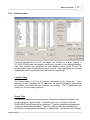
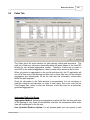
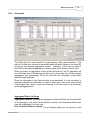
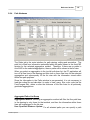
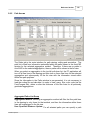
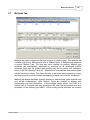
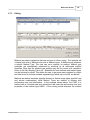
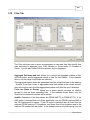
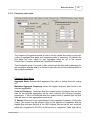
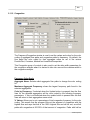
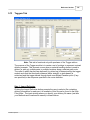
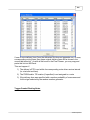
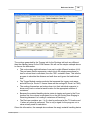
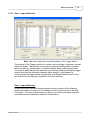
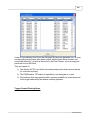
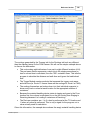
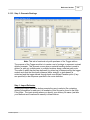
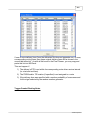
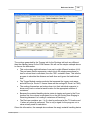
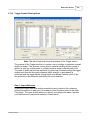
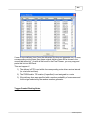
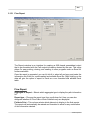
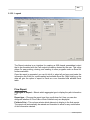
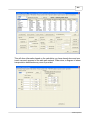
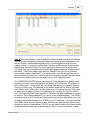
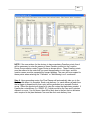
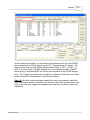
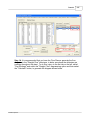
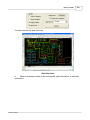
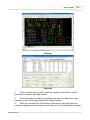
This set of radio buttons allows the user to select what set of groups they are seeing
listed in the groups list view to the right. They can work with either the location
groups or the tugger routes. Groups are used to aggregate flow diagrams and flow
data between groups of locations (i.e. flow between assembly lines, instead of
between each location on those lines). Routes are used by the Tugger module to
assign locations to route drivers.
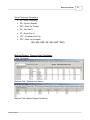
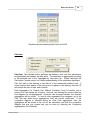
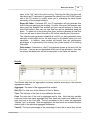
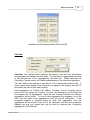
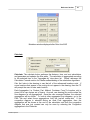
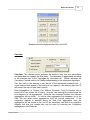
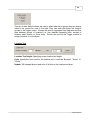
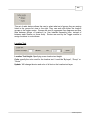
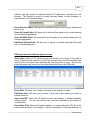
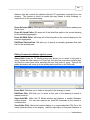
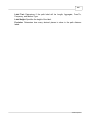
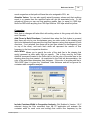
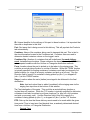
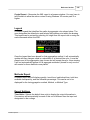
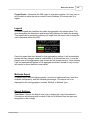
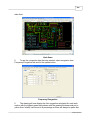
Location Text
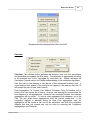
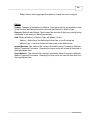
Location Text Height: Specifying a new location text height.
Color: specify the color used for the location text. It could be “ByLayer”, “Group” or
“Route”
Update: Will change the size and color of all text on the location text layer.
© 2006 Proplanner