1
Reference Section
151
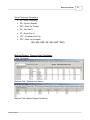
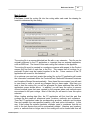
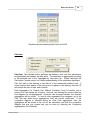
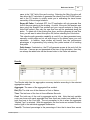
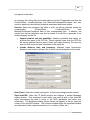
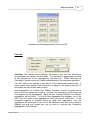
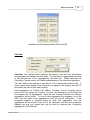
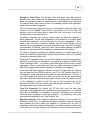
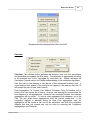
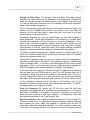
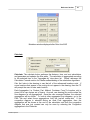
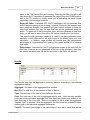
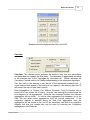
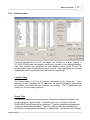
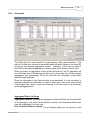
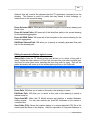
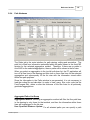
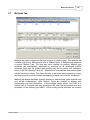
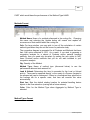
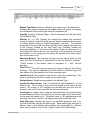
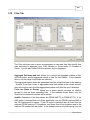
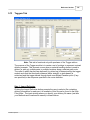
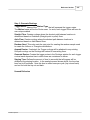
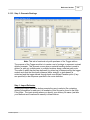
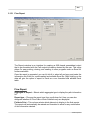
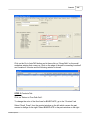
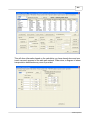
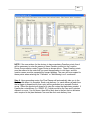
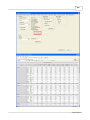
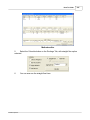
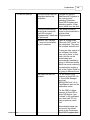
Method Type Name: Name of a Method Type referenced in the Method list.
Changing this name and selecting the Update button will search and replace
all occurrences of that method type within the method list file.
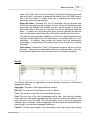
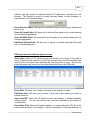
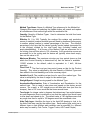
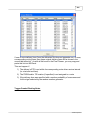
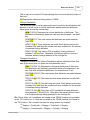
Quantity: Quantity of Method Types. Used to determine the total fixed costs
for the Method Type.
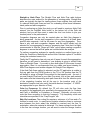
Effective %: (1 to 100) Typically, the routings file contains only productive
moves of material, however method types will need to deadhead (move empty
to another pickup location) a certain percentage of the time. The effective
percentage is the time that the device typically travels loaded (accounted for
in the routings) divided by the total travel time (including loaded and
empty-deadheading). If all moves of the Method Type are accounted for in
the routing, then set this value to 100, otherwise, if only productive moves are
accounted for in the routing and the device will typically return back empty,
then set this value to 50.
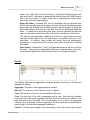
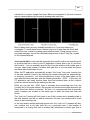
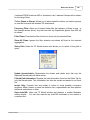
Maximum Minutes: The maximum minutes per time period (same as that
which the Product Quantity is determined for) that the device is available.
115200 minutes is the default, which is equivalent to 1 shift, full-time
operation.
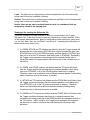
Fixed Cost $: The fixed cost per time period (same as that for the Product
Quantity). This value is multiplied by the total Quantity of Method Types and
then added to the total handling cost in the summary report.
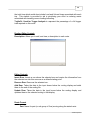
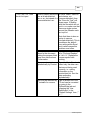
Variable Cost $: The variable cost per hour for use of the method type. This
value is multiplied by the time of usage for the method type.
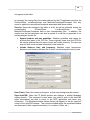
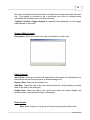
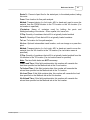
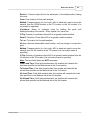
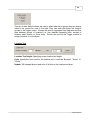
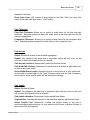
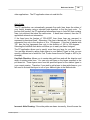
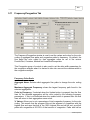
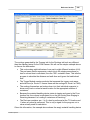
Straight Speed: Straight moving speed for the Method Type.
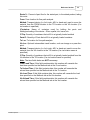
Acceleration/Deceleration: Rate of Acceleration and Deceleration for the
method type. This is used to slow down and speed up the device around
corners. As a result, a 100’ straight move will take less time (and thus be
cheaper), than a 100’ move would be that turns several times.
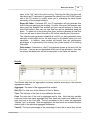
Turn Angle: An integer value in degrees that determines if an angle between
two path segments (lines) constitutes a turn that the method type would need
to slow down and speed up for. The default value of 100 degrees means that
any angle less then or equal to 100 degrees would be considered a turn.
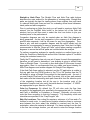
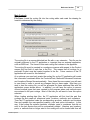
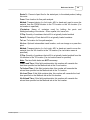
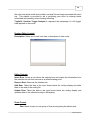
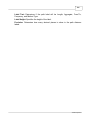
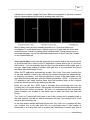
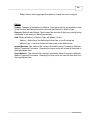
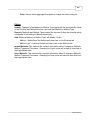
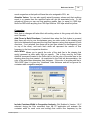
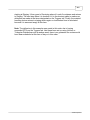
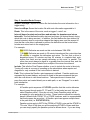
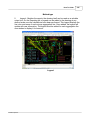
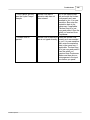
Aisle Path Layer: Identifies the layer in the AutoCAD drawing to look in for
the Aisle Path lines used by the method type. Each method type could use a
different layer so that different aisle networks can be specified (i.e. different
aisles may be used by Fork Trucks, Tugger Trucks, AGV’s and People).
© 2006 Proplanner