1
Tutorial
281
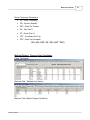
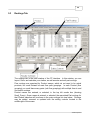
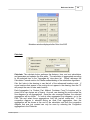
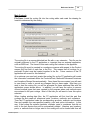
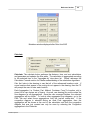
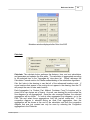
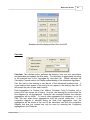
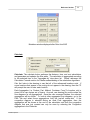
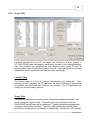
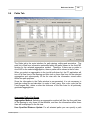
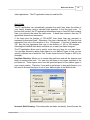
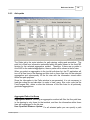
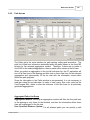
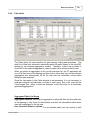
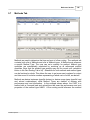
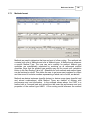
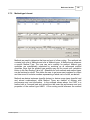
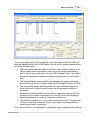
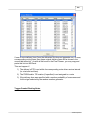
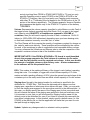
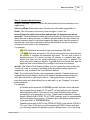
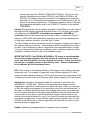
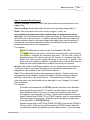
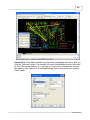
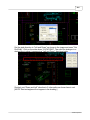
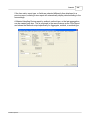
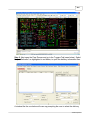
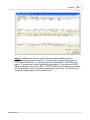
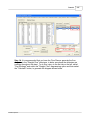
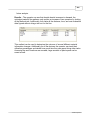
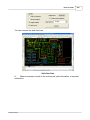
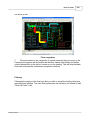
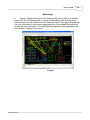
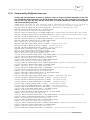
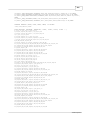
Step 17. Lastly a legend can be created on the Reports tab and used to explain the
path color and assign which color represents which aggregate by selecting a text
size (try 36 inches) and clicking the "Insert Legend" button and then clicking in the
drawing where you would like the legend inserted as shown in the final picture.
© 2006 Proplanner