1
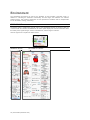
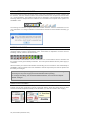
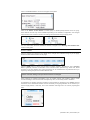
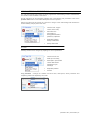
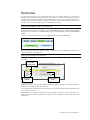
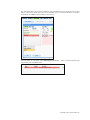
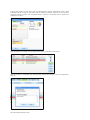
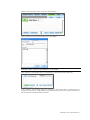
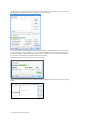
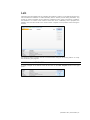
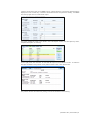
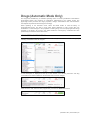
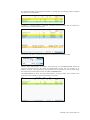
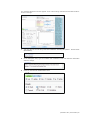
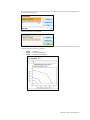
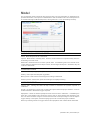
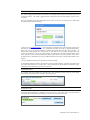
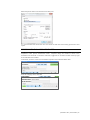
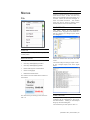
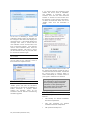
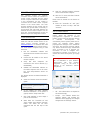
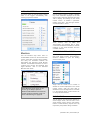
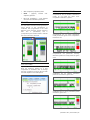
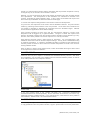
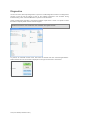
Click the node’s identifier number to edit the node properties.
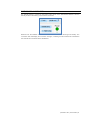
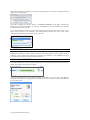
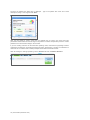
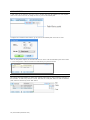
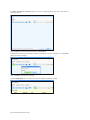
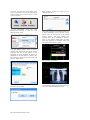
Enter a name for the node and description, then click “Save”.
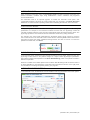
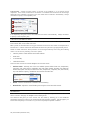
ADDING PALETTES OR SCENARIOS TO A NODE
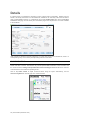
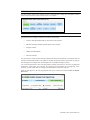
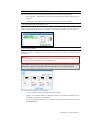
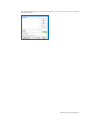
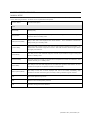
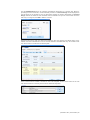
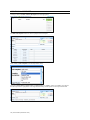
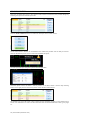
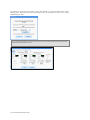
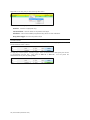
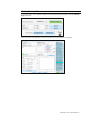
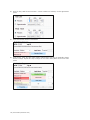
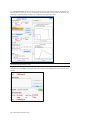
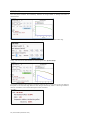
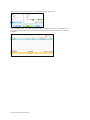
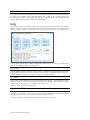
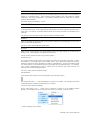
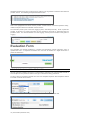
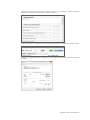
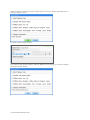
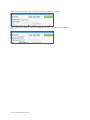
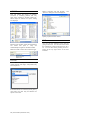
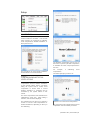
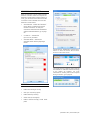
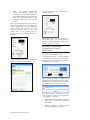
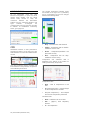
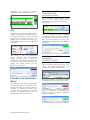
Click “Add Item” to add palette items or “Add Scenario” to add full scenarios to this node.
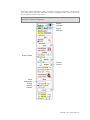
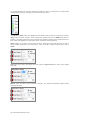
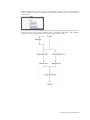
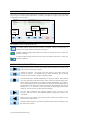
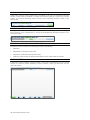
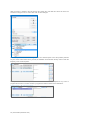
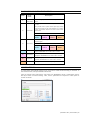
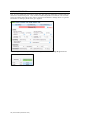
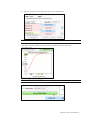
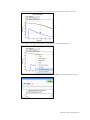
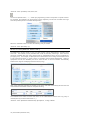
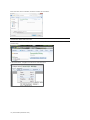
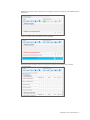
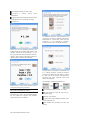
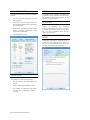
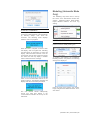
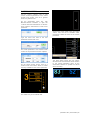
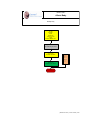
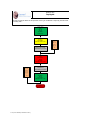
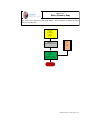
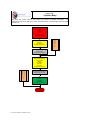
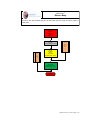
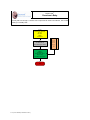
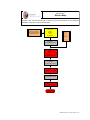
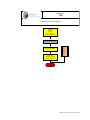
In this example, the following nodes are created: [1] Start Bradycardia, [2] Deteriorate, [3]
Interventions, [4] Atropine, [5] Epinephrine, [6] Dopamine and [7] Pace. Each node is programmed
with palettes that simulate the effect described.
| Newborn HAL | User Guide | 39