1
DETECTED EVENTS
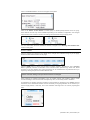
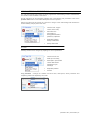
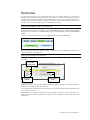
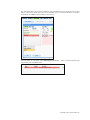
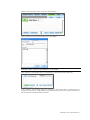
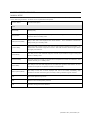
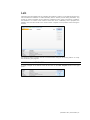
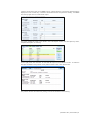
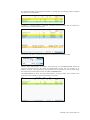
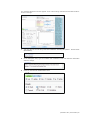
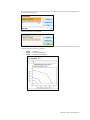
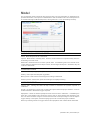
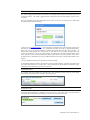
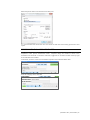
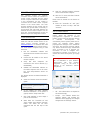
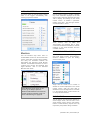
Every time one of the various sensors in the simulator detects a provider action, it is automatically
logged as a “Detected” entry. These actions include intubation, BP cuff placement, artificial
ventilations, and chest compressions. The following example shows an entry after a provider
performs BVM ventilation:
"00:03:26 Detected (ventilation): correct"
EVALUATIONS
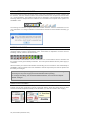
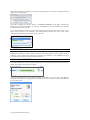
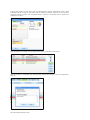
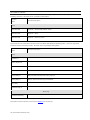
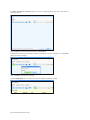
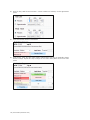
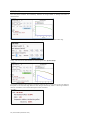
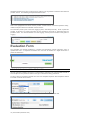
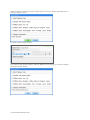
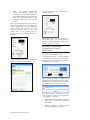
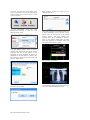
Evaluations are added by the facilitator by clicking on the “Satisfactory” or “Unsatisfactory” buttons
on the Evaluation panel. Team Logging allows the facilitator to evaluate individual providers with a
single click. For example, if provider Charles Parker did a correct procedure, the Evaluation entry
would be:
"00:00:28 [Charles Parker] Evaluation (Care Provided): SATISFACTORY"
MODEL
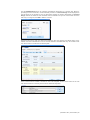
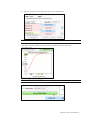
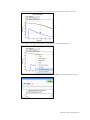
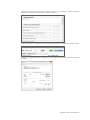
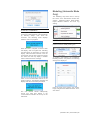
When the facilitator changes the state of the cyanosis model from the Model page, an entry in the
text log is automatically generated:
"00:18:10 Action (Hypoxia Model): deteriorating
NOTES
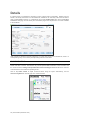
Notes can be entered directly from the Evaluation panel or by right-clicking on the text log and
adding a note. The following is an example of a Note entry:
"00:10:10 Note: provider took too long to assess patient."
Provider actions
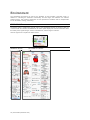
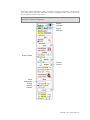
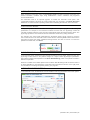
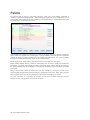
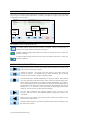
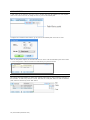
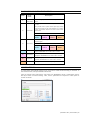
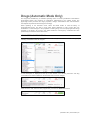
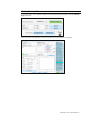
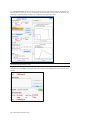
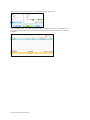
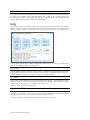
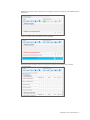
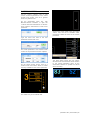
The Provider Actions section refers to the collection of buttons in the middle of the page. It allows
the facilitator to accurately keep track of provider actions. The buttons are grouped into 5 groups:
Emergency Reported, Airway, Breathing, Circulation, and Medication. Anytime the facilitator clicks
one of the buttons, a time-stamped log entry is generated with that particular action. For example,
if the “Assess responsiveness” button is clicked when the session clock reads 00:07:24, the
following entry is automatically generated:
"00:07:24 Action (Assess Responsiveness)"
Special Buttons
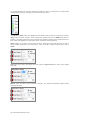
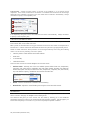
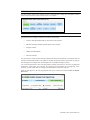
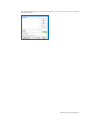
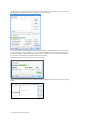
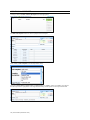
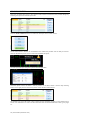
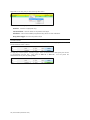
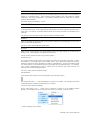
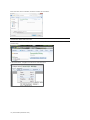
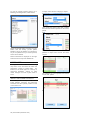
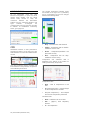
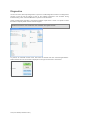
Some provider-action buttons are accompanied by a special option button:
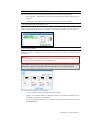
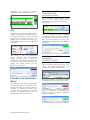
The first special button, “ + “, lets the facilitator log actions in more detail. For example, if the button
“Assess breathing” is clicked, the following entry is created:
"00:01:28 Action (Assess breathing)"
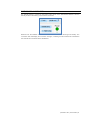
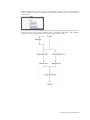
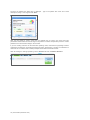
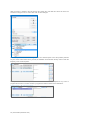
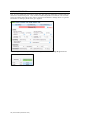
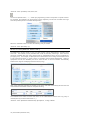
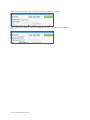
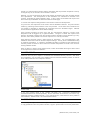
On the other hand, if the “ + “ button next to “Ventilate” is clicked, a list of additional options
appears. The facilitator can be more specific and choose, for example, “look, listen, feel”…
...and the following entry is added:
| Newborn HAL | User Guide | 69