1
Extra Fields
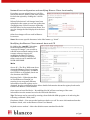
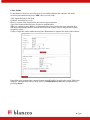
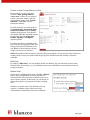
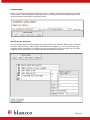
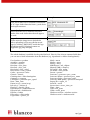
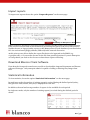
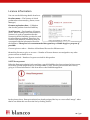
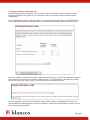
In the Blancco Client you can have up to 25 extra fields added to the software. Fill in the
necessary information and press “Add” when you are ready.
Title: Input the title for the field
Enabled: Is the field on or off
Place: Location of the extra field in the erasure report structure
Type: The format of the field text, droplist or multidroplist
Tip: For a robust process Blancco recommends that you use text in the type selection. It is
recommended that the data be entered with a barcode scanner. This is not possible with the
dropdown option.
Value/s: Input the values inside the drop lists. Remember to separate the items with commas.
Extra field 1(see picture above) means that the AssetID field is located in the extra1 field in the
database. The next field will be extra2 and so on. Remember to save the configuration by
pressing “Save”!
11 / 31