1
Adding a List Entry
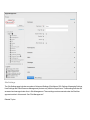
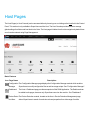
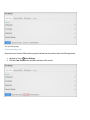
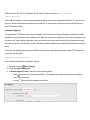
How to add a new list entry to a list using the Host Lists page.
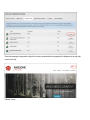
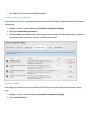
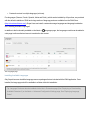
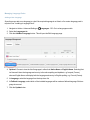
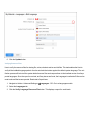
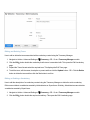
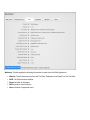
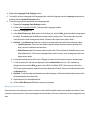
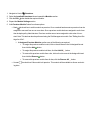
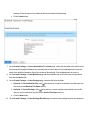
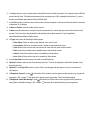
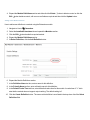
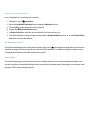
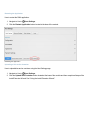
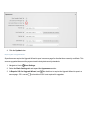
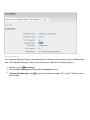
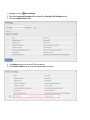
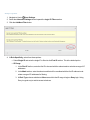
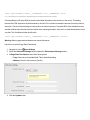
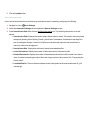
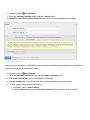
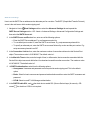
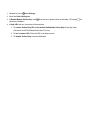
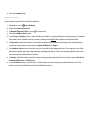
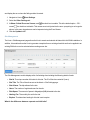
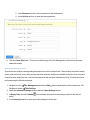
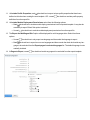
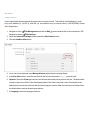
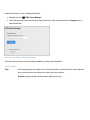
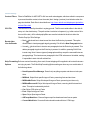
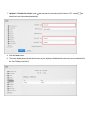
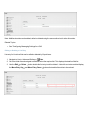
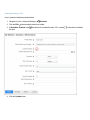
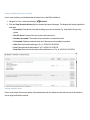
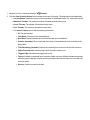
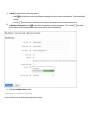
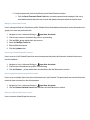
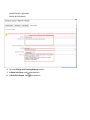
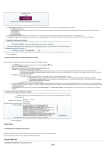
1. Navigate to Host > Advanced Settings >
Lists.
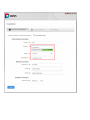
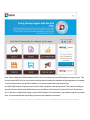
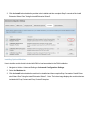
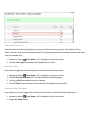
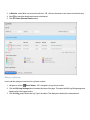
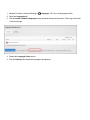
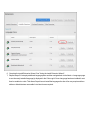
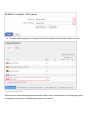
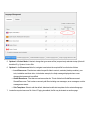
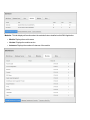
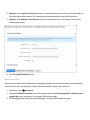
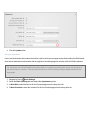
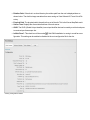
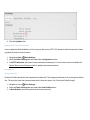
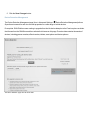
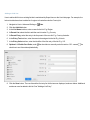
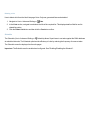
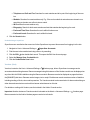
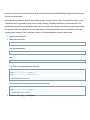
2. Go to the folder list and navigate to and then select the required list. E.g. Documents.
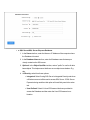
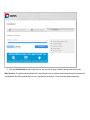
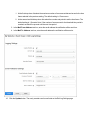
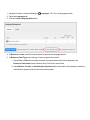
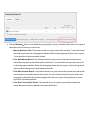
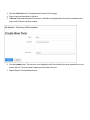
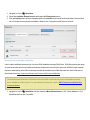
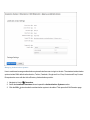
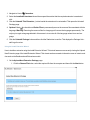
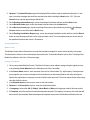
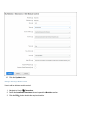
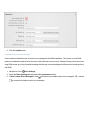
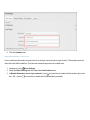
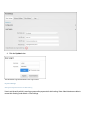
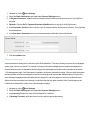
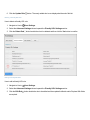
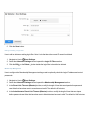
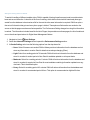
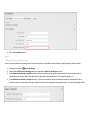
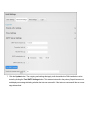
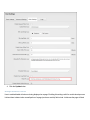
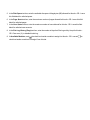
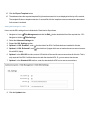
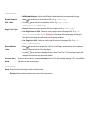
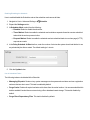
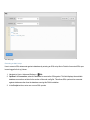
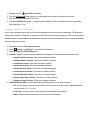
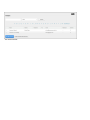
3. Click the Add Entry button.
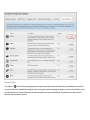
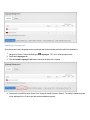
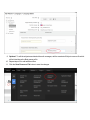
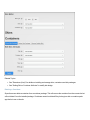
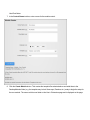
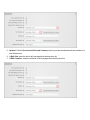
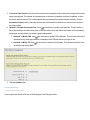
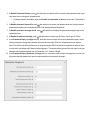
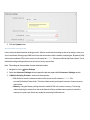
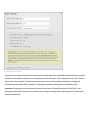
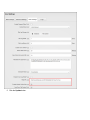
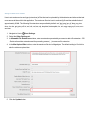
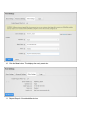
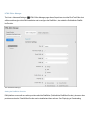
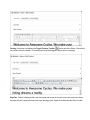
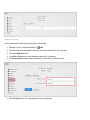
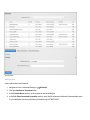
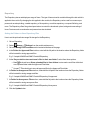
4. In the Entry Text text box, enter the data for the entry E.g. Manuals
5. In the Entry Value text box, enter the identifier for the entry E.g. Manuals or MN
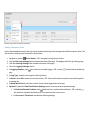
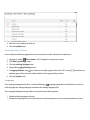
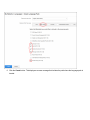
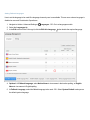
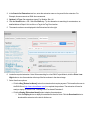
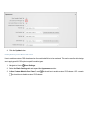
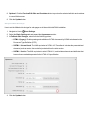
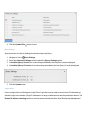
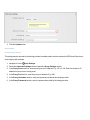
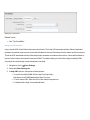
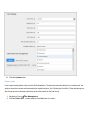
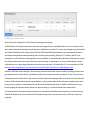
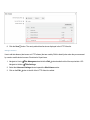
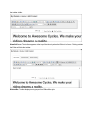
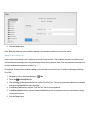
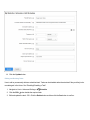
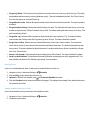
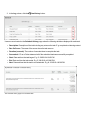
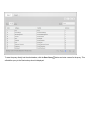
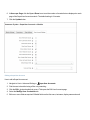
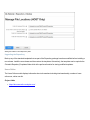
6. Click the Save button. The newly added entry is now displayed.