1
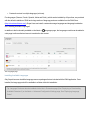
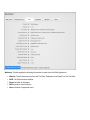
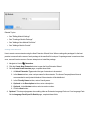
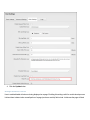
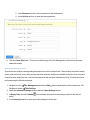
Tip: This tutorial explains how to configure the settings for everyone who uses the Editor, however different
configurations can be created for registered users, Administrators and SuperUsers.
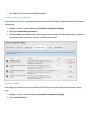
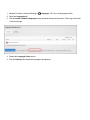
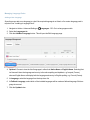
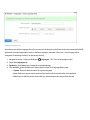
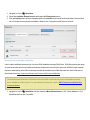
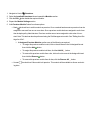
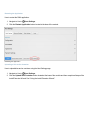
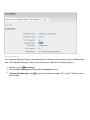
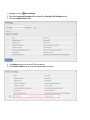
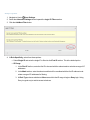
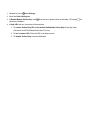
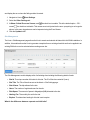
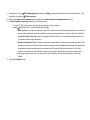
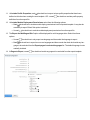
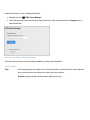
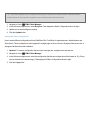
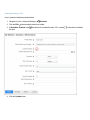
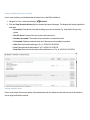
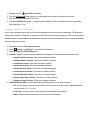
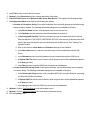
1. Navigate to Host >
HTML Editor Manager.
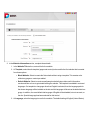
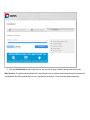
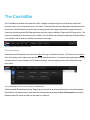
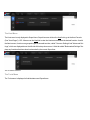
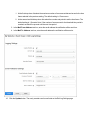
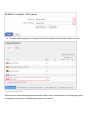
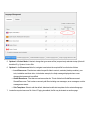
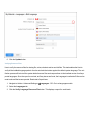
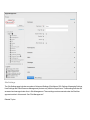
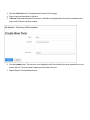
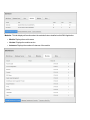
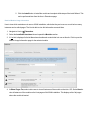
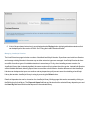
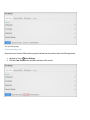
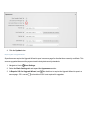
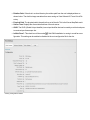
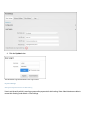
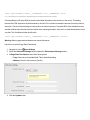
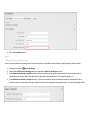
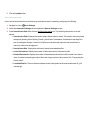
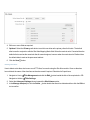
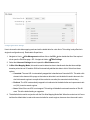
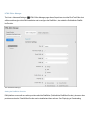
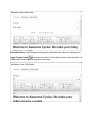
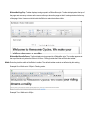
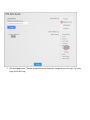
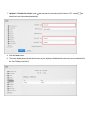
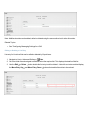
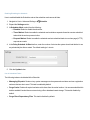
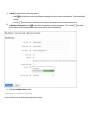
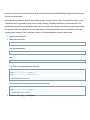
2. In the left hand navigation tree, select Everyone. This displays the Editor Configuration tab to the right.
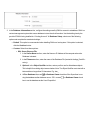
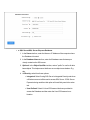
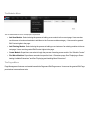
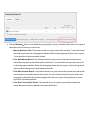
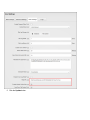
3. Update one or more settings as required.
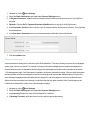
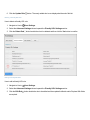
4. Click the Update button.
Adding New Editor Configurations
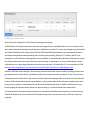
How to create different configurations for the RadEditor Rich Text Editor for registered users, Administrators and
SuperUsers. These configurations can be applied to a single page on the current site, all pages of the current site, or
all pages of all sites within this installation.
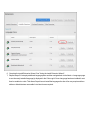
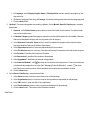
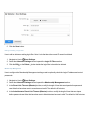
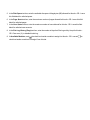
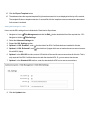
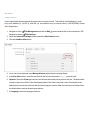
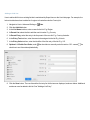
1. Optional. To create a configuration that is unique to a single site, navigate to the required site.
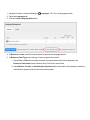
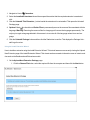
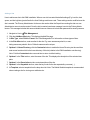
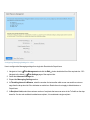
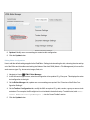
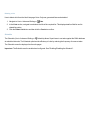
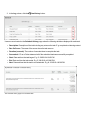
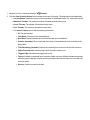
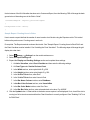
2. Navigate to Host >
HTML Editor Manager.
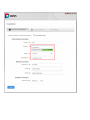
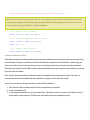
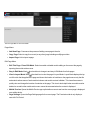
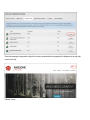
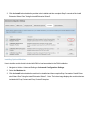
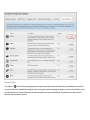
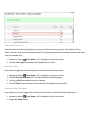
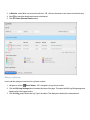
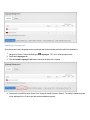
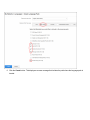
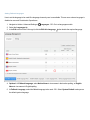
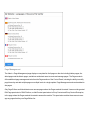
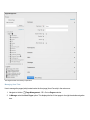
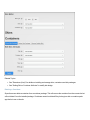
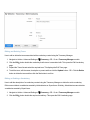
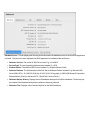
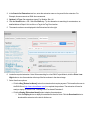
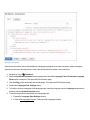
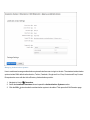
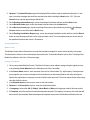
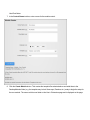
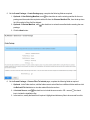
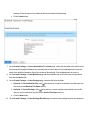
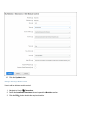
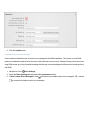
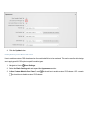
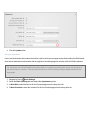
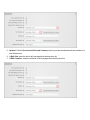
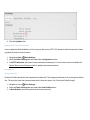
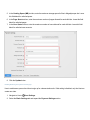
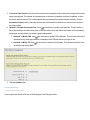
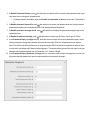
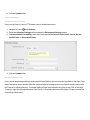
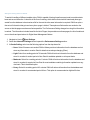
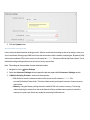
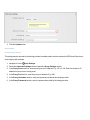
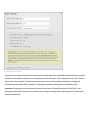
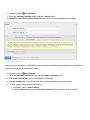
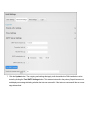
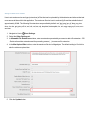
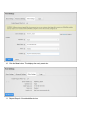
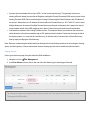
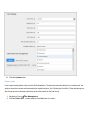
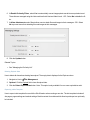
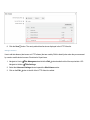
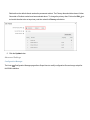
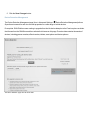
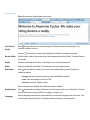
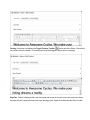
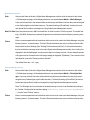
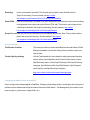
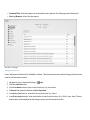
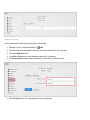
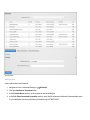
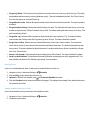
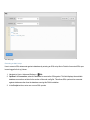
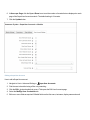
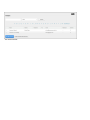
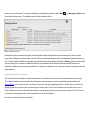
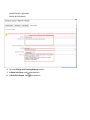
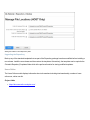
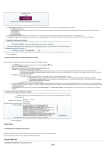
3. In the left hand navigation tree, select the configuration that the new configuration will be based on. E.g. Everyone (as selected in the below image). This displays the Editor Configuration tab to the right.
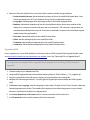
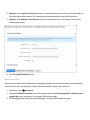
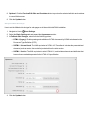
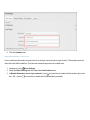
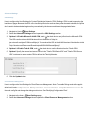
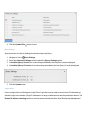
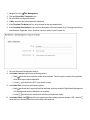
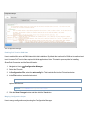
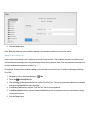
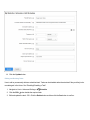
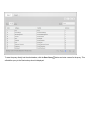
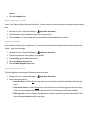
4. Click the Copy button.