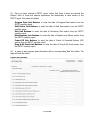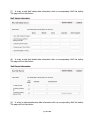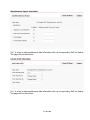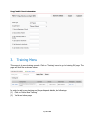
1
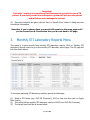
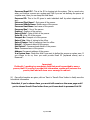
Important!
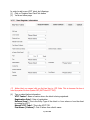
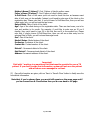
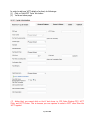
Field with * marking is a mandatory field that must be provided to save a TB
patient. If you don’t provide that information, system will not save the patient
and will show error messages in red text.
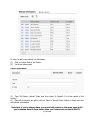
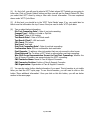
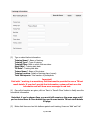
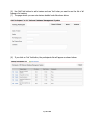
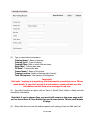
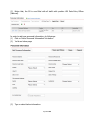
(4) Once all information are given, click on ‘Save’ or ‘Save & Close’ button to finally save the
new district information
Note that, if you’ve chosen Save, you would still remain on the same page and if
you’ve chosen Save & Close button then you’d come back to GV page.
3.
Monthly STI Laboratory Reports Menu
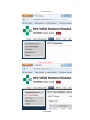
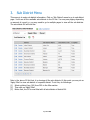
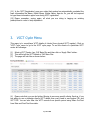
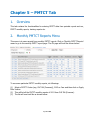
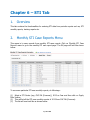
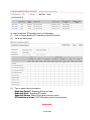
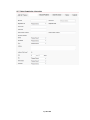
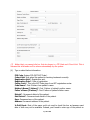
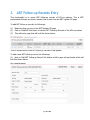
This menu is to save records from monthly STI laboratory reports. Click on ‘Monthly STI
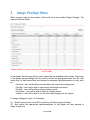
Laboratory Reports’ menu to go to the monthly STI laboratory report page. The GV page will
look like shown below:
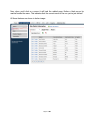
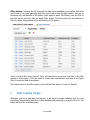
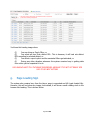
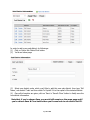
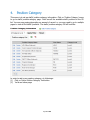
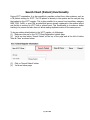
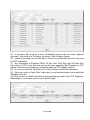
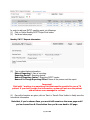
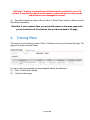
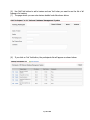
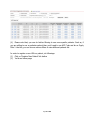
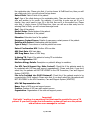
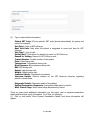
To see some particular STI laboratory monthly reports, do followings:
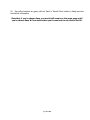
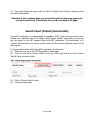
(1) Select a STI Center (say, CHC Dili (Formoza)), 2013 as Year and then click on ‘Apply
Filter’ button.
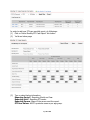
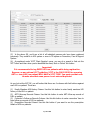
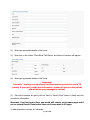
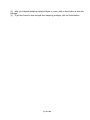
(2) This will list all the monthly STI laboratory reports of 2013 from CHC Dili (Formoza).
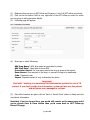
(3) The list will now look like as shown below:
Page 51 of 80