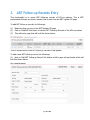
1
(4)
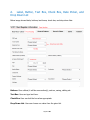
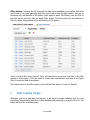
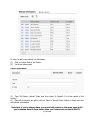
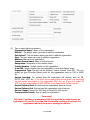
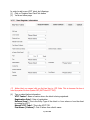
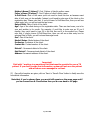
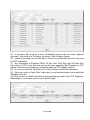
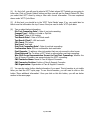
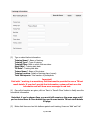
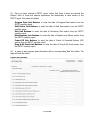
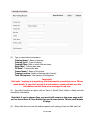
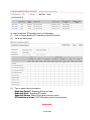
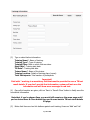
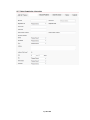
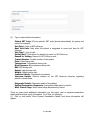
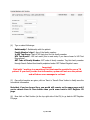
Type or select followings:
Relationship*: Relationship with the patient.
Family Member’s Age*: Age of the family member.
Is HIV Test Done: Check if HIV test done for this family member.
HIV Test Result*: HIV test result (this is must entry if you have chosen Is HIV Test
Done above).
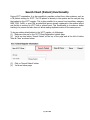
ART Code of Family Member: ART code of family member. Tag this family member
through Search Patient functionality explained under ‘ART Patient Register’ menu.
Important!
Field with * marking is a mandatory field that must be provided to save a TB
patient. If you don’t provide that information, system will not save the patient
and will show error messages in red text.
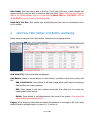
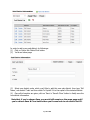
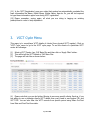
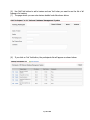
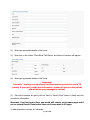
(5) Once all information are given, click on ‘Save’ or ‘Save & Close’ button to finally save the
new district information
Note that, if you’ve chosen Save, you would still remain on the same page and if
you’ve chosen Save & Close button then you’d come back to ART Register GV
page.
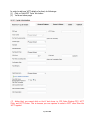
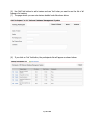
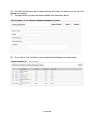
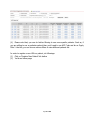
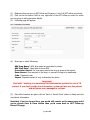
(6) Now click on ‘Back’ button (at the top right side of the GV) to go back to ART Register
GV page.
Page 69 of 80