1
4.
Position Category
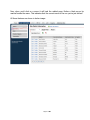
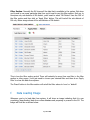
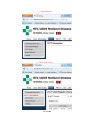
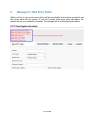
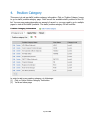
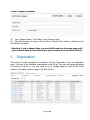
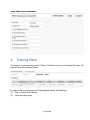
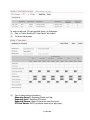
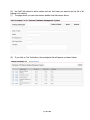
This menu is to set up staffs’ position category information. Click on ‘Position Category’ menu
to go to staffs’ position category page. You’d see all the available staffs’ positions in the GV
list. You may see paging depending on amount of record i.e. you may need to go to multiple
pages to view all the staffs’ positions. The staffs’ position category GV will look like:
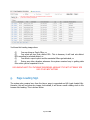
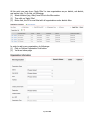
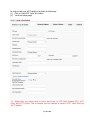
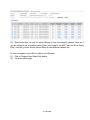
In order to add a new position category, do followings:
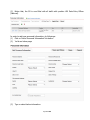
(1) Click on ‘Add a Position Category’ link button
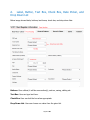
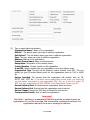
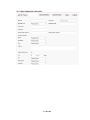
(2) You’d see below page:
Page 21 of 80