1
TK-78K0R/KG3 User’s Manual
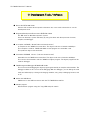
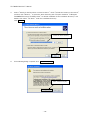
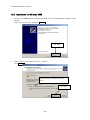
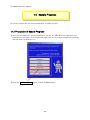
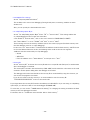
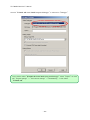
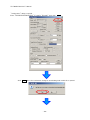
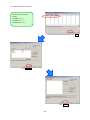
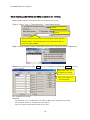
③ "Tool Installer" dialog box is opened.
Select products that you need to install.
(as default, all the products that you need to use the TK-78K0R/KG3 are selected.)
"Explain" area displays an explanation of the selected product.
To change the installation destination, click Browse… .
When all the settings are completed, click
Install…
.
* In this document, it is assumed that users install the programs under "NEC Electronics Tools"
directory (default installation directory). Users can find the tools by selecting “Start Menu” ->
"Programs" -> "NEC Electronics Tools".
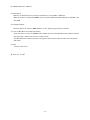
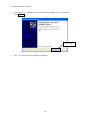
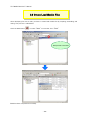
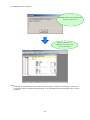
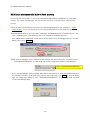
④ Click
OK
when "Install" comfirmation dialog box is opened.
- 12 -