1
TK-78K0R/KG3 User’s Manual
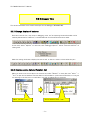
1.3.2 Installation on Windows 2000
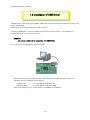
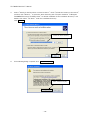
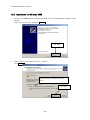
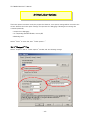
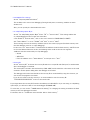
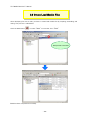
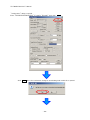
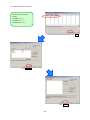
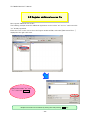
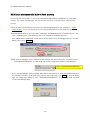
1. Once the TK-78K0R/KG3 is connected with USB, the "Found New Hardware Wizard" will be
started.
Select "No, not this time" and click Next > .
Click "Next"
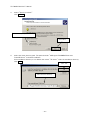
2.
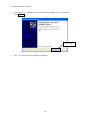
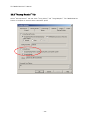
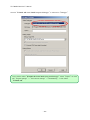
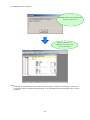
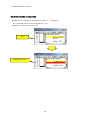
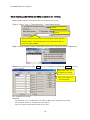
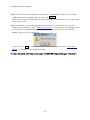
Select "Search for a suitable driver for my device".
Click Next > .
Select "Search for a suitable driver for my
device"
Click "Next"
- 20 -