1
Researcher Preferences
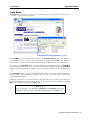
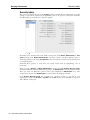
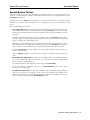
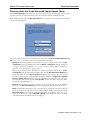
Auto-Hide tab
Auto-Hide tab
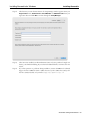
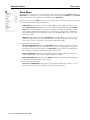
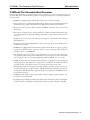
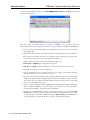
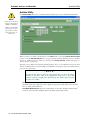
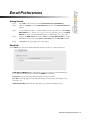
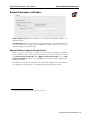
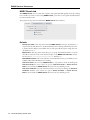
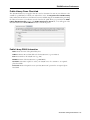
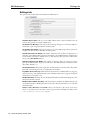
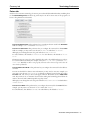
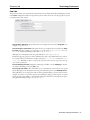
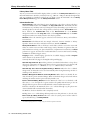
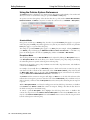
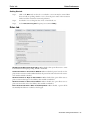
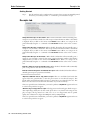
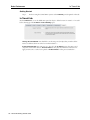
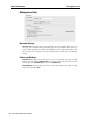
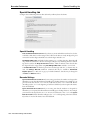
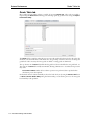
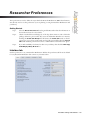
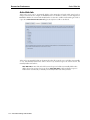
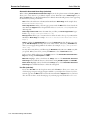
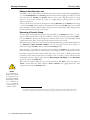
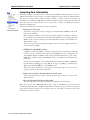
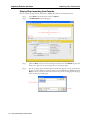
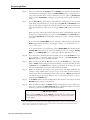
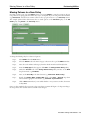
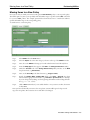
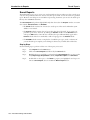
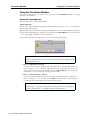
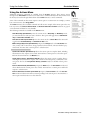
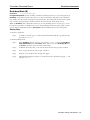
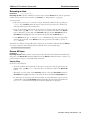
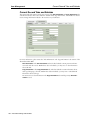
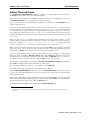
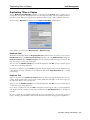
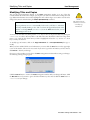
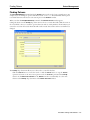
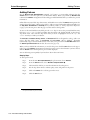
Titles and/or copies can be automatically hidden in the Researcher and made visible again based on
changes in their status. For example, if the Lost status box is checked (see below), an item designated as
Lost will be hidden; if it is found and checked back in at a later date, it will be made visible again. Titles or
copies whose Don’t Show in Researcher flag has already been set will not be affected.
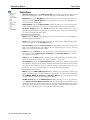
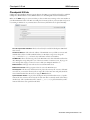
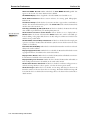
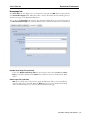
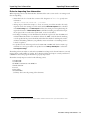
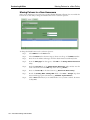
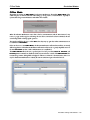
Titles can be automatically hidden in the Researcher when all associated copies are hidden (automatically
or not). Automatically hidden titles will be shown if any associated copies also become shown, but
manually hidden titles will not.
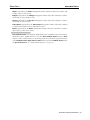
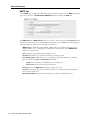
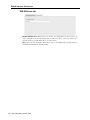
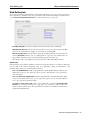
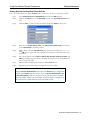
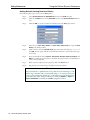
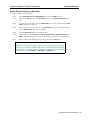
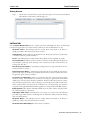
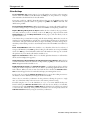
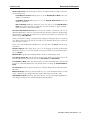
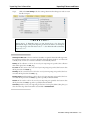
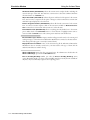
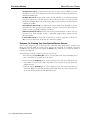
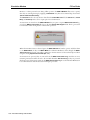
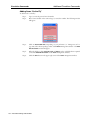
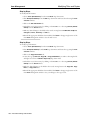
Auto-Hide Titles—Auto-hide titles if all associated copies are hidden; automatically hidden titles
will be shown if any associated copies are shown. Auto-Hide Titles is effective whether copies are
hidden/shown automatically or manually, but manually hidden titles will stay hidden.
124 – Alexandria Getting Started Guide