1
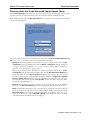
Circulation Command Basics
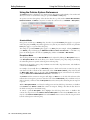
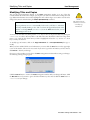
Circulation Commands
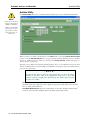
Check Out (.)
Alexandria makes it easy to check items in and out. Alexandria automatically determines whether a
barcode you enter belongs to a patron or an item and whether that item is already checked out. Because of
this, Alexandria can usually determine the appropriate course of action.
In addition, while you are performing transactions, Alexandria automatically computes due dates, adjusts
for closed dates, verifies policies, and collects statistics.
- N
O T E
-
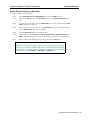
You can use the equal sign as a substitute for the barcode of the current item in any
command. For example, if the current item is 3000, then “H=” is the same command
as H3000.
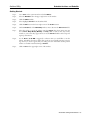
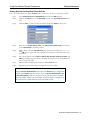
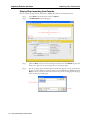
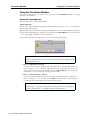
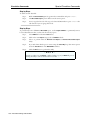
Step by Step: Checking Items Out
Use the following steps to check an item out.
Step 1.
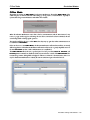
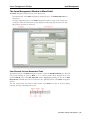
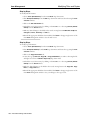
Make sure the Mode is set to Check Out (.).
Step 2.
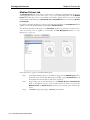
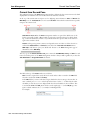
Scan (or type) the barcode of the patron who is about to check an item out. This makes
the patron current. If you do not know the patron’s barcode, use the lookup command to
find the patron and their barcode (see page 186).
Step 3.
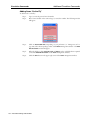
Respond to any circulation alert messages that appear.
Step 4.
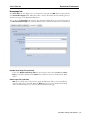
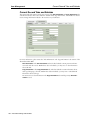
Alexandria calculates the item due date based on your Policies. To enter a different due
date, use the Set Override Date command (see page 184).
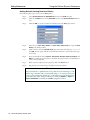
Step 5.
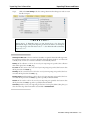
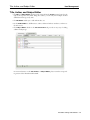
Scan (or type) the barcode(s) of the copy(s) you want to check out to the current patron.
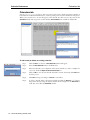
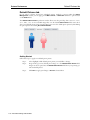
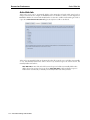
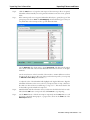
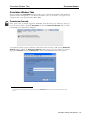
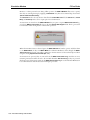
As you check items out, they become current and appear on the Circulation window; a
line will be added to the transaction log to show what items have been checked out.
182 – Alexandria Getting Started Guide