1
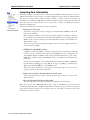
Importing Patrons and Items
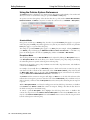
Importing Item Information
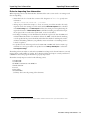
Step by Step: Importing Item Records
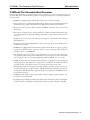
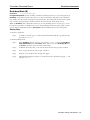
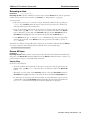
Item records may be imported into Alexandria in MARC, MicroLIF, or tab-delimited formats.
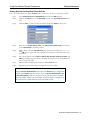
Step 1.
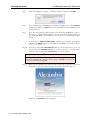
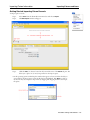
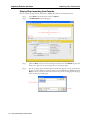
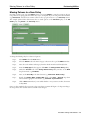
Select Tools from the menu bar and choose Import.
Step 2.
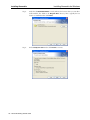
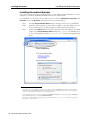
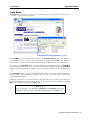
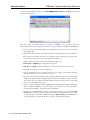
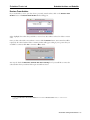
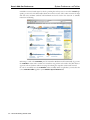
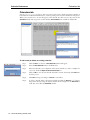
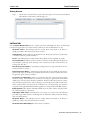
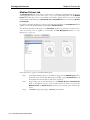
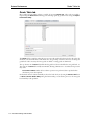
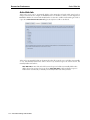
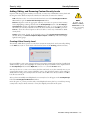
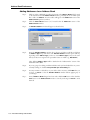
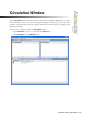
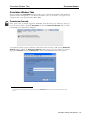
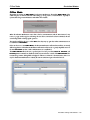
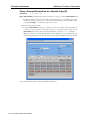
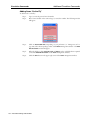
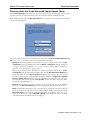
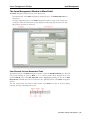
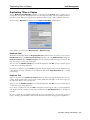
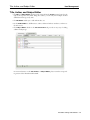
The Data Import window will appear.
Step 3.
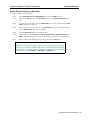
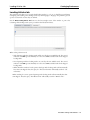
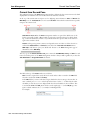
Click the Add (“+”) button, located in the bottom-left corner of the Quick tab pane; this
allows you to place one (or more) import files into the import queue.
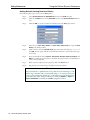
Step 4.
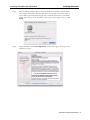
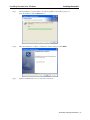
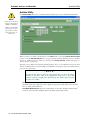
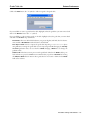
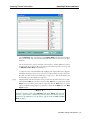
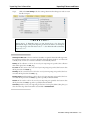
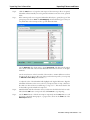
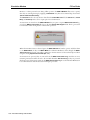
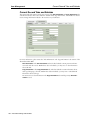
Use the operating system standard explorer window that appears to locate and select the
file that you want added to the import queue. Once the file has been highlighted, click
Open to add it to the list. You may also add item import files by dragging and dropping
them into the import field queue.
152 – Alexandria Getting Started Guide