1
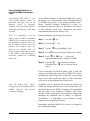
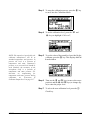
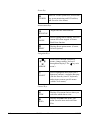
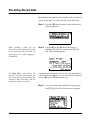
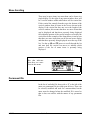
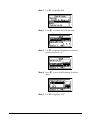
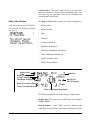
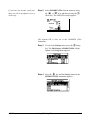
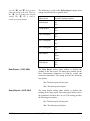
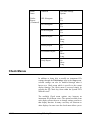
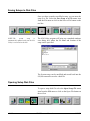
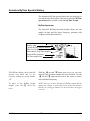
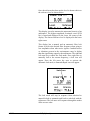
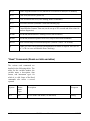
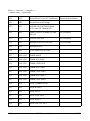
To move from one record to another,
use theuordkeys.
To exit the Data Files view, press the
lto return to the previous display
or select a new view using the V
VIEW key.
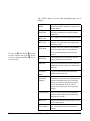
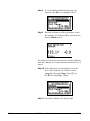
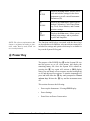
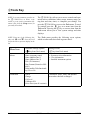
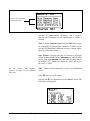
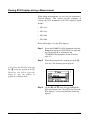
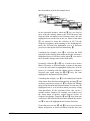
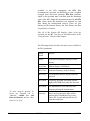
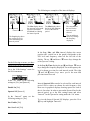
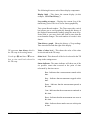
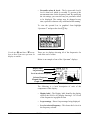
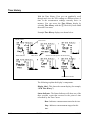
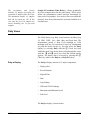
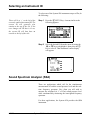
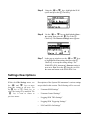
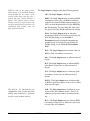
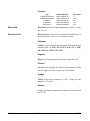
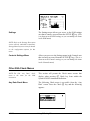
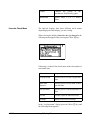
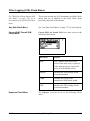
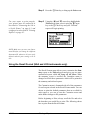
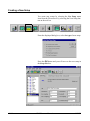
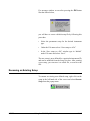
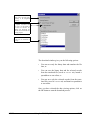
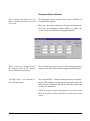
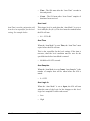
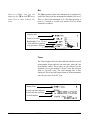
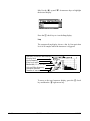
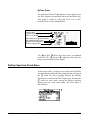
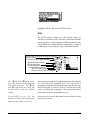
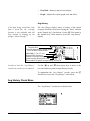
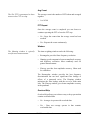
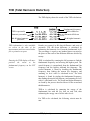
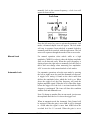
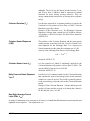
Pressing the c key from the Data
Files display, brings up a menu that
allows you to recall data, jump to
beginning or end of all records, find
a specific data file, or purge all data
files.
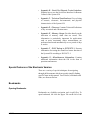
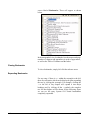
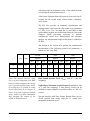
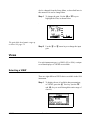
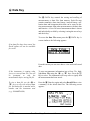
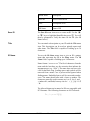
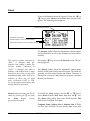
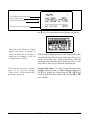
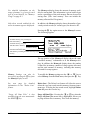
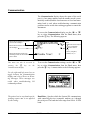
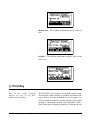
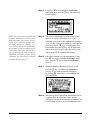
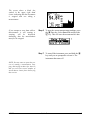
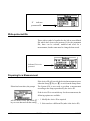
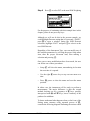
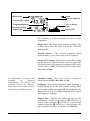
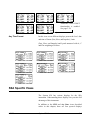
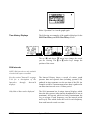
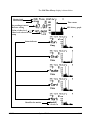
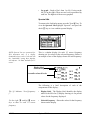
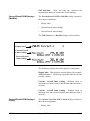
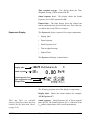
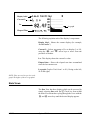
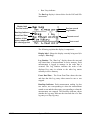
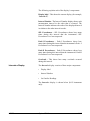
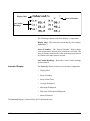
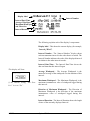
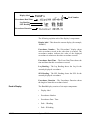
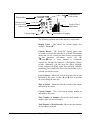
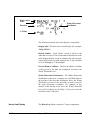
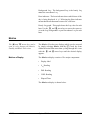
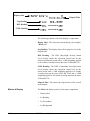
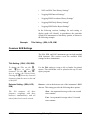
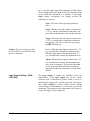
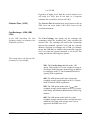
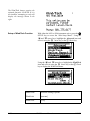
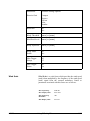
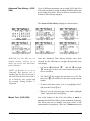
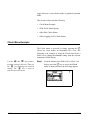
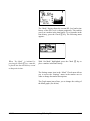
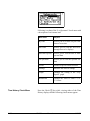
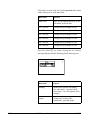
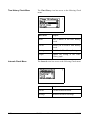
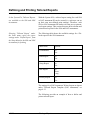
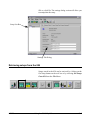
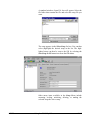
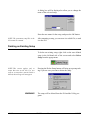
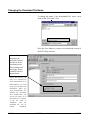
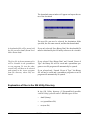
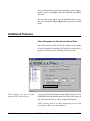
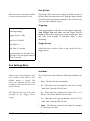
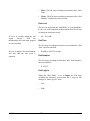
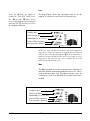
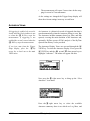
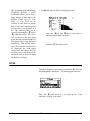
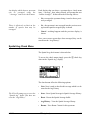
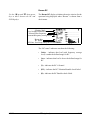
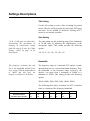
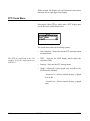
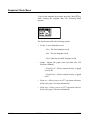
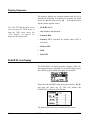
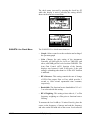
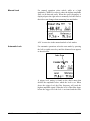
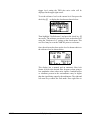
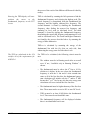
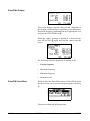
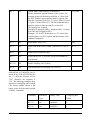
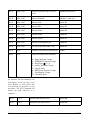
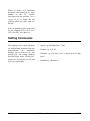
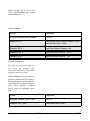
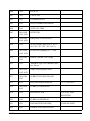
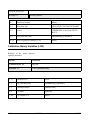
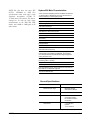
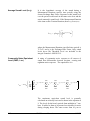
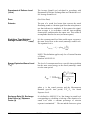
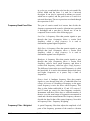
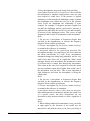
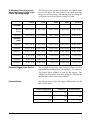
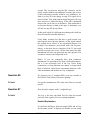
The Data Files screen shows the currently selected record
number (1/4), start & stop dates and times, and the total
bytes used by the record.
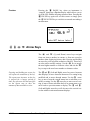
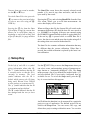
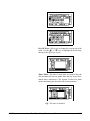
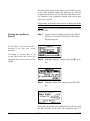
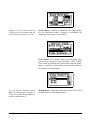
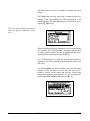
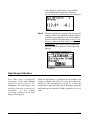
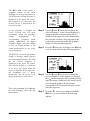
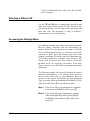
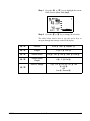
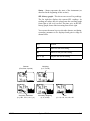
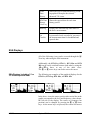
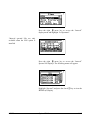
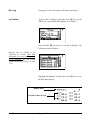
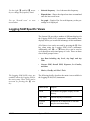
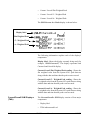
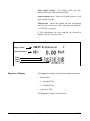
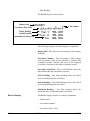
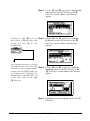
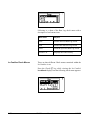
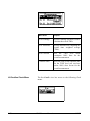
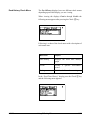
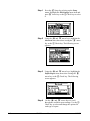
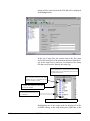
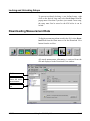
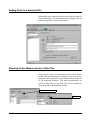
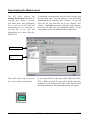
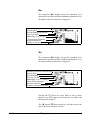
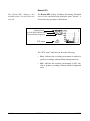
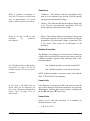
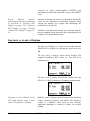
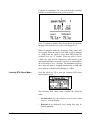
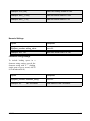
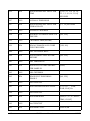
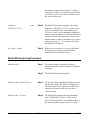
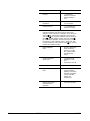
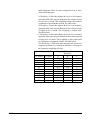
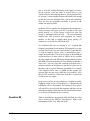
Pressing the c key and selecting Recall File from the Data
Files menu, allows you to recall that measurement. An
active data display will be shown.
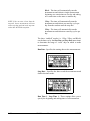
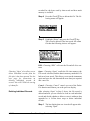
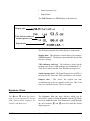
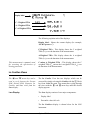
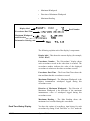
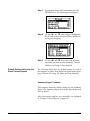
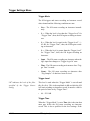
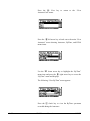
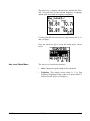
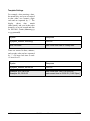
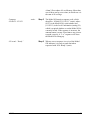
When recalling a data file, the System 824 will switch to the
instrument definitions (ID) that the data file was stored as
(i.e. SLM&RTA to Logging, if the user was currently using
the SLM&RTA instrument and recalled a Logging data file).
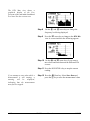
If the run key s is pressed while a recalled data file is
active, the data is reset and the new data is taken using all of
the settings that were stored with that data file.
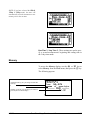
The data file also contains calibration information that may
be different than the current calibration. When Run is
pressed, the recalled calibration is replaced by the latest /current calibration.
S
Setup Key
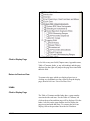
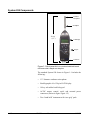
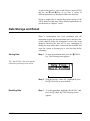
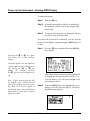
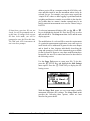
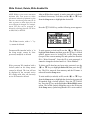
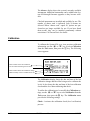
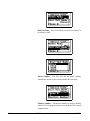
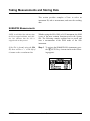
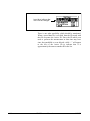
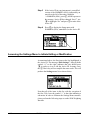
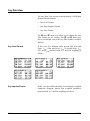
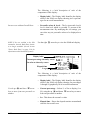
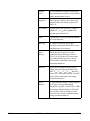
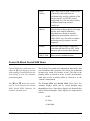
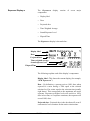
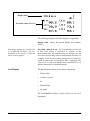
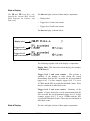
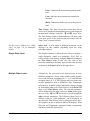
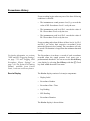
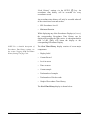
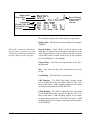
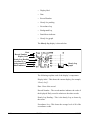
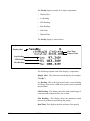
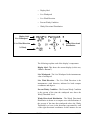
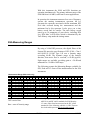
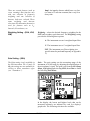
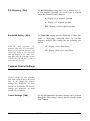
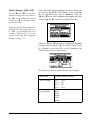
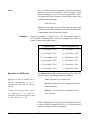
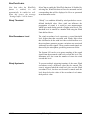
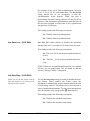
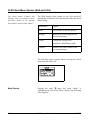
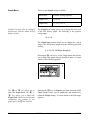
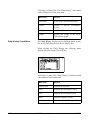
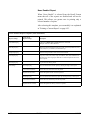
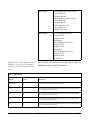
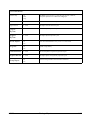
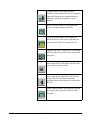
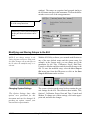
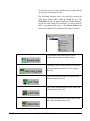
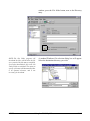
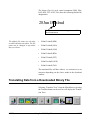
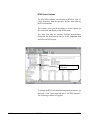
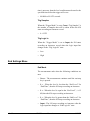
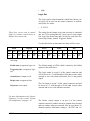
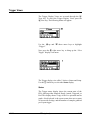
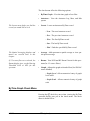
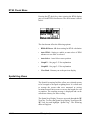
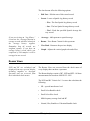
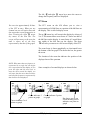
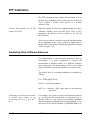
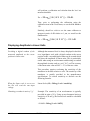
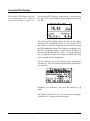
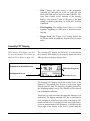
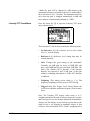
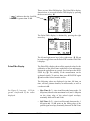
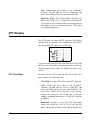
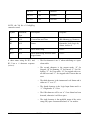
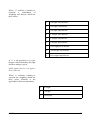
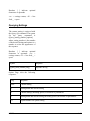
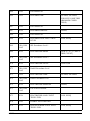
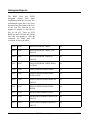
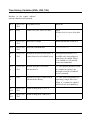
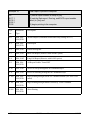
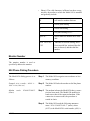
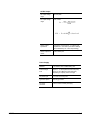
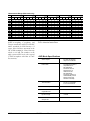
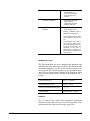
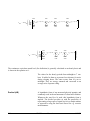
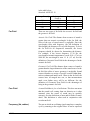
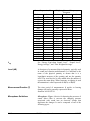
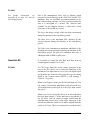
To the left of each ID is a symbol
giving information about that ID:
The ‘>’ symbol indicates that the ID
is currently active or that the ID is
currently in memory. The lock
symbol indicates that the ID is
locked which protects the ID from
being easily deleted. Press TOOLS
to write protect or un-protect an ID.
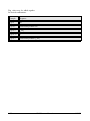
The ‘p’ symbol indicates that the ID
is permanent and pre-defined.
The’ ’ symbol indicates that the ID
has changed and has not yet been
saved.
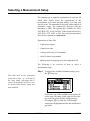
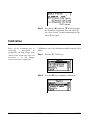
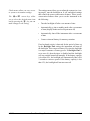
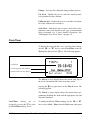
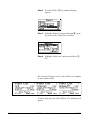
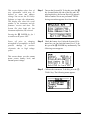
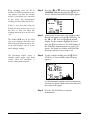
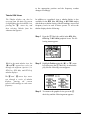
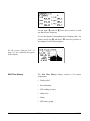
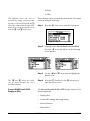
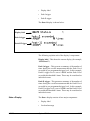
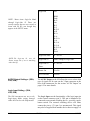
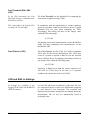
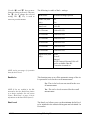
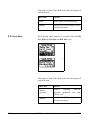
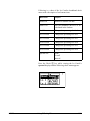
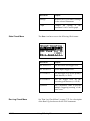
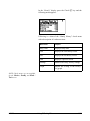
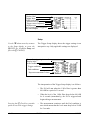
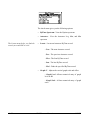
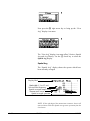
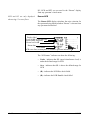
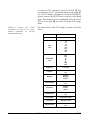
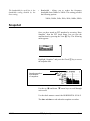
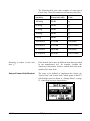
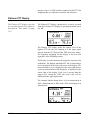
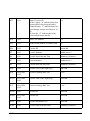
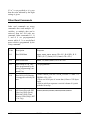
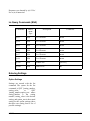
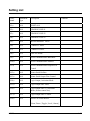
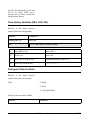
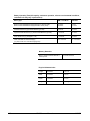
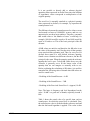
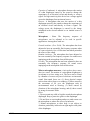
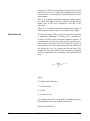
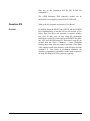
Use the S SETUP key to access the Setup menu where you
can select, create, and manipulate groups of instrument settings known as “instrument definitions” (ID). The Setup
menu presents a list of pre-defined IDs (marked with a “p”)
and user-defined IDs (if previously configured) that are
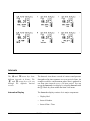
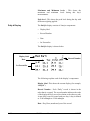
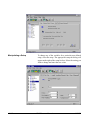
available for use. To access the Setup menu, press the S
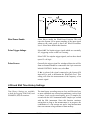
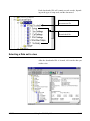
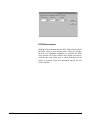
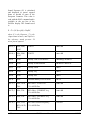
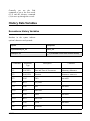
key. A screen similar to this appears:
*
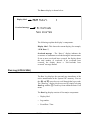
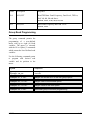
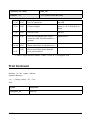
An ID defines the data that is to be measured for a particular
project or type of application. The defined project IDs are
listed in the Setup menu. You can create, edit, copy, and
delete these project settings within this menu. You can also
3-14
824 Reference Manual
9/29/09