1
APPENDIX
G
Miscellaneous Information
This appendix contains additional information about the 824
in the form of questions and answers.
Question #1
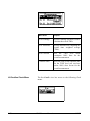
How can I delete the Instrument Definitions (ID) in the
Setup menu that are labeled permanent?
Answer
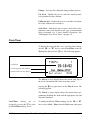
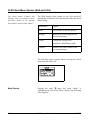
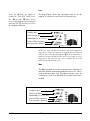
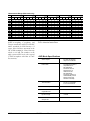
There are ten permanent IDs that come with the 824 that are
the factory default settings for the various instruments in the
824. They are there as a starting point from which to make
your own Setups and cannot be deleted. Modify each one
that you need and then save that ID with your own unique
name.
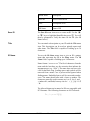
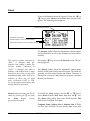
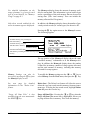
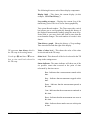
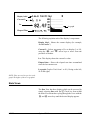
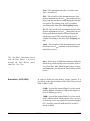
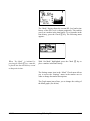
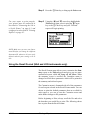
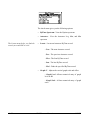
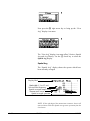
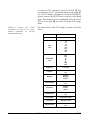
You may test drive or demo any of
the non-purchased permanent
SETUP options. Up to 20 demos are
available if the instrument is reset
(press RESET > Reset Options >
Purge All Data Files). Data cannot
be stored, downloaded or printed but
may be viewed on the display.
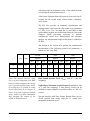
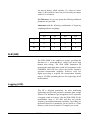
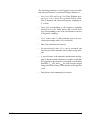
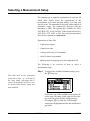
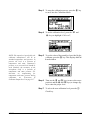
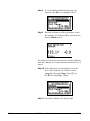
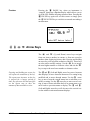
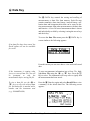
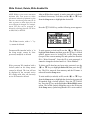
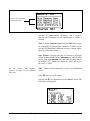
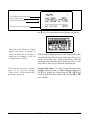
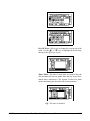
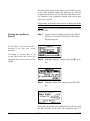
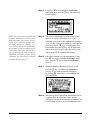
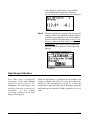
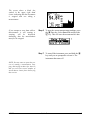
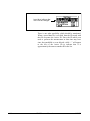
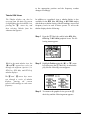
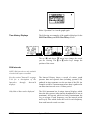
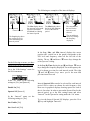
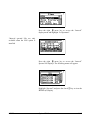
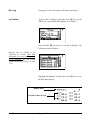
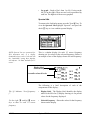
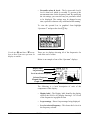
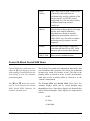
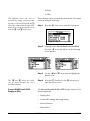
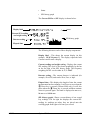
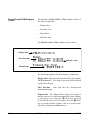
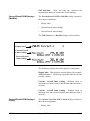
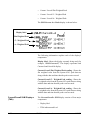
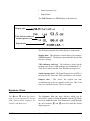
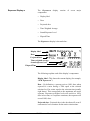
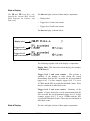
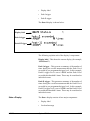
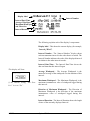
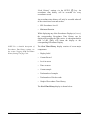
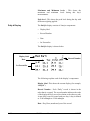
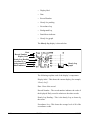
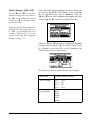
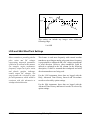
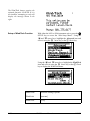
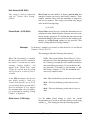
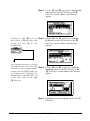
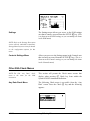
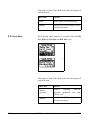
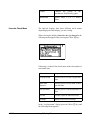
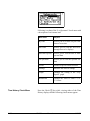
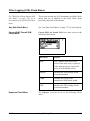
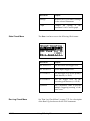
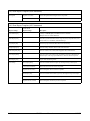
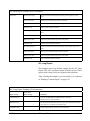
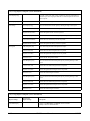
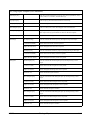
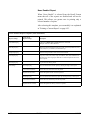
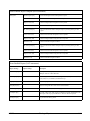
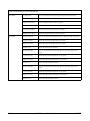
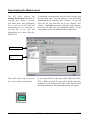
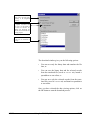
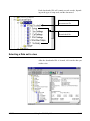
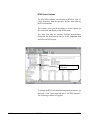
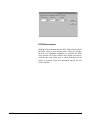
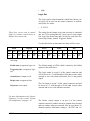
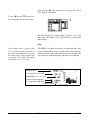
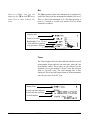
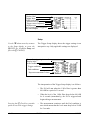
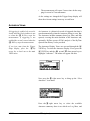
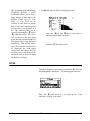
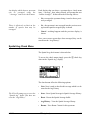
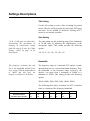
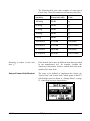
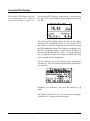
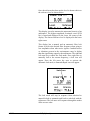
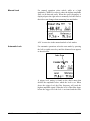
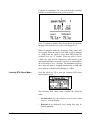
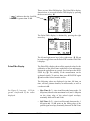
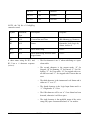
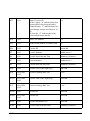
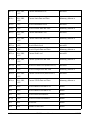
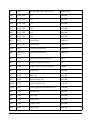
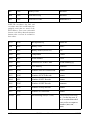
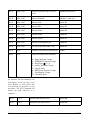
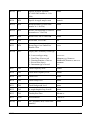
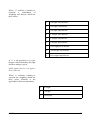
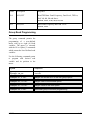
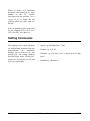
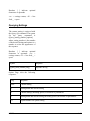
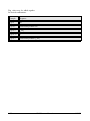
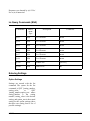
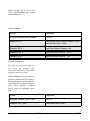
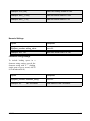
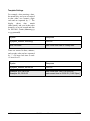
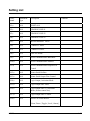
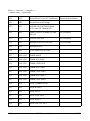
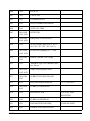
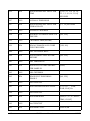
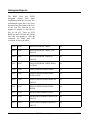
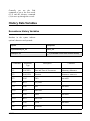
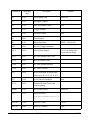
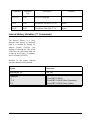
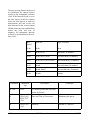
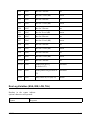
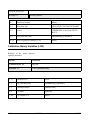
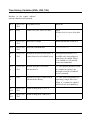
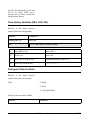
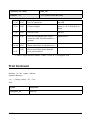
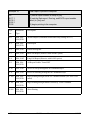
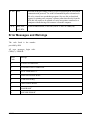
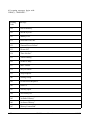
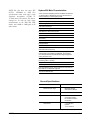
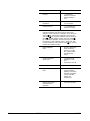
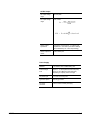
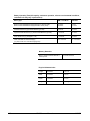
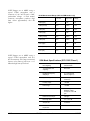
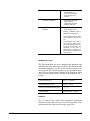
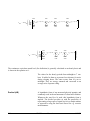
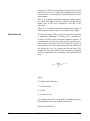
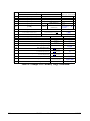
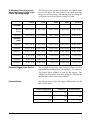
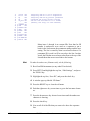
You can, however, separate the permanent IDs from your
own custom IDs with a special ID whose name is all
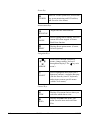
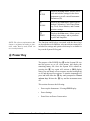
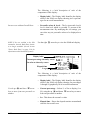
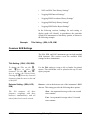
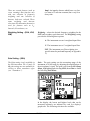
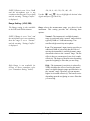
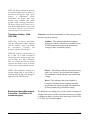
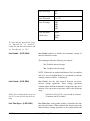
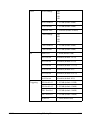
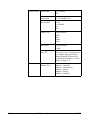
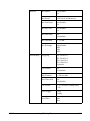
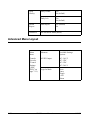
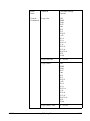
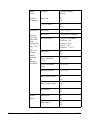
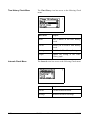
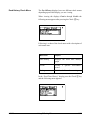
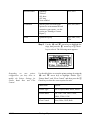
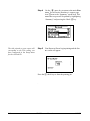
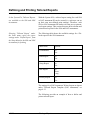
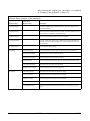
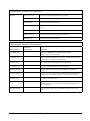
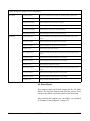
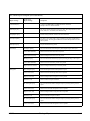
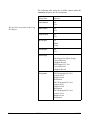
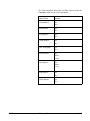
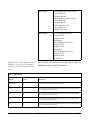
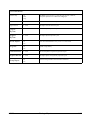
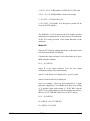
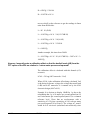
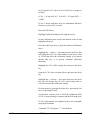
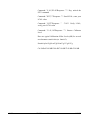
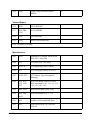
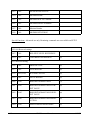
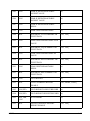
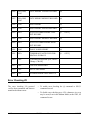
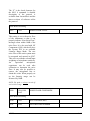
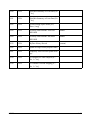
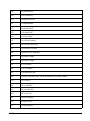
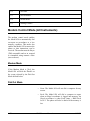
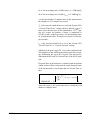
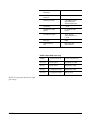
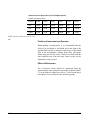
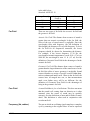
underscore characters. Your setup menu could look like this:
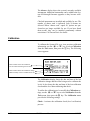
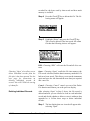
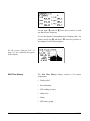
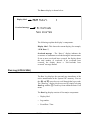
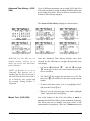
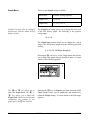
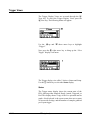
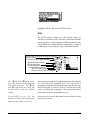
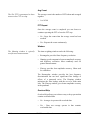
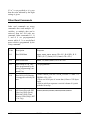
You can have as many as 50 custom
SETUPs besides the 10 permanent
setups.
9/29/09
G-1