1
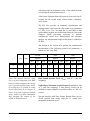
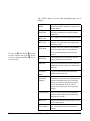
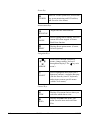
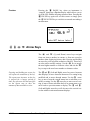
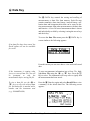
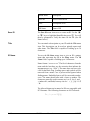
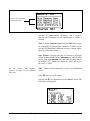
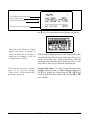
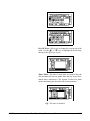
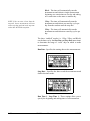
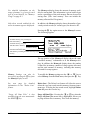
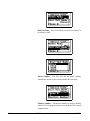
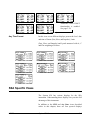
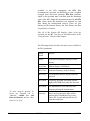
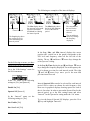
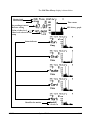
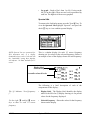
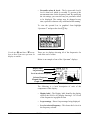
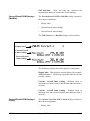
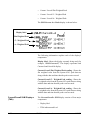
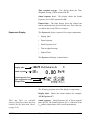
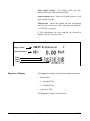
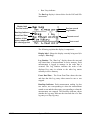
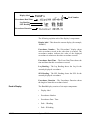
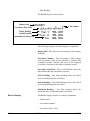
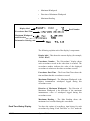
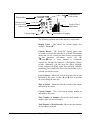
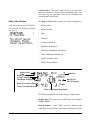
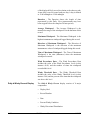
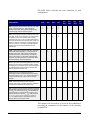
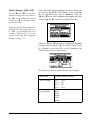
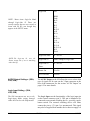
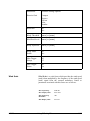
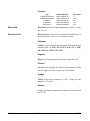
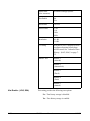
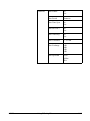
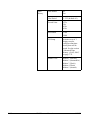
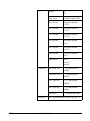
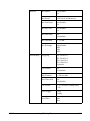
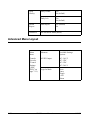
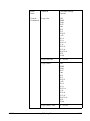
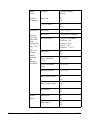
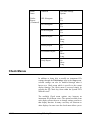
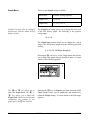
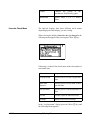
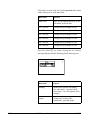
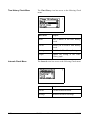
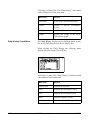
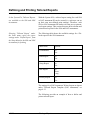
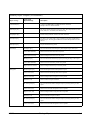
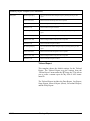
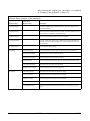
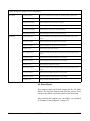
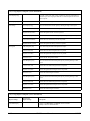
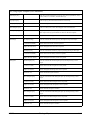
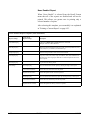
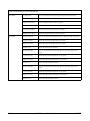
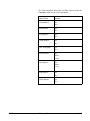
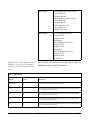
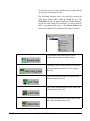
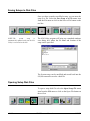
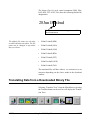
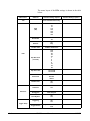
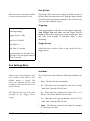
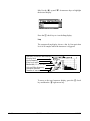
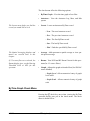
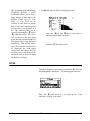
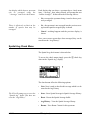
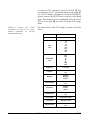
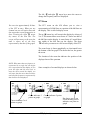
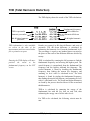
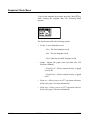
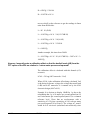
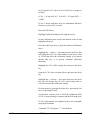
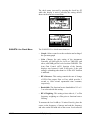
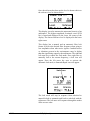
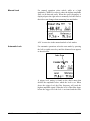
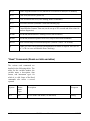
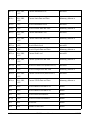
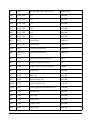
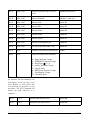
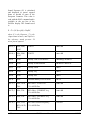
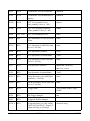
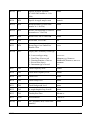
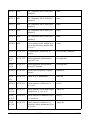
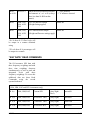
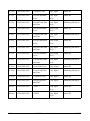
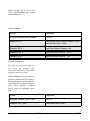
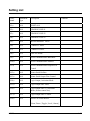
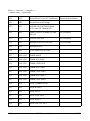
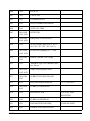
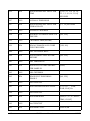
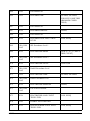
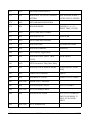
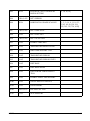
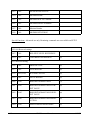
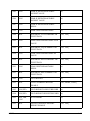
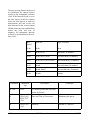
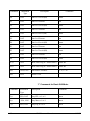
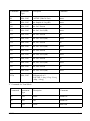
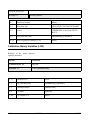
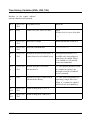
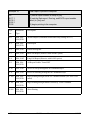
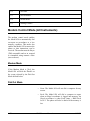
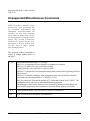
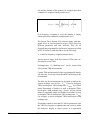
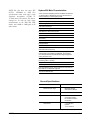
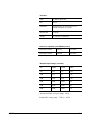
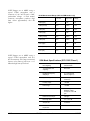
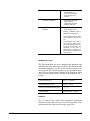
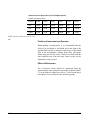
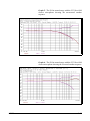
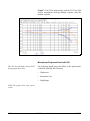
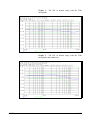
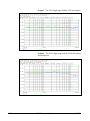
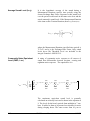
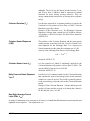
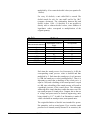
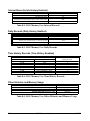
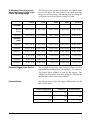
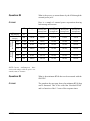
Following is a chart of the Ln Centiles spectral check menu
with a description of each menu item:
Menu Items
Purpose
Start Level
Sets the minimum dB level to be
calculated in the Ln data
Ln 1 Percent
Changes the percentage for Ln 1
Ln 2 Percent
Changes the percentage for Ln 2
Ln 3 Percent
Changes the percentage for Ln 3
Ln 4 Percent
Changes the percentage for Ln 4
Ln 5 Percent
Changes the percentage for Ln 5
Ln 6 Percent
Changes the percentage for Ln 6
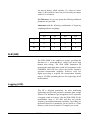
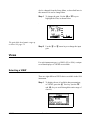
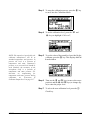
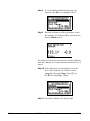
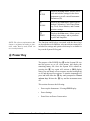
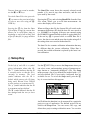
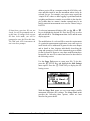
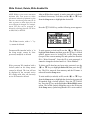
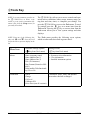
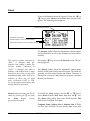
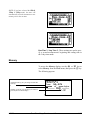
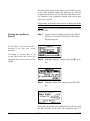
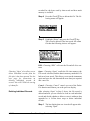
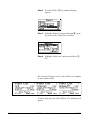
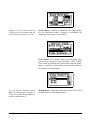
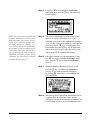
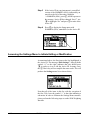
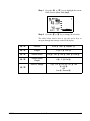
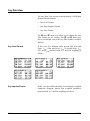
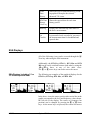
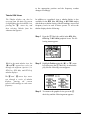
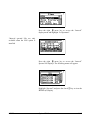
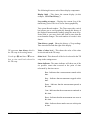
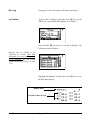
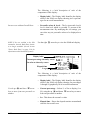
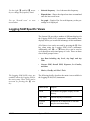
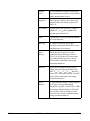
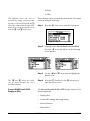
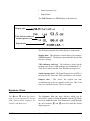
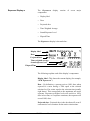
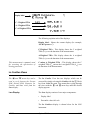
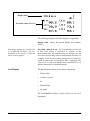
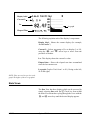
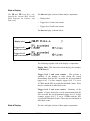
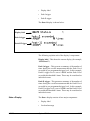
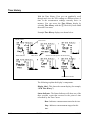
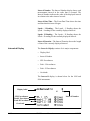
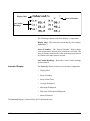
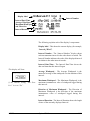
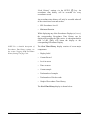
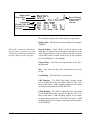
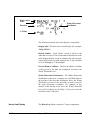
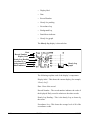
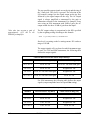
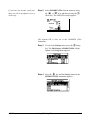
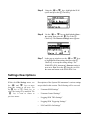
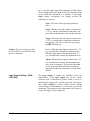
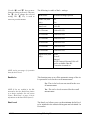
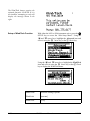
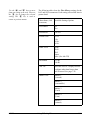
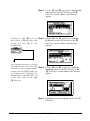
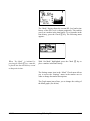
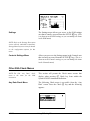
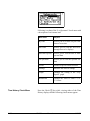
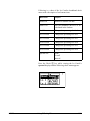
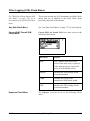
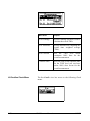
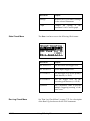
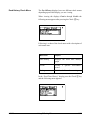
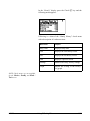
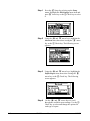
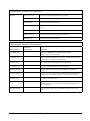
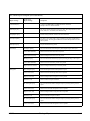
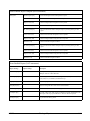
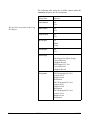
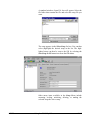
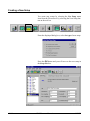
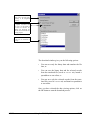
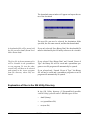
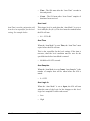
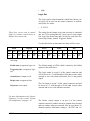
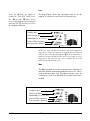
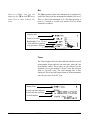
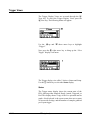
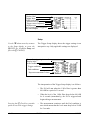
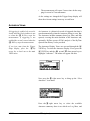
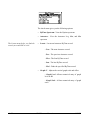
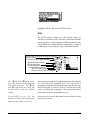
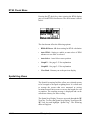
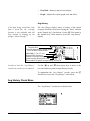
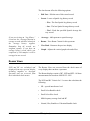
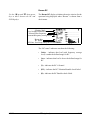
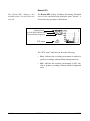
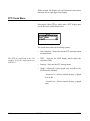
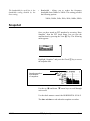
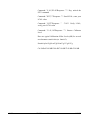
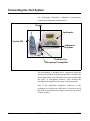
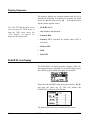
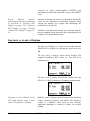
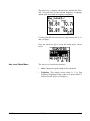
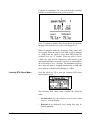
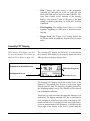
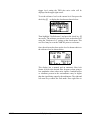
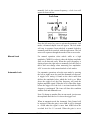
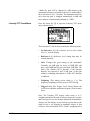
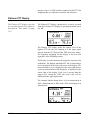
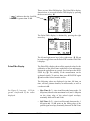
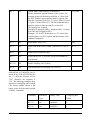
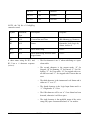
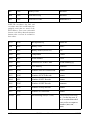
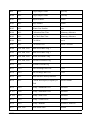
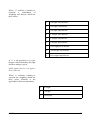
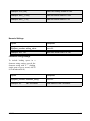
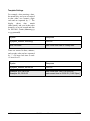
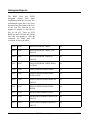
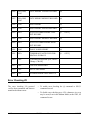
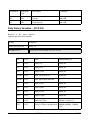
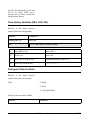
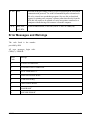
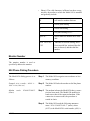
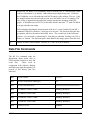
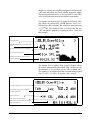
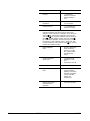
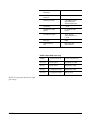
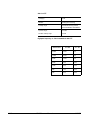
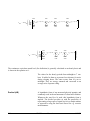
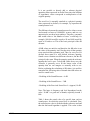
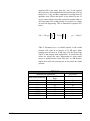
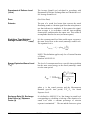
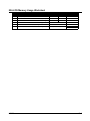
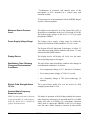
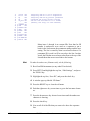
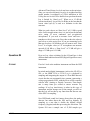
Press the Check c key while viewing the Ln Centile’s
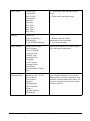
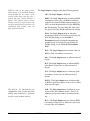
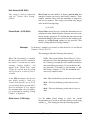
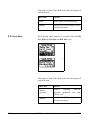
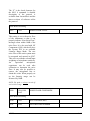
spectrum displays and the following check menu appears:
7-72
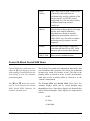
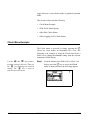
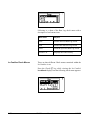
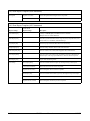
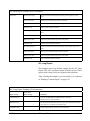
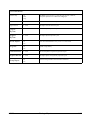
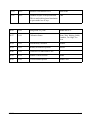
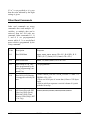
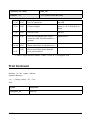
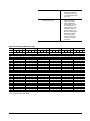
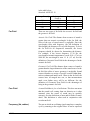
Menu Items
Purpose
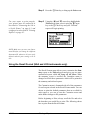
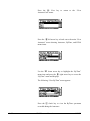
Settings
Modifies the spectral Ln settings.
(See table above, “spectral check
menu items”, for a description of the
settings)
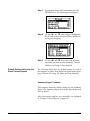
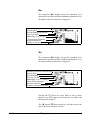
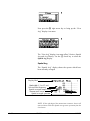
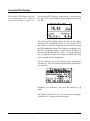
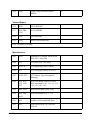
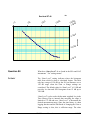
Graph
Changes the scaling of the
instrument’s spectrum graph.
824 Reference Manual
9/29/09