1
6-4
Using 160-DN1 with DeviceNet Scanner
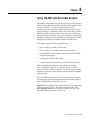
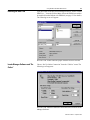
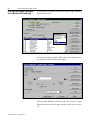
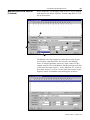
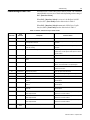
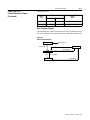
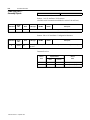
Perform Network Who
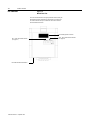
Choose “Network Who” from the who menu. The following screen
will appear:
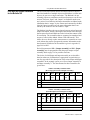
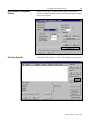
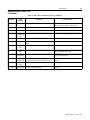
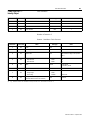
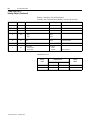
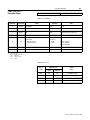
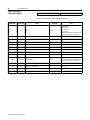
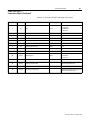
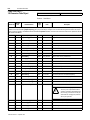
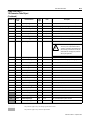
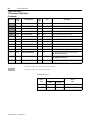
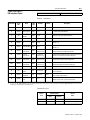
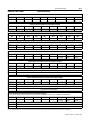
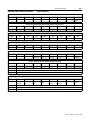
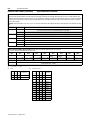
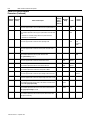
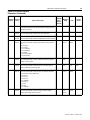
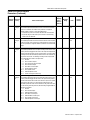
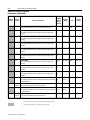
Invoke 160 Configuration Screen
Choose the Bulletin 160 by double clicking on the Bulletin 160
Image. This will invoke the 160 configuration screen and allow you to
change setup parameters in the drive. The following screen will
appear:
Publication 0160-5.5 - September 1997