1
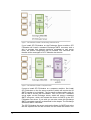
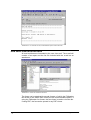
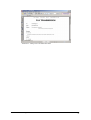
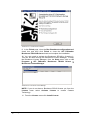
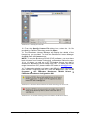
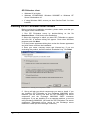
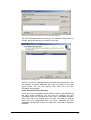
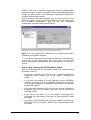
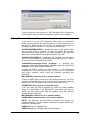
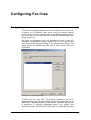
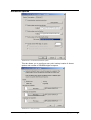
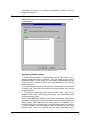
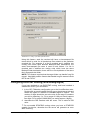
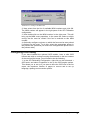
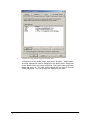
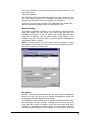
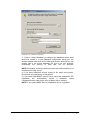
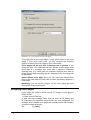
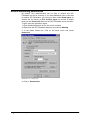
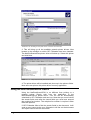
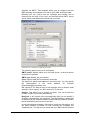
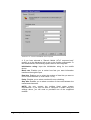
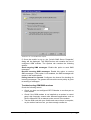
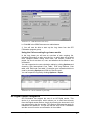
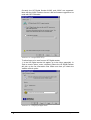
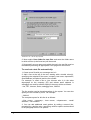
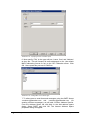
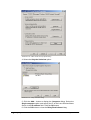
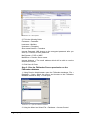
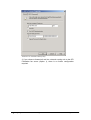
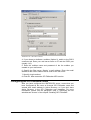
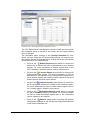
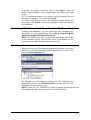
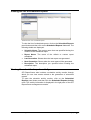
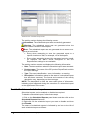
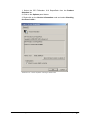
Screenshot 116 - Cover page/ Front cover note options
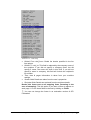
If you right click on the cover pages > cover pages node, or the cover
pages > front cover notes node, you can configure the following
options for either the cover pages or front cover notes:
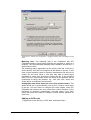
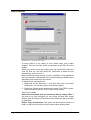
Cover pages will be sent only if message text is present: If you
check this field, GFI FAXmaker will only include a cover page when
users type in a message text. Note that a signature constitutes
message text, so if users have an automatic signature they have to
delete this text before sending the fax, otherwise a fax cover page will
be generated.
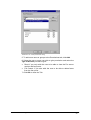
Select default cover page: Here you can select the default cover
page to be used when the user has not been specifically assigned a
cover page.
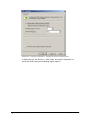
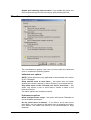
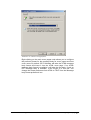
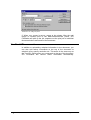
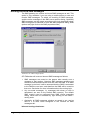
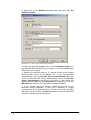
Rendering: You can set the margins for the cover pages and front
cover notes in the rendering tab.
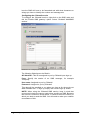
Designing cover pages
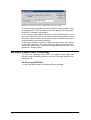
Cover pages are made in HTML format. To design a cover page in
HTML format:
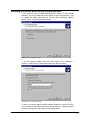
1. Create a new HTML file.
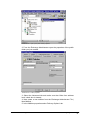
2. Add text and message fields such as such as [R_Name] and
[R_Company] (for supported merge fields, see next paragraph). For
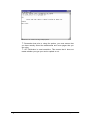
example, a very simple cover page with recipient name and company
could be created as follows:
To:
118 • Configuring Cover pages
[r_name]
GFI FAXmaker for Exchange/SMTP Manual