1
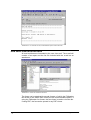
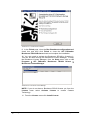
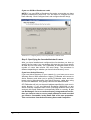
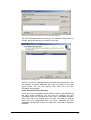
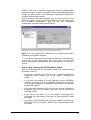
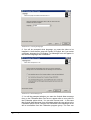
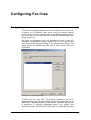
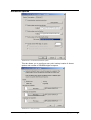
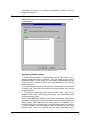
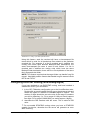
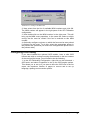
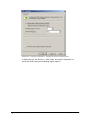
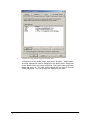
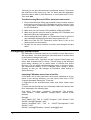
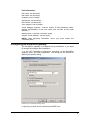
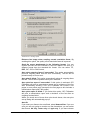
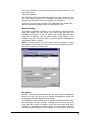
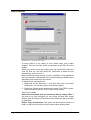
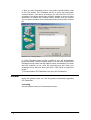
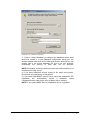
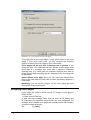
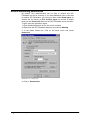
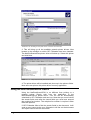
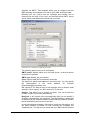
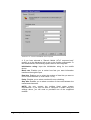
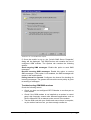
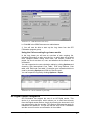
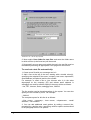
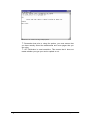
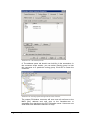
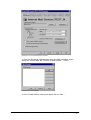
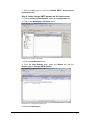
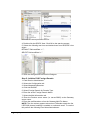
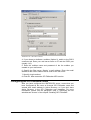
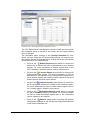
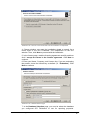
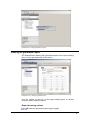
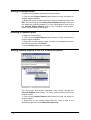
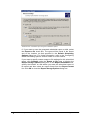
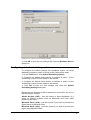
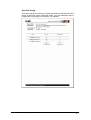
Screenshot 212 – Microsoft Access reporting database
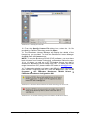
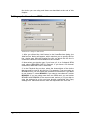
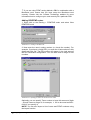
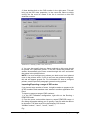
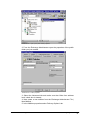
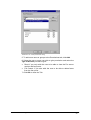
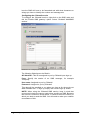
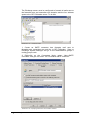
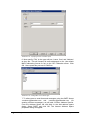
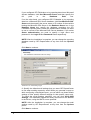
6. Click OK to save the new settings and close the Database Source
dialog box.
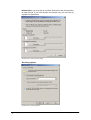
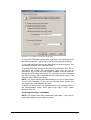
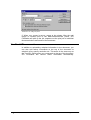
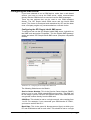
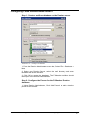
Configuring default scheduling options
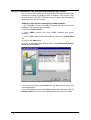
To configure the default settings the scheduled reports use when
distributing reports by email or saving to disk, follow these steps:
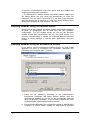
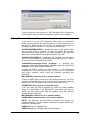
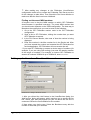
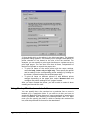
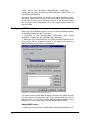
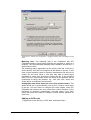
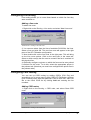
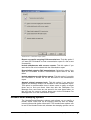
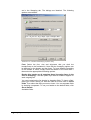
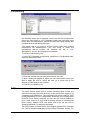
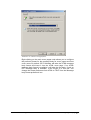
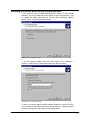
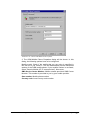
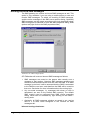
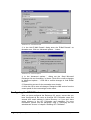
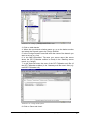
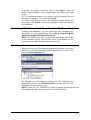
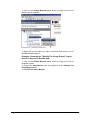
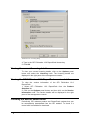
1. On the Tools menu, click Default Scheduling Options.
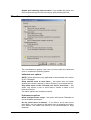
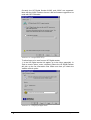
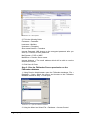
2. Configure the default email options as outlined in point 7 of the
‘Scheduling a report’ section earlier in the manual.
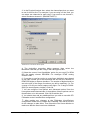
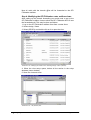
3. Configure the default folder options as outlined in point 6 of the
‘Scheduling a report’ section earlier in the manual.
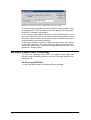
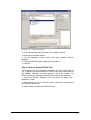
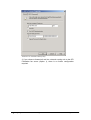
4. Click OK to save the new settings and close the Default
Scheduling Settings dialog box.
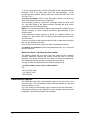
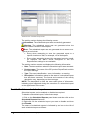
Reports can be exported to disk or attached to an email in any one of
the following file formats:
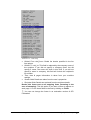
Adobe Acrobat (.PDF) - Use this format to allow distribution of a
report on different systems such as Macintosh and Linux while
preserving the layout.
Microsoft Excel (.XLS) - Use this format if you want to process the
report further in Microsoft Excel.
Microsoft Word (.DOC) - Use this format if you want to access this
report using Microsoft Word.
GFI FAXmaker for Exchange/SMTP Manual
GFI FAXmaker ReportPack - Configuring default options • 225