1
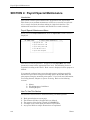
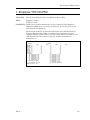
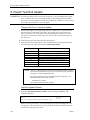
Payroll Variable File
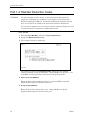
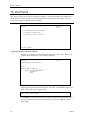
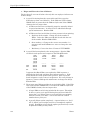
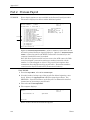
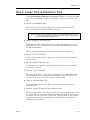
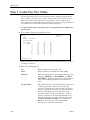
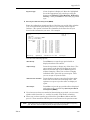
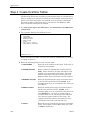
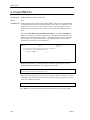
7. Check Printing Options
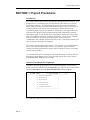
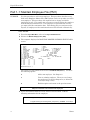
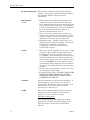
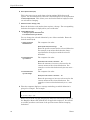
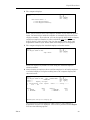
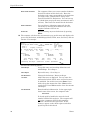
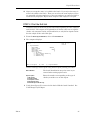
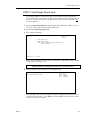
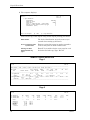
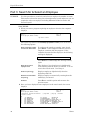
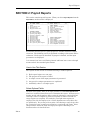
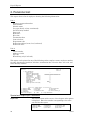
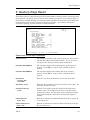
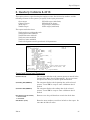
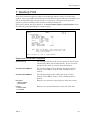
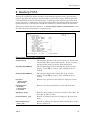
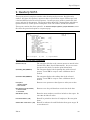
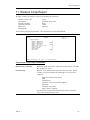
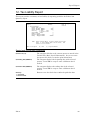
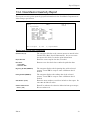
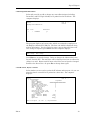
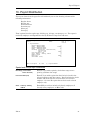
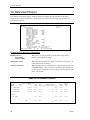
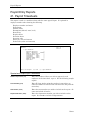
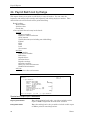
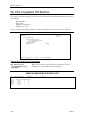
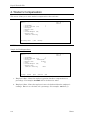
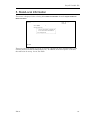
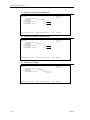
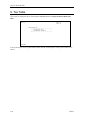
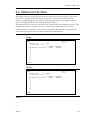
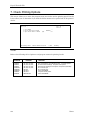
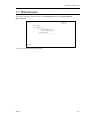
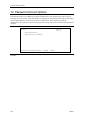
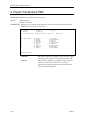
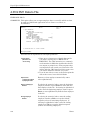
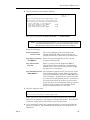
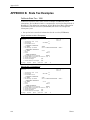
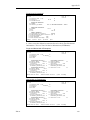
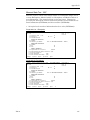
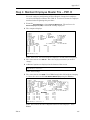
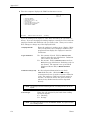
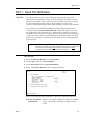
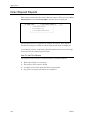
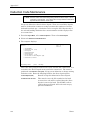
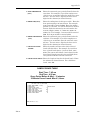
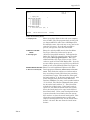
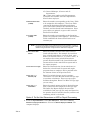
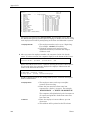
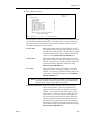
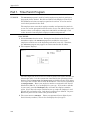
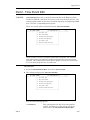
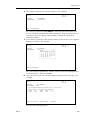
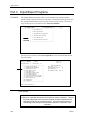
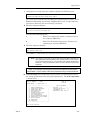
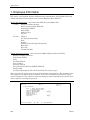
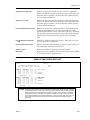
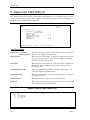
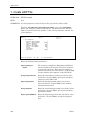
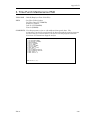
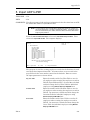
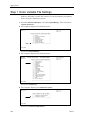
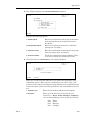
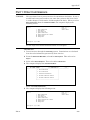
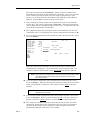
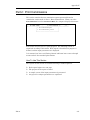
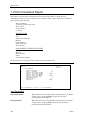
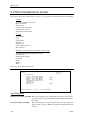
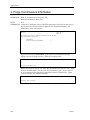
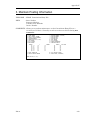
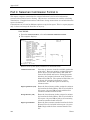
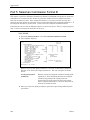
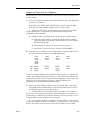
This screen allows you to enter the program name use wish to use for printing payroll checks.
It also allows you to determine if you wish the dollar amount to be spelled out on the printed
checks.
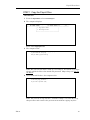
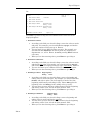
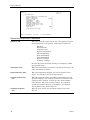
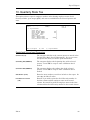
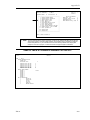
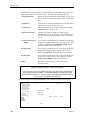
CSVM0807 Payroll Check Printing Options
Rev7.0.50
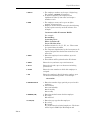
1. Store Number
2. Payroll Check Print Program
3. Spell Dollar Amount on Checks
<Esc>=Change Store
ABC LUMBER COMPANY
(Y/N)
Date mm/dd/yy
Port 38
Store 01
1
DS06604N____
Y
<Tab>=Go Forward One Field
(.)=End
<F1>=Help
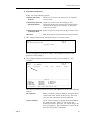
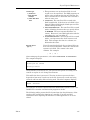
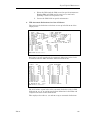
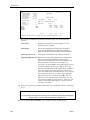
NOTES:
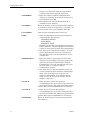
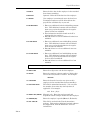
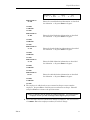
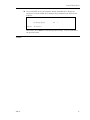
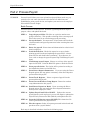
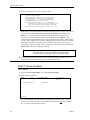
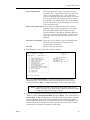
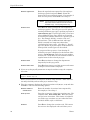
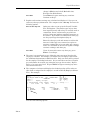
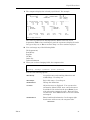
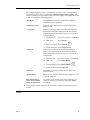
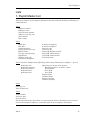
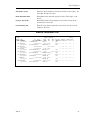
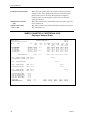
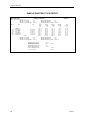
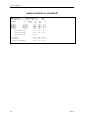
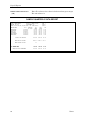
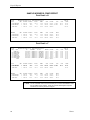
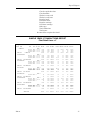
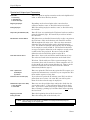
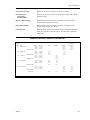
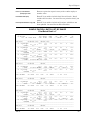
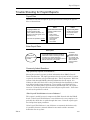
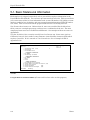
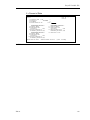
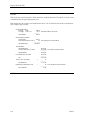
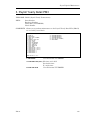
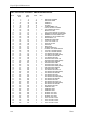
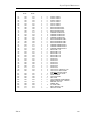
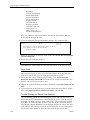
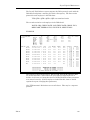
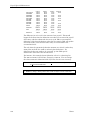
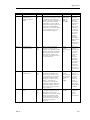
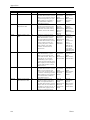
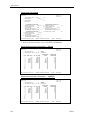
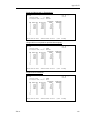
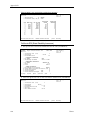
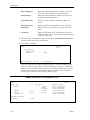
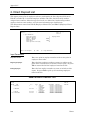
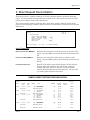
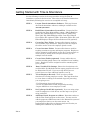
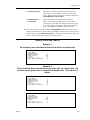
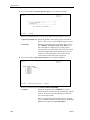
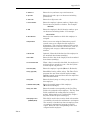
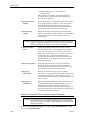
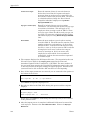
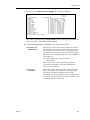
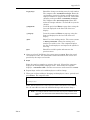
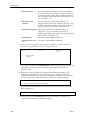
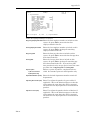
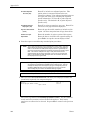
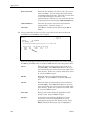
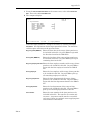
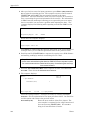
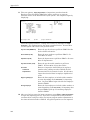
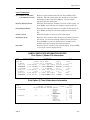
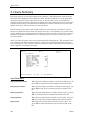
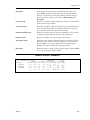
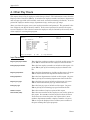
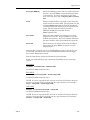
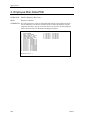
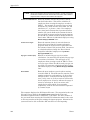
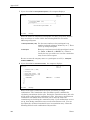
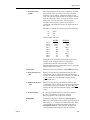
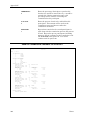
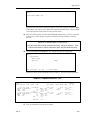
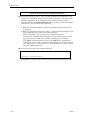
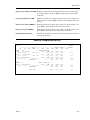
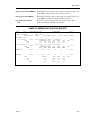
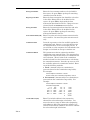
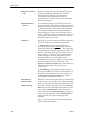
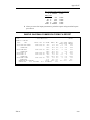
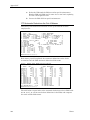
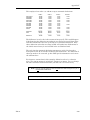
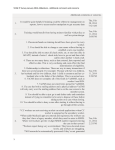
Refer to the following table of printers and program names for printing checks.
120
PROGRAM
PRINTERS
DS06600
DS06603
DS06604
DS06604N
DS06604P
DS06604S
DS06605
DS06605I
Oki 182, 192, 292
Oki 182, 192, 292
Oki 182, 192, 292
Oki 182, 192, 292
Oki 393
Oki 2410
Oki 2410
IBM Oki 2410
FEATURES
Not compressed for non-standard printers. 1st check ejected.
No bold voucher headings. Compress check protect.
Bold voucher headings and compress check protect (standard).
No 1st check eject.
No 1st check eject.
Same as DS06604.
Compress check protect.
Same as DS06605.
Dim11