1
Chapter 5: Using the web interface
Accessing and navigating the web interface
Accessing the web interface
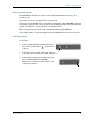
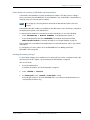
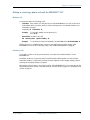
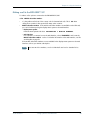
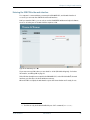
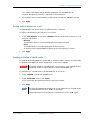
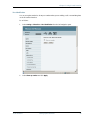
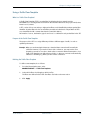
To access the web interface do as follows:
1.
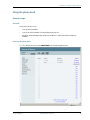
Connect your computer to the EXPLORER 527 using the LAN interface.
For further information, see Using the LAN interface on page 55.
2. Start up the EXPLORER 527.
For further information, see Getting started on page 11.
3.
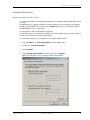
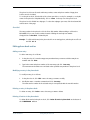
Open your browser and enter the IP address of the EXPLORER 527.
The default IP address is 192.168.0.1.
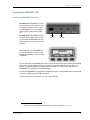
If your EXPLORER 527 uses a different IP address, you can look it up by entering the display
menu system of the EXPLORER 527 and selecting
PROPERTIES > IP ADDRESS.
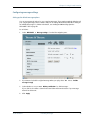
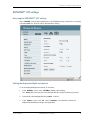
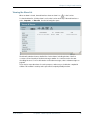
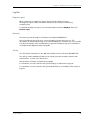
Overview of the web interface
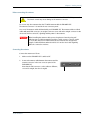
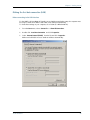
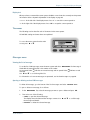
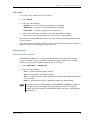
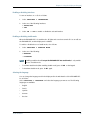
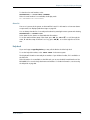
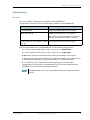
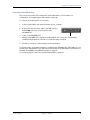
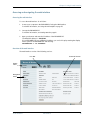
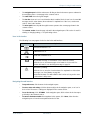
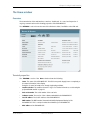
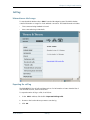
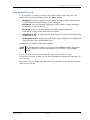
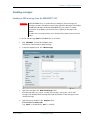
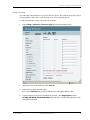
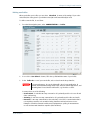
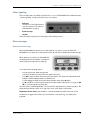
The web interface consists of the following sections.
Icon Bar
Contents Section
Status
Field
Navigation
Pane
TT 98-123789-D
Introduction
61