1
Chapter 5: Using the web interface
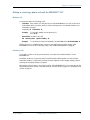
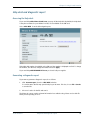
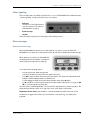
Entering the SIM PIN in the web interface
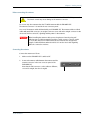
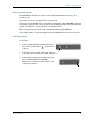
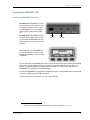
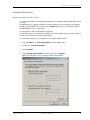
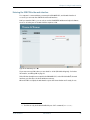
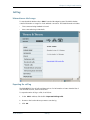
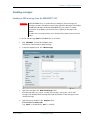
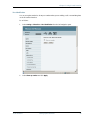
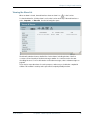
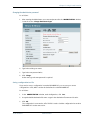
If a computer is connected when you start up the EXPLORER 527, and the web interface is
accessed, you can enter the SIM PIN from the web interface.
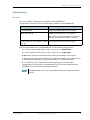
Until you enter the PIN in, you can only access the PROPERTIES window and upload software.
Access to all other parts of the web interface requires a PIN.
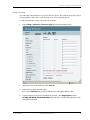
Type in the PIN and press OK.
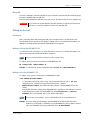
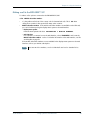
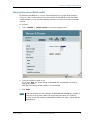
If you enter a wrong PIN 3 times you are asked for a PUK (PIN Unblocking Key). For further
information, see Wrong PIN on page 23.
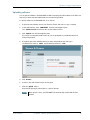
If the PIN has already been accepted in the EXPLORER 527, or the PIN is disabled1, the web
interface goes directly to the Home window at start-up.
When the PIN is accepted, the web interface opens the Home window and is ready for use.
1. The PIN can only be disabled/enabled by use of AT commands (AT+CLCK).
TT 98-123789-D
Introduction
63