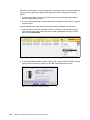
1
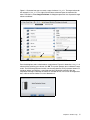
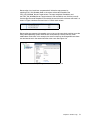
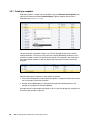
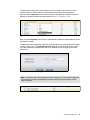
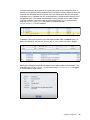
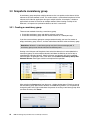
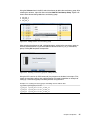
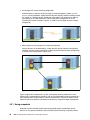
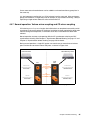
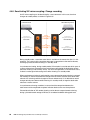
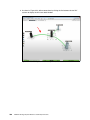
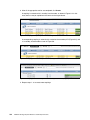
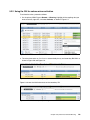
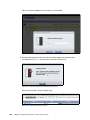
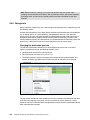
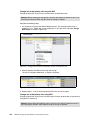
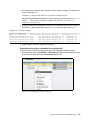
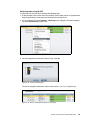
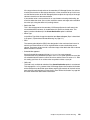
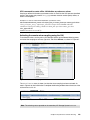
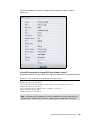
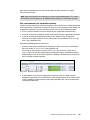
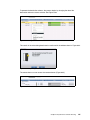
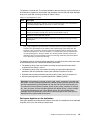
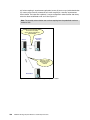
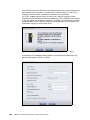
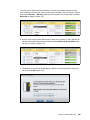
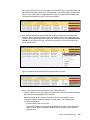
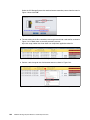
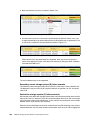
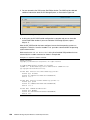
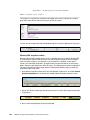
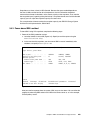
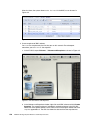
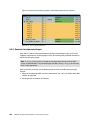
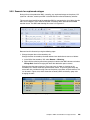
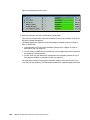
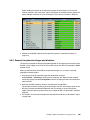
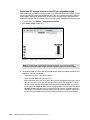
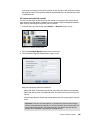
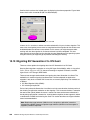
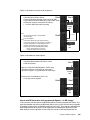
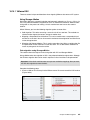
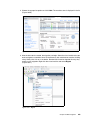
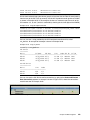
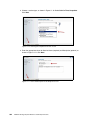
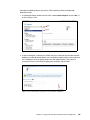
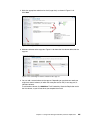
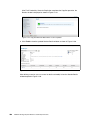
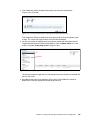
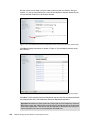
2. In the vSphere client, scan for the new XIV LUN. The LUN number matches the one used
to map the drive to the VMware server (Figure 10-54).
Figure 10-54 Scan for the new XIV LUN
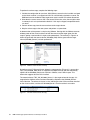
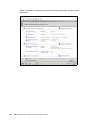
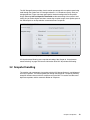
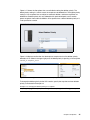
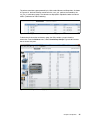
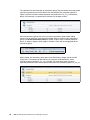
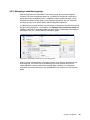
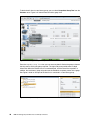
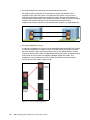
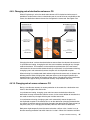
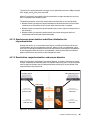
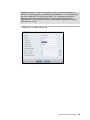
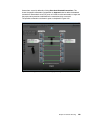
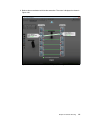
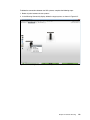
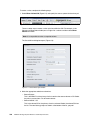
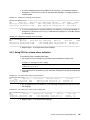
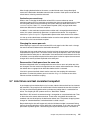
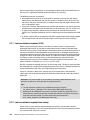
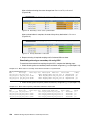
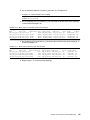
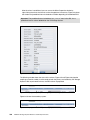
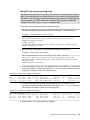
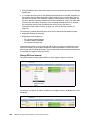
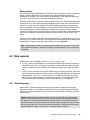
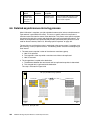
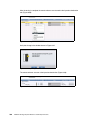
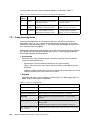
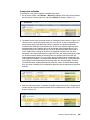
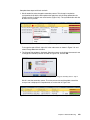
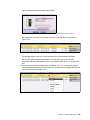
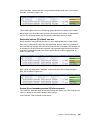
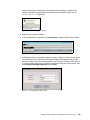
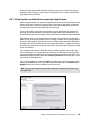
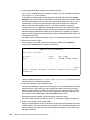
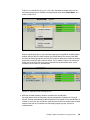
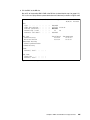
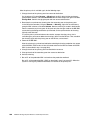
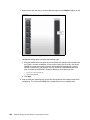
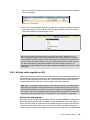
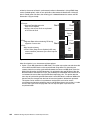
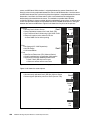
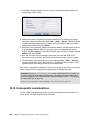
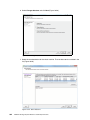
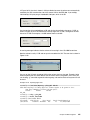
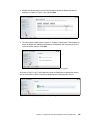
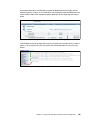
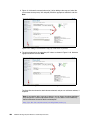
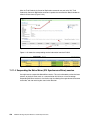
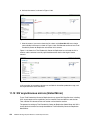
3. Go to Datastores and select Add Storage. The Add Storage window opens
(Figure 10-55).
Figure 10-55 Add storage
362
IBM XIV Storage System Business Continuity Functions