1
Setting up Your Document Manager
Drake Software User’s Manual
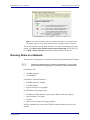
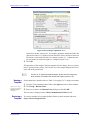
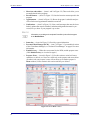
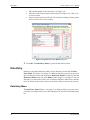
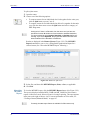
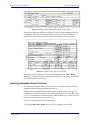
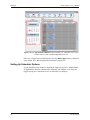
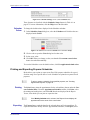
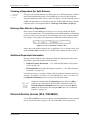
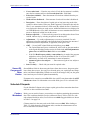
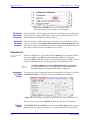
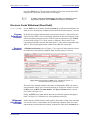
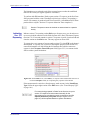
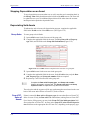
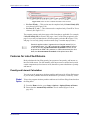
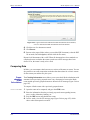
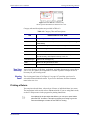
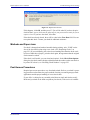
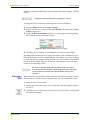
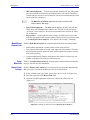
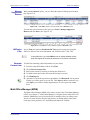
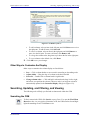
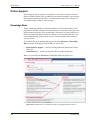
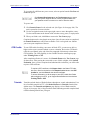
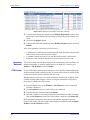
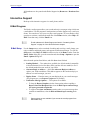
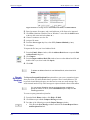
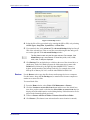
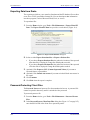
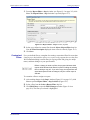
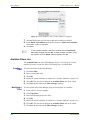
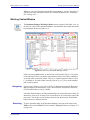
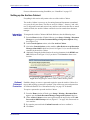
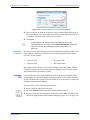
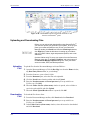
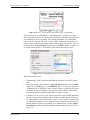
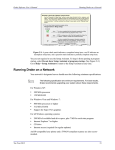
Figure 13-5: Click Find to locate files that match a search term.
To find the next instance of the search term, click Find again. Repeat as needed until
you find the folder you are looking for.
NEW FOR
2012
Adding
Individual
Subfolders
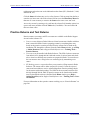
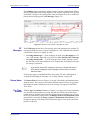
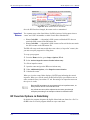
Click Hide (Figure 13-5) to hide all folders except the one you were
searching for. Click Show to restore the complete list. Click Refresh to
refresh the screen.
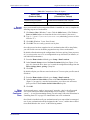
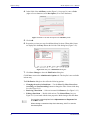
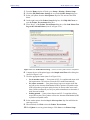
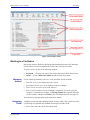
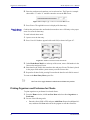
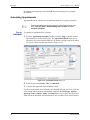
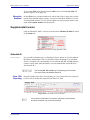
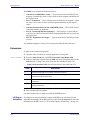
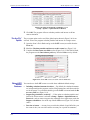
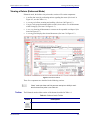
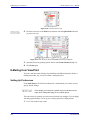
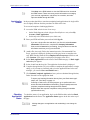
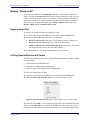
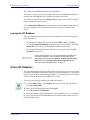
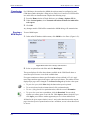
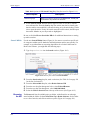
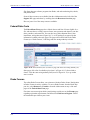
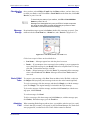
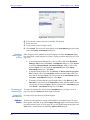
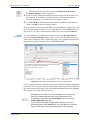
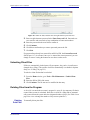
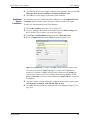
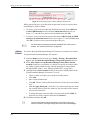
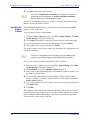
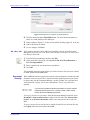
More subfolders can be added to the Drake-integrated file structure. To create additional subfolders to the Working Cabinet for individual client folders:
1.
2.
3.
4.
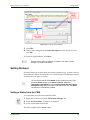
Highlight the folder in the “tree” that will contain the new subfolder.
Click New Folder.
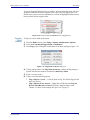
Enter a folder name in the New Folder dialog box.
Click OK. The new subfolder appears in the left pane.
Repeat these steps as needed to create more subfolders.
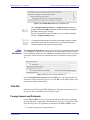
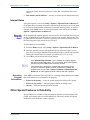
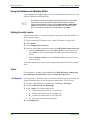
Delete subfolders by selecting them, right-clicking, and then selecting Delete SubFolder from the menu.
TIP
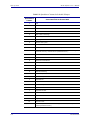
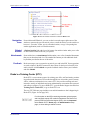
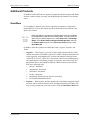
To add a subfolder to every client’s file, see “File Structure” on
page 332.
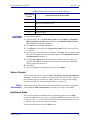
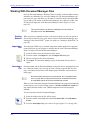
Sending Files to Archive Cabinet
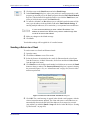
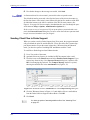
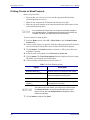
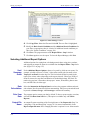
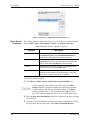
To send the documents saved during the 2012 tax season from the Working Cabinet to
the Archive Cabinet, take the following steps:
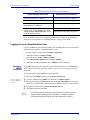
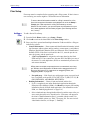
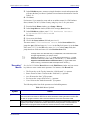
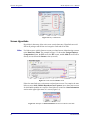
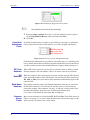
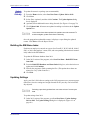
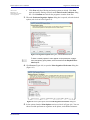
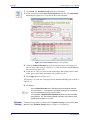
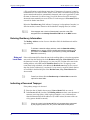
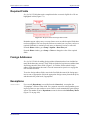
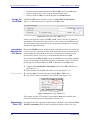
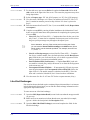
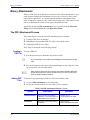
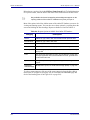
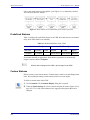
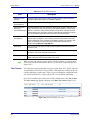
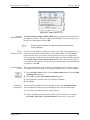
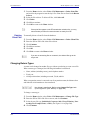
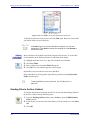
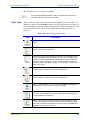
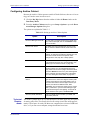
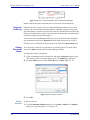
1. From the Working Cabinet toolbar, select Archive to open the DDM Cabinet
Utility window.
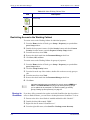
2. Select the boxes to the left of the client folders you wish to archive (or click Select
All).
3. Click OK.
336
Tax Year 2012