1
Setting up Your Document Manager
Archive
Cabinet File
Structure
Drake Software User’s Manual
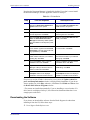
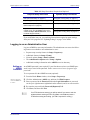
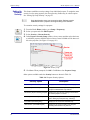
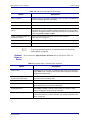
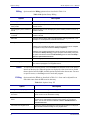
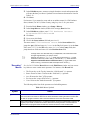
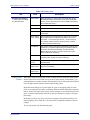
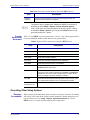
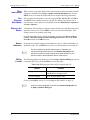
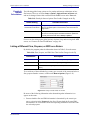
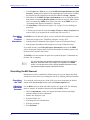
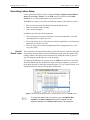
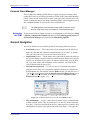
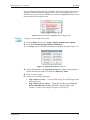
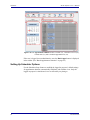
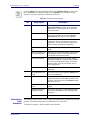
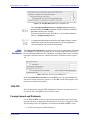
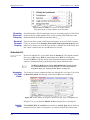
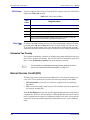
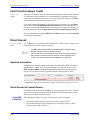
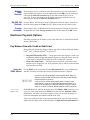
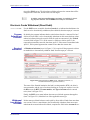
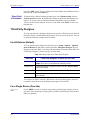
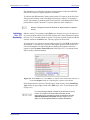
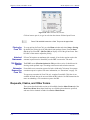
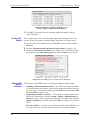
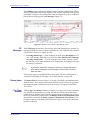
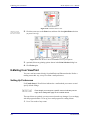
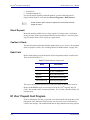
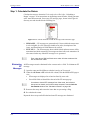
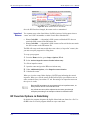
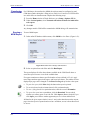
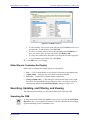
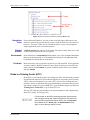
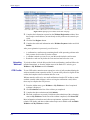
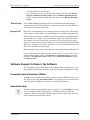
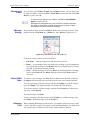
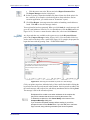
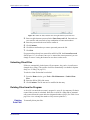
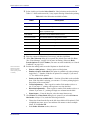
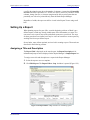
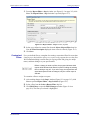
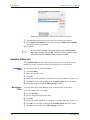
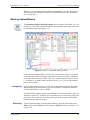
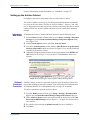
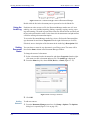
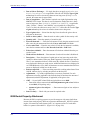
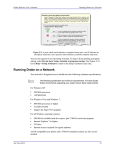
The Archive Cabinet stores files in a file structure consisting of virtual “cabinets,”
“drawers,” and “folders,” and displays them alphabetically in a “tree” (Figure 13-8).
Figure 13-8: Each “cabinet” contains “drawers,” which contain client “folders”
If you’re building your own file structure, map it out by hand before creating it in the
Archive Cabinet. More cabinets, drawers, and folders can be added to a Drake-integrated file structure.
NOTE
Customizing
File Structure
Be aware that while long file names can be used, this naming convention might not function properly on older systems that limit file names to
eight or fewer characters.
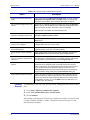
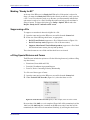
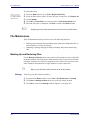
You can use the default Archive Cabinet’s file structure or customize it as needed with
new cabinets, drawers, folders, and subfolders.
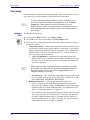
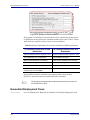
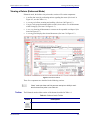
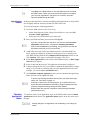
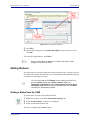
To add to individual subfolders to the Archive Cabinet’s document file structure:
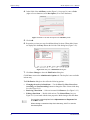
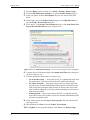
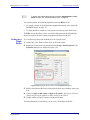
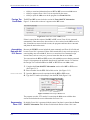
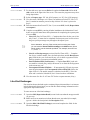
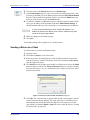
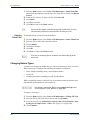
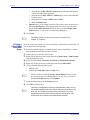
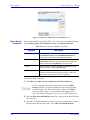
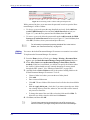
1. Open the Archive Cabinet by clicking the Doc Mgr button from the Home window of Drake or from the Data Entry Menu within a return.
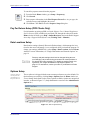
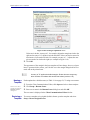
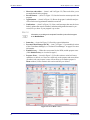
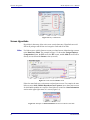
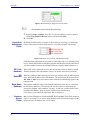
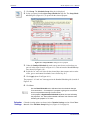
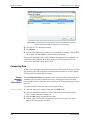
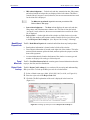
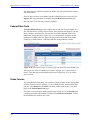
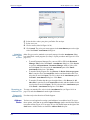
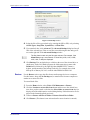
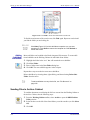
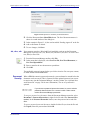
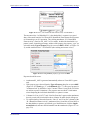
2. From the Archive Cabinet menu bar, go to Setup > Custom Folders to open the
Setup Custom Folders dialog box.
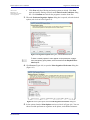
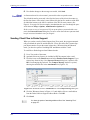
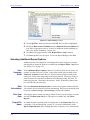
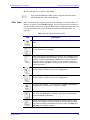
3. Click one of the blue folders in the window to indicate where you want a new
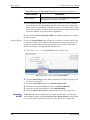
folder to appear. Click Add.
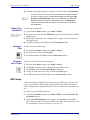
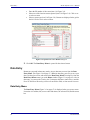
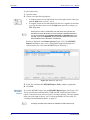
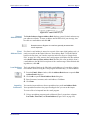
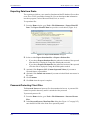
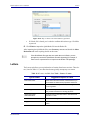
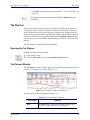
4. Enter a name for the new folder and click OK. The new folder will be inserted one
level below the existing folder. Add subfolders to any existing folder in the same
manner.
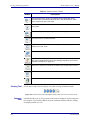
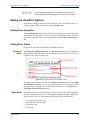
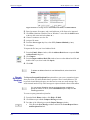
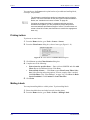
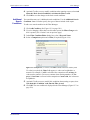
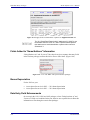
• Mark the Add custom folders to each client now... check box if you want to
insert the new folder or subfolder into all existing and new client files; otherwise, the new subfolder will be inserted only into new client files.
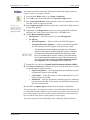
NOTE
342
If you mark the Add custom folders to each client now... check box
and click Save, the custom folder is automatically added to all clients. If
later you decide to edit or delete the custom folder, you will have to edit
or delete the folder one client at a time.
Tax Year 2012