1
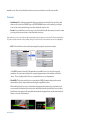
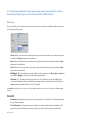
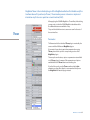
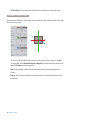
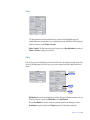
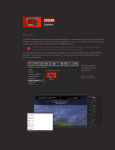
 To Color : This style provides a way to dissolve your video to a set color which can be selected by using
the drop-down menu that becomes available underneath.
This style does not provide opacity revealing the background or another image. This style dissolves
your video to reveal the color selected.
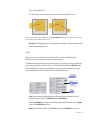
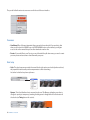
To Additive Color : This style provides a way to dissolve your video to a set color which is automatically
applied as an Additive transfer mode to your video clip. The color can be selected by using the dropdown menu that becomes available underneath.
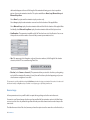
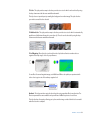
To Self Negative : When this style is selected, the video clip dissolves from its normal mode to a
negative of itself by using 2 colors of your preference.
For an effect of a normal negative image, use the Black and White color palette, or experiment with
other colors to get an out of the ordinary negative look.
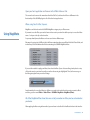
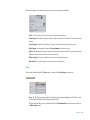
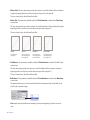
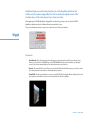
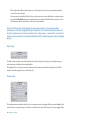
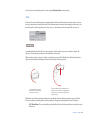
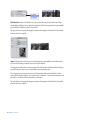
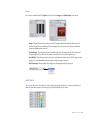
Gradient : This style provides a way to dissolve the video using a gradient effect in any direction. The
Direction parameter becomes available and you will have 4 different options to choose from.
This style dissolves the opacity, allowing you to place another image or video behind it to be revealed
when the dissolve is complete.
MagiMoto - Dissolve
51