1
TK-78K0/KF2+Voice User’s Manual
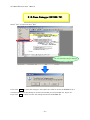
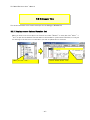
4.2.1 Run Sample Programs
The sample program has following functions.
1. Sound Play Function
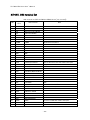
Play selected sound data from bundled 4 different sound data.
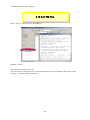
2. Sound Data Download Function (only Sample Program 2)
Download/modify sound data by connecting with PC (CvADPCM Tool).
4.2.2 Sound Play Function
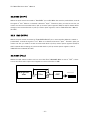
This sample application plays selected sound data from bundled 4 different sound data.
Also by switching SW4 to ON/OFF, you can check the filtering effects.
1.
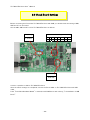
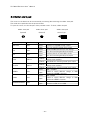
Switch operation
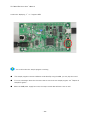
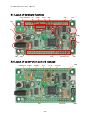
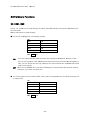
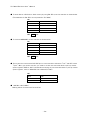
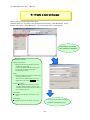
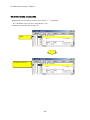
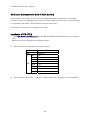
①SELECT Switch (SW2)
Select a sound data number to play from 4 different sound data on the built-in flash memory.
7segLED displays the sound data number (1→2→3→4→1・・・・).
When the sound is playing, SELECT switch (SW2) cannot be used.
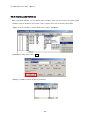
②PLAY/STOP Switch (SW3)
This can play/stop the sound.
When it is not playing the sound, you can start playing the sound by pressing the
PLAY/STOP switch (SW3) down.
When it is playing the sound, you can stop playing the sound by pressing the PLAY/STOP
switch (SW3) down.
2.
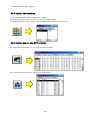
7seg-LED display
This displays the selected sound data number (1→2→3→4→1・・・・).
The selected sound data number (1-4) blinks when it is playing the sound.
【NOTE】
Check the volume level before you start playing sound.
Start with the minimum volume level, and turn up the volume gradually to find the appropriate level.
When the USB power supply has noise, the output sound data will have noise as well.
- 74 -