1
Format Paragraph
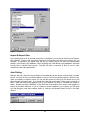
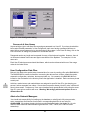
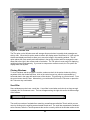
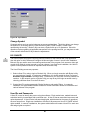
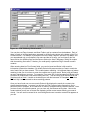
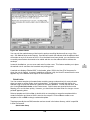
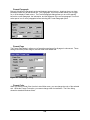
Broker’s Ally defines a paragraph as the text between two hard returns - locations where you have
pressed the Enter key to start a new line. The “paragraph” icon on the toolbar allows you to toggle
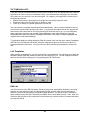
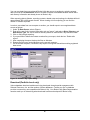
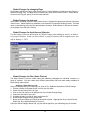
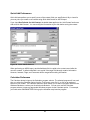
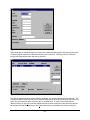
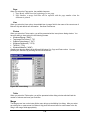
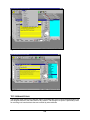
on or off the display of hard returns. The Format Paragraph dialog allows you to set the spacing
before the current paragraph, the indentation, and the alignment of the current paragraph. You must
select part of one or more paragraphs before selecting the Format Paragraph option.
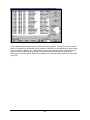
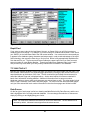
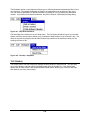
Figure 162 - Format Paragraph dialog
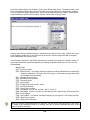
Format Page
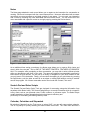
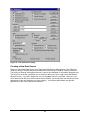
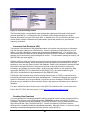
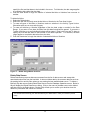
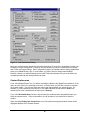
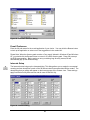
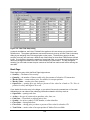
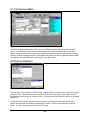
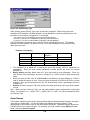
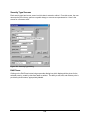
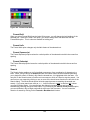
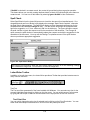
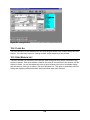
The Format Page dialog in allows you to format the page layout for all pages in a document. These
settings control the printer margins, and the width of the default tab.
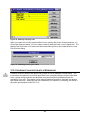
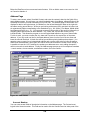
Figure 163 - Format Page dialog
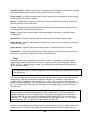
Format Color
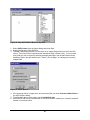
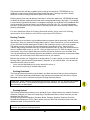
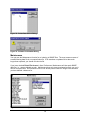
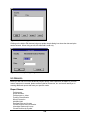
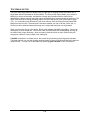
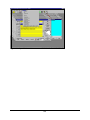
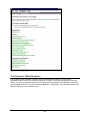
When you select Format Color from the Letter Writer menu, you can change the color of the selected
text. Unlike the Format Text option, you cannot change other font attributes. The Color dialog
shows the standard Windows colors.
166






















































































![OverView Control Manager user`s manual - operator [v04]](http://vs1.manualzilla.com/store/data/005659468_1-4c522981c7089838b286d7fbb1120c24-150x150.png)