1
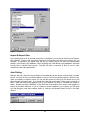
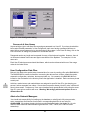
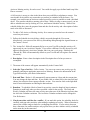
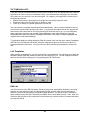
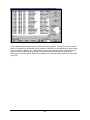
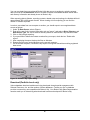
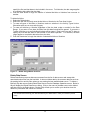
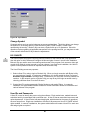
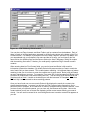
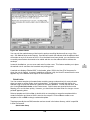
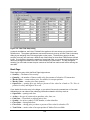
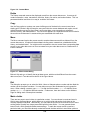
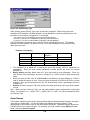
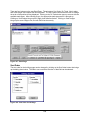
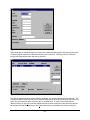
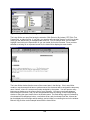
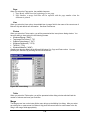
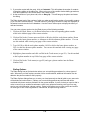
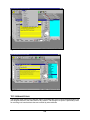
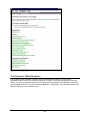
Figure 85 - Securities Dialog
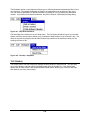
To change the symbol for a security, click the Change Symbol button. Stock splits can be performed
with the Split Shares button.
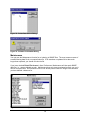
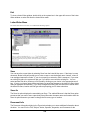
Add
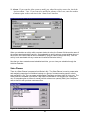
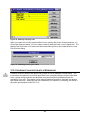
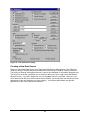
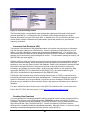
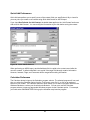
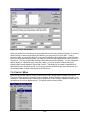
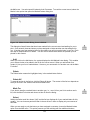
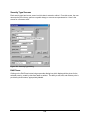
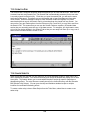
This dialog allows you to add a new security to the Broker's Ally securities list. Enter the ticker
symbol, CUSIP number, or other code representing the security. Enter a Name (description) and
select a Type. Broker's Ally can store a Symbol with up to 10 characters.
Delete
Click the Delete button to remove a security from the list and the database. Warning: You will not
be asked to confirm this action.
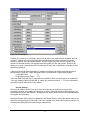
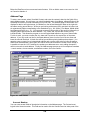
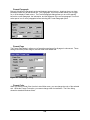
Split Shares
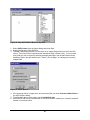
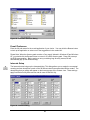
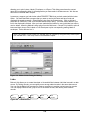
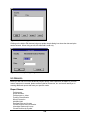
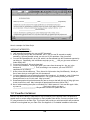
Corporate actions, such as Split Shares, change the Quantity and Price in all open transactions for
the selected Symbol. To setup a ratio for the split, enter the number of New Shares to substitute for
the number of Old Shares. The new share to old share ratio will be used to alter the Quantity and
Price in each transaction. If you enter "2" for New Shares and "1" for Old Shares, the Quantity in
affected transactions will be multiplied by 2 and the Price will be divided by 2 in order to keep the
same total cost. Since this operation requires updating all applicable transactions in the posting
book file, you may have to wait a few minutes while Broker’s Ally makes the adjustments.
81























































































![OverView Control Manager user`s manual - operator [v04]](http://vs1.manualzilla.com/store/data/005659468_1-4c522981c7089838b286d7fbb1120c24-150x150.png)