1
Getting Started
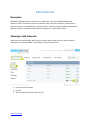
Downloading the App
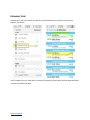
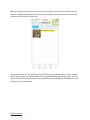
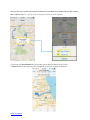
To download the ServiceBridge app you need to go to the app store on your mobile device.
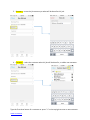
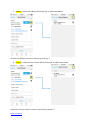
1. Click on App Store
2. Type in ServiceBridge
3. Click install
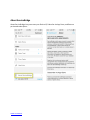
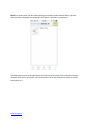
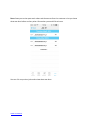
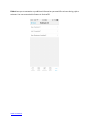
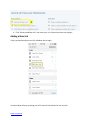
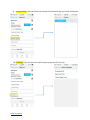
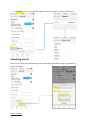
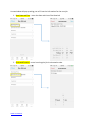
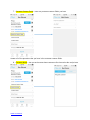
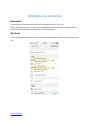
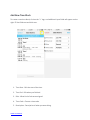
Once installed it will show up on your app list on your phone. To connect your phone to the
ServiceBridge application you will first need to find the Device ID and enter it in the Device Settings.
Table of Contents