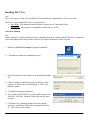
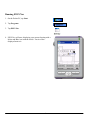
1
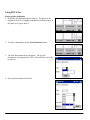
2. Locate your Building File using the file browser
Nodes
1. Click anywhere on the map to create a node.
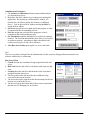
2. Use the fields on the right hand side of the window to change
the properties of the selected node, indicated by a blue box on
the map. Be sure that the Node names for Floor Above and
Below are valid node names.
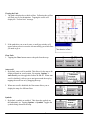
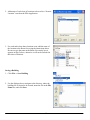
3. Click on the RoomList field, then the
button to bring up
the Room List entry box, where rooms that are associated with
each node are entered, one per line. Feel free to add a specific
room to as many nodes as you wish, as the PDA application
will automatically strip out any duplicates.
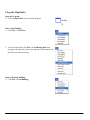
4. To Remove a Node, right click on the desired node and click
Delete. All edges attached to that node will also be removed.
10