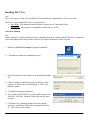
Running EECS Nav
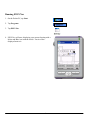
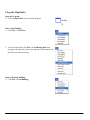
1. On the Pocket PC, tap Start.
2. Tap Programs
3. Tap EECS Nav
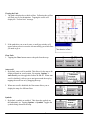
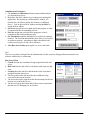
4. EECS Nav will start, displaying your current location with a
Maize and Blue icon with the words “You Are Here”
displayed next to it.
4