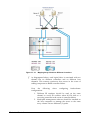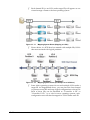
1
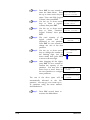
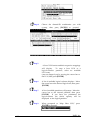
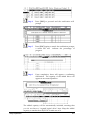
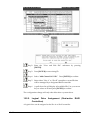
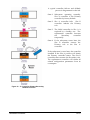
Step 9.
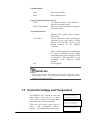
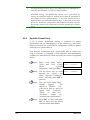
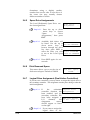
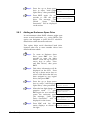
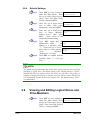
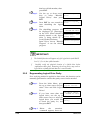
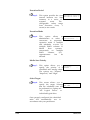
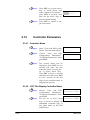
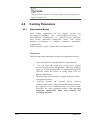
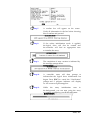
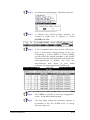
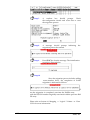
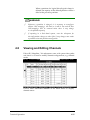
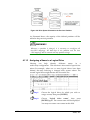
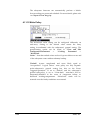
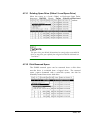
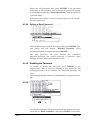
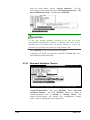
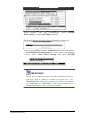
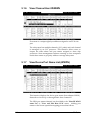
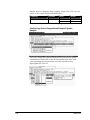
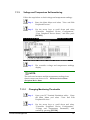
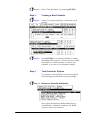
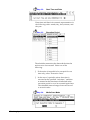
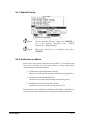
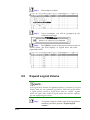
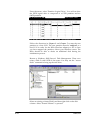
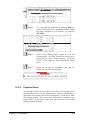
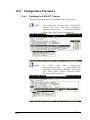
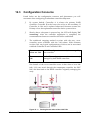
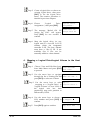
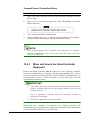
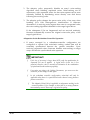
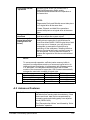
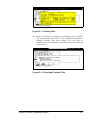
When prompted to "Map Logical Volume?, select
Yes to continue.
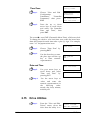
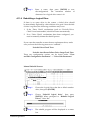
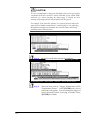
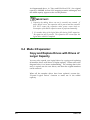
Step 10.
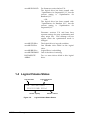
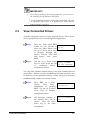
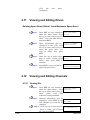
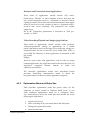
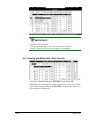
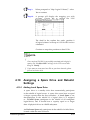
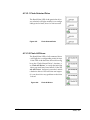
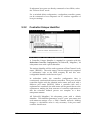
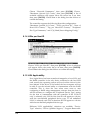
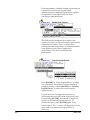
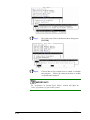
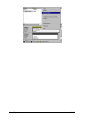
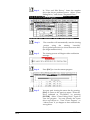
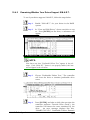
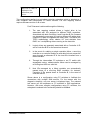
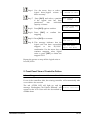
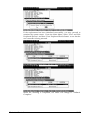
A prompt will display the mapping you wish
to create. Choose Yes to confirm the LUN
mapping you selected.
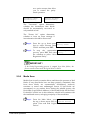
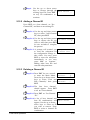
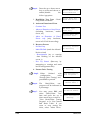
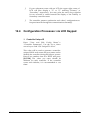
The detail in the confirm box reads: partition 0
of logical volume 0 will map to LUN 0 of ID 0 on hos
t channel 0.
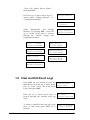
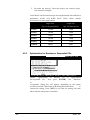
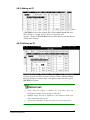
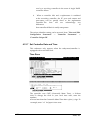
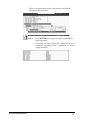
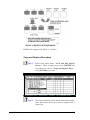
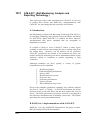
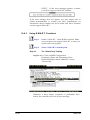
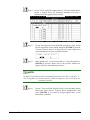
Continue to map other partitions to host LUNs.
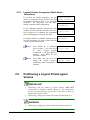
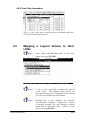
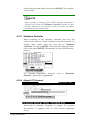
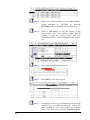
NOTE:
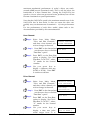
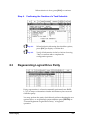
Once any host ID/LUN is successfully associated with a logical c
apacity, the No Host LUN message in the LCD screen will c
hange to Ready
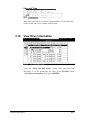
If you want to create more host IDs on your host channels, please
proceed to Section 4.14
4.10
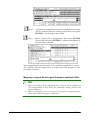
Assigning a Spare Drive and Rebuild
Settings
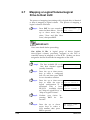
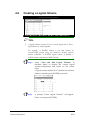
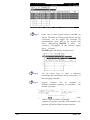
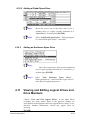
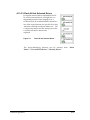
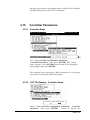
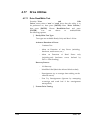
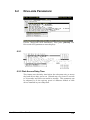
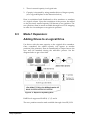
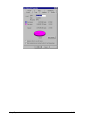
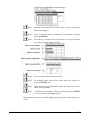
4.10.1 Adding Local Spare Drive
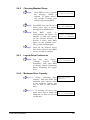
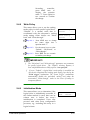
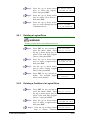
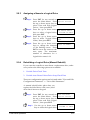
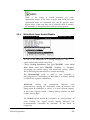
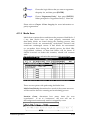
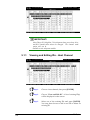
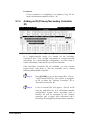
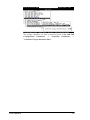
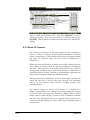
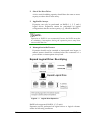
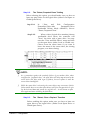
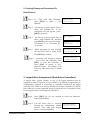
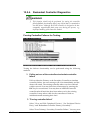
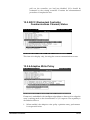
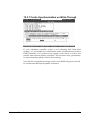
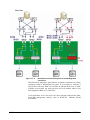
A spare drive is a standby drive that automatically participates
in the rebuild of logical arrays. A spare drive must have an equal
or larger capacity than the array members. A Local Spare is one
that participate in the rebuild of a logical drive it is assigned
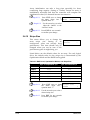
to. A Global Spare participates in the rebuild of all configured
logical drives, and it should have a capacity equal to or larger
than all physical drives in a RAID subsystem.
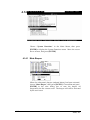
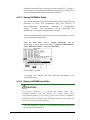
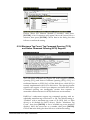
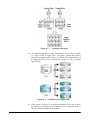
An Enclosure Spare only participates in the rebuild of a failed drive
located within the same enclosure.
Terminal Operation
4-31