1
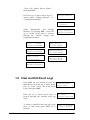
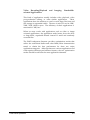
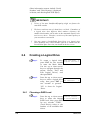
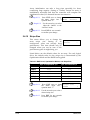
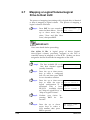
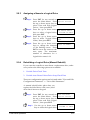
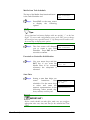
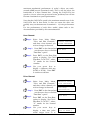
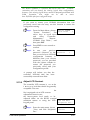
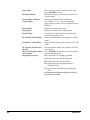
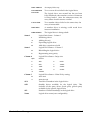
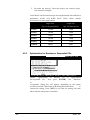
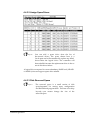
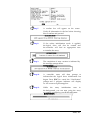
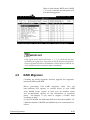
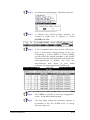
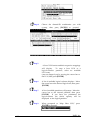
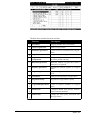
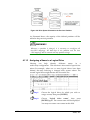
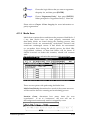
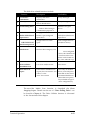
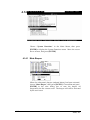
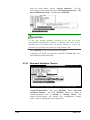
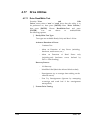
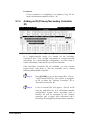
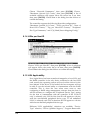
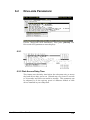
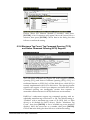
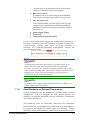
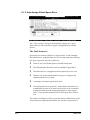
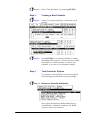
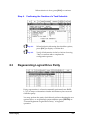
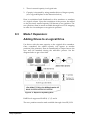
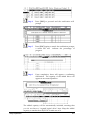
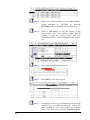
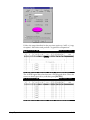
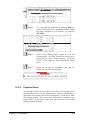
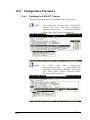
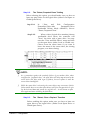
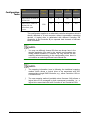
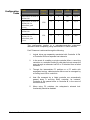
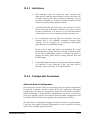
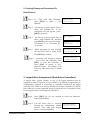
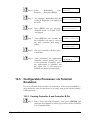
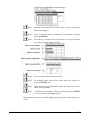
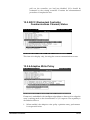
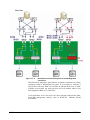
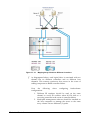
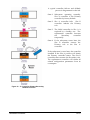
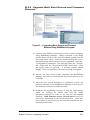
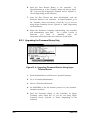
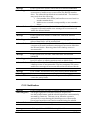
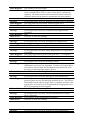
When finished with the configuration,
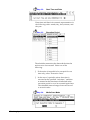
Drive Testing and press [ENTER] to proceed.
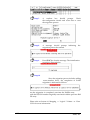
select
Execute
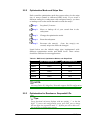
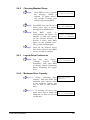
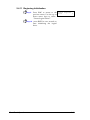
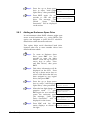
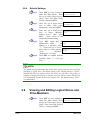
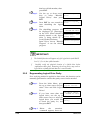
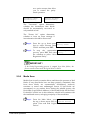
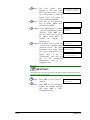
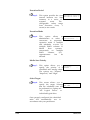
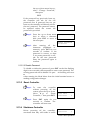
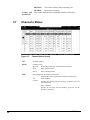
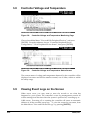
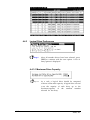
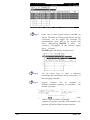
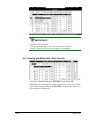
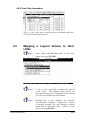
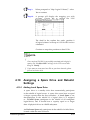
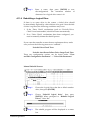
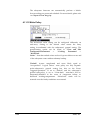
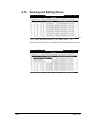
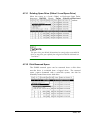
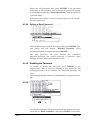
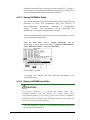
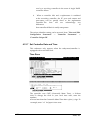
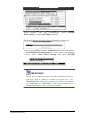
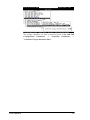
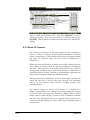
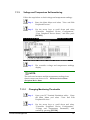
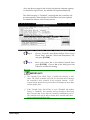
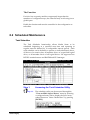
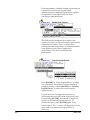
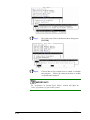
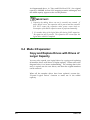
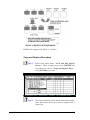
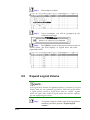
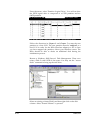
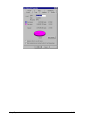
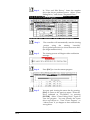
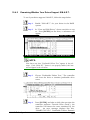
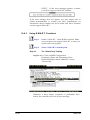
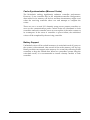
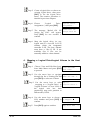
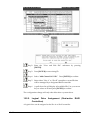
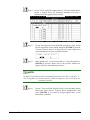
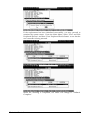
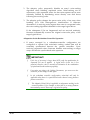
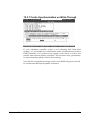
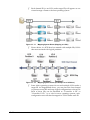
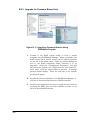
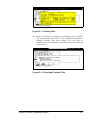
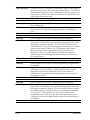
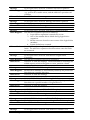
The Read/Write test progress will be indicated by a status bar.
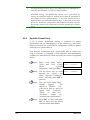
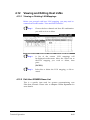
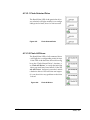
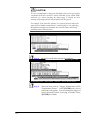
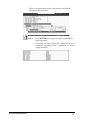
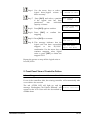
You may press [ESC] and select "Read/Write Test" later and choose t
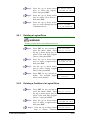
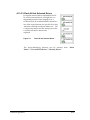
o "View Read/Write Testing Progress." If you want to stop testing th
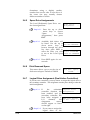
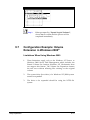
e drive, select Abort Drive Testing and press [ENTER]
to proceed.
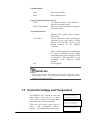
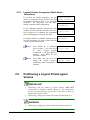
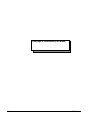
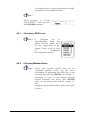
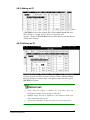
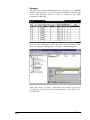
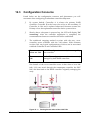
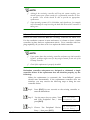
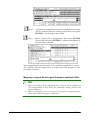
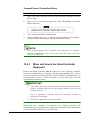
IMPORTANT!
The disk drive on which a read/write test will be performed cannot be a
spare drive (local or global) or a member of a logical drive. The
"Read/Write Test" option will not appear if the drive is not indicated
as a "New Drive" or a "Used Drive." Also, a drive formatted with a
256MB reserved space is also excluded from selection.
Terminal Operation
4-59