1
ExtraLab Plus Cork Extraction Force and Torque Measuring System
3.3.2.
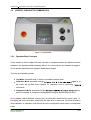
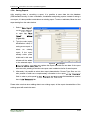
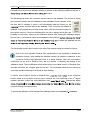
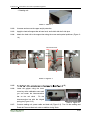
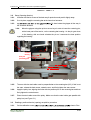
Apply a pre-load near the maximum allow load (between 9.5
3.3.3.
Remove the load, and check if the system recovered to a value close to Zero.
3.3.4.
Start the readings acquisition according to the Excel sheet for calculating the conversion
10 kg).
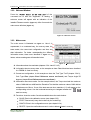
function, take note of the ADC and Moment readings displayed at the calibration screen.
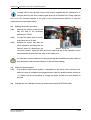
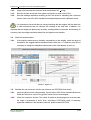
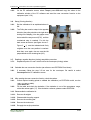
It is important to ensure that there is nothing interfering with the weights, with the steel wire
or other accessories that can influence the readings of the load cells. In addition, it is
important that the weights are placed very smoothly, avoiding sudden movements, and that they do
not swing. Also the weights should be placed from the lightest to the heaviest.
3.4. Check the acquired values
3.4.1.
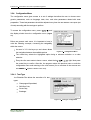
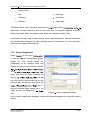
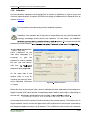
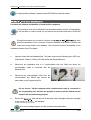
If the acquired values show a deviation comparatively to the weights, under the range of
acceptance (we suggest that the deviation should not be over +/- 0,3daN.cm) it will be not
necessary to change the calibration values and the user must advance to point 3.6.
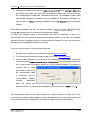
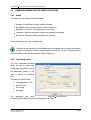
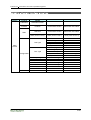
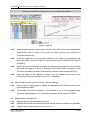
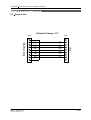
Annex C . Figure 3-2
3.5. Calculate the new conversion function (as reference see EGITRON Excel sheet)
3.5.1.
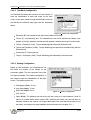
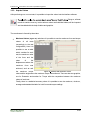
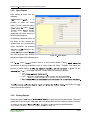
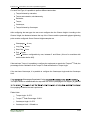
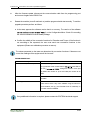
Insert the values into the calculus sheet. On the column ADC fill the collected values from
ExtraLab Plus and on column Pts (g) fill the values from the used weights.
3.5.2.
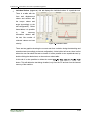
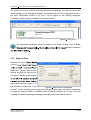
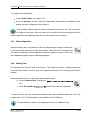
Check the conversion function. The values of maximum and average error must be under
the range of acceptance (2 and 5 N.cm, according to EGITRON model). If necessary
repeat the calibration. If the deviation continues, please contact EGITRON.
51 / 58