1
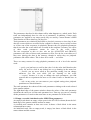
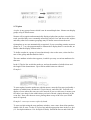
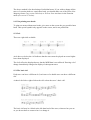
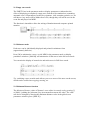
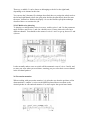
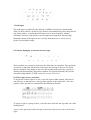
The zigzag trill symbol’s right-hand end can be dragged to lengthen the symbol.
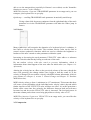
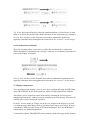
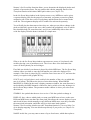
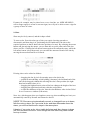
14. Arpeggio/broken chord symbol
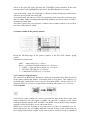
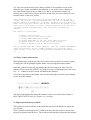
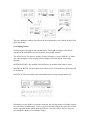
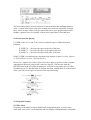
Enter this symbol as usual, and position it at the same time position as the chord to
which it applies. It has no effect on MIDI data.
It can be lengthened by dragging its lower end downwards. If necessary, use graphical
microshifting (press [Alternate] while dragging) to move the chord and symbol away
from each other.
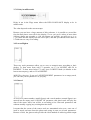
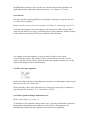
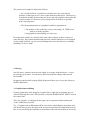
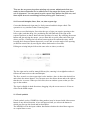
15. Note = tempo sign
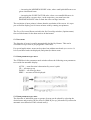
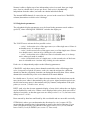
The pop-up partbox contains a number of choices. When one of these signs is entered
into the score editor, its tempo is that of the sequencer’s tempo, or a multiple thereof,
depending on the note value.
The font of the tempo display is selectable in the Fonts window (see Chapter 13).
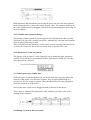
16. Notes as graphical objects